EasyManua.ls Logo

Smart Electronic CX01 - Page 13

Smart Electronic CX01
76 pages
Print Icon
To Next Page IconTo Next Page
To Previous Page IconTo Previous Page
Loading...
Product Descrip
tion
smart CX01 13
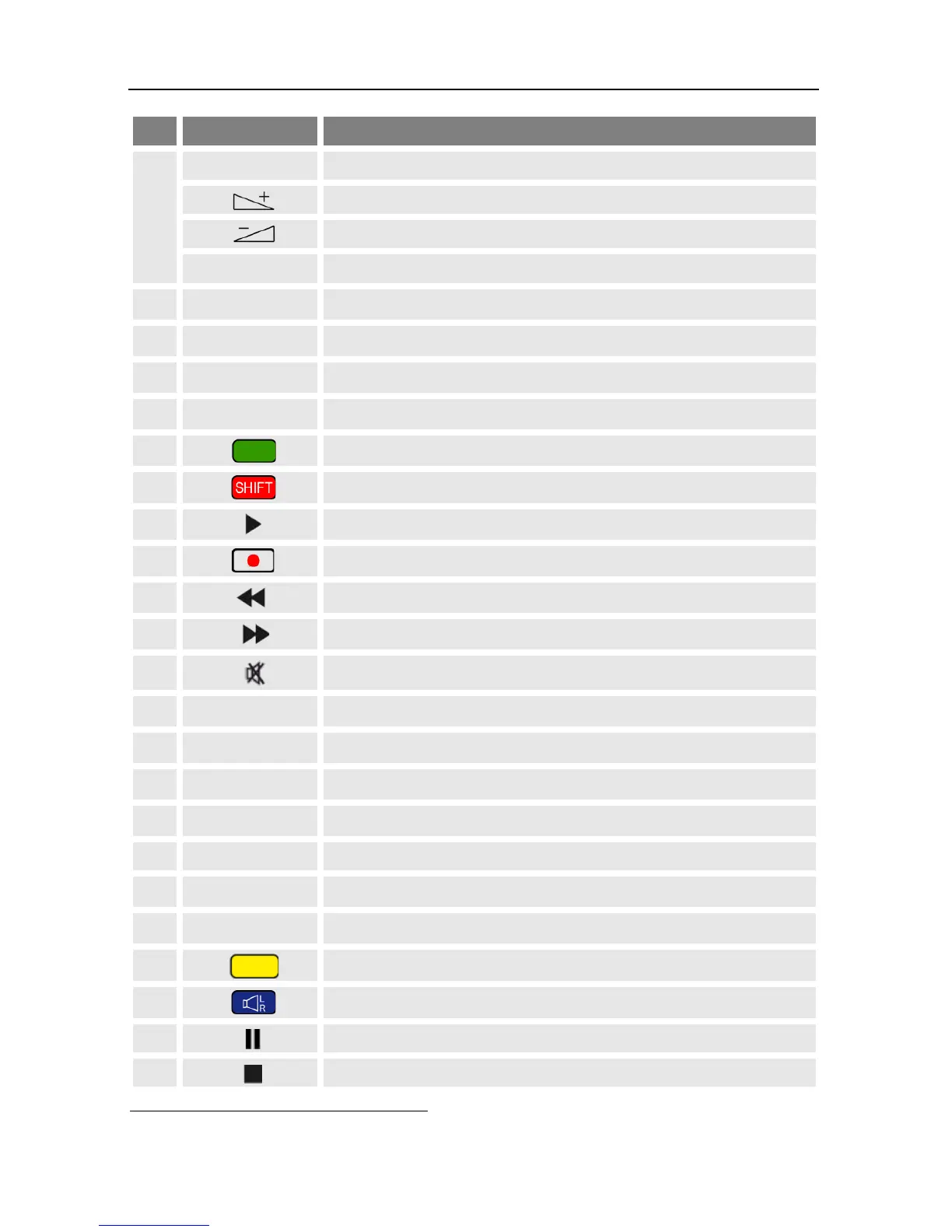
No.
Key
Description
PR-
Channel - or down-navigation in menu
Volume + or menu navigation to the right
Volume - or menu navigation to the left
OK
Display channel list / confirm menu item
7
SEPP
1F
2
Call of EPG2F3
8
INFO
Display information on current channel
9
P+
10 entries up in menu / channel list
10
AUDIO
Selection of audio format
11
Green function key
12
Red function key
13
Play (media player)
14
Not used
15
Fast rewinding
16
Fast forwarding
17
Mute
18
PR
Switch of previously selected channels
19
0
Select playback format of media player
20
FAV
Call list of favorites
21
EXIT
Exit menu or menu item
22
TXT
Display / hide teletext
23
P-
10 entries down in menu / channel list
24
MENU
Call main menu
25
Yellow function key
26
Blue function key
27
Pause playback
28
Stop playback
2
SEPP = Smart Elektronic Program Portal
3
EPG = Electronic Program Guide

Table of Contents

Related product manuals