smart CX01 23
5.1.3 RAPS Start
Your receiver is equipped with RAPS. RAPS means Receiver Automatic Pro-
gramming System. RAPS can automatically update the channel lists of your
receiver.
What is RAPS?
Currently, the satellites Astra 19.2° and 23.5°, Eutelsat Hot Bird 13° East, Eurobird
9° and Turksat 42° offer a four-digit number of digital TV and radio channels.
At delivery, state-of-the-art satellite receivers have all important channels al-
ready stored. But what happens after that? New and interesting channels are
added almost weekly, and there are channel changes time and again.
Updating the channel list with a present receiver is not quite easy for most us-
ers. When performing a channel search, invalid data are not deleted, and usually
the new channels are just added at the end of the list; this requires time-
consuming reprogramming of the channel list.
The RAPS system of your CX01 automatically performs such programming work.
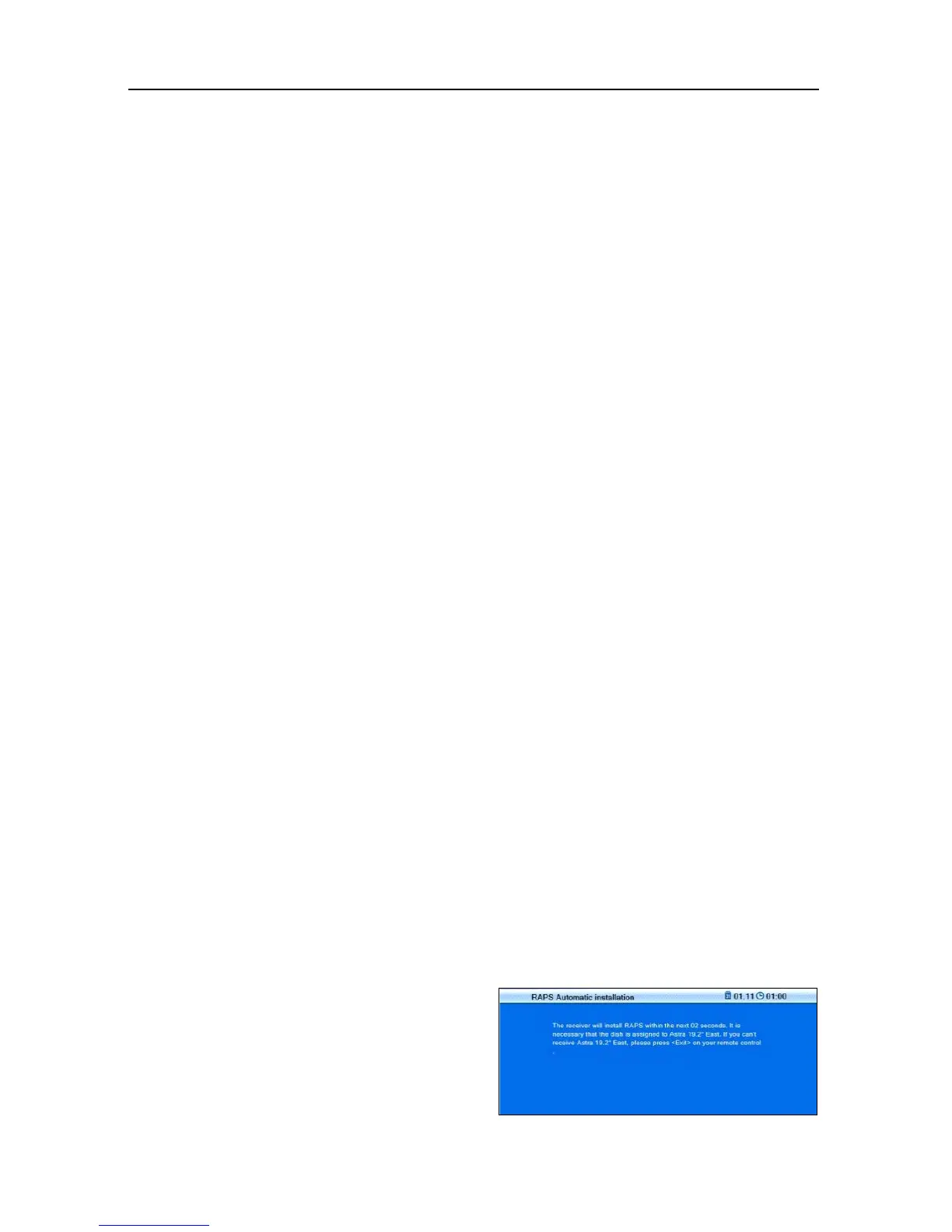
The window RAPS Automatic Installation is the second window of the installa-
tion process.
Every time you switch off your receiver, RAPS checks whether there are any
changes with the channel lists (RAPS scan). This only takes a few seconds.
In case of changes, the new data are automatically included into the new chan-
nel list (RAPS download) and displayed in a table. If a channel changes the re-
ceive parameters, then this is automatically updated by RAPS. In case of new
channels, such channels are added. If channels are permanently discontinued,
then the corresponding channel number is deleted.
However, new channels are not only added, but allocated to logic blocks, corre-
spondingly enabling easier finding. That is why certain areas may remain free.
Example: For Germany, there is the basic list as well as the areas Third Channels,
Info+Sports, Special Interest, Local TV, as well as News starting at channel num-
ber 100 and many Music Channels starting at channel number 123.



 To Next Page