smart CX01 65
To reset the receiver:
1. In the menu Tools, select the sub-menu Factory Settings.
2. Press the OK key.
You will be asked if you want to reset the receiver and delete individual set-
tings.
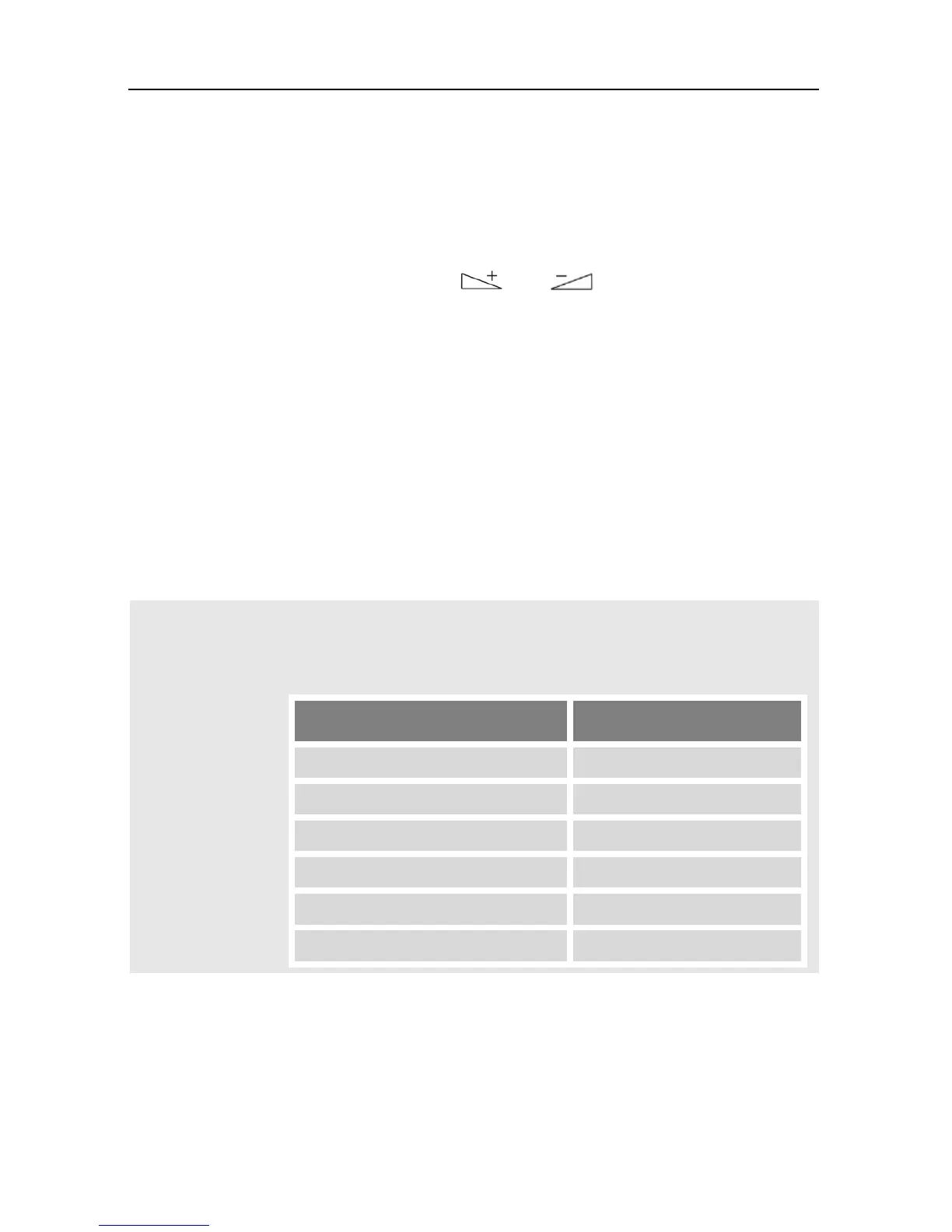
3. Select Yes or No by using the keys und , and then press OK.
After resetting your receiver, the language selection menu will be displayed.
7.18 Update of the Receiver Software
There are two possibilities to update your receiver:
7.18.1 Software Update via Satellite
If you receive your TV signal via Astra 19.2°E, then you can perform an update of
the receiver software via satellite:
In the menu Tools, select the submenu S/W Upgrade by.
1. Leave all settings unchanged (factory settings).
The option of software update via satellite is only possible
via Astra 19.2°E. Correspondingly, all settings should be left
unchanged in the status as preset by smart:
Line Target value
2. Mark the button Start by using the keys PR+ and PR-, and confirm by press-
ing the OK key.
Now it is being checked if the software currently installed on the receiver is
up-to-date. If it is not up-to-date, then the current software version will be
downloaded via satellite and installed onto the receiver. After end of instal-
lation you will be asked if the update should be saved.



 To Next Page