EasyManua.ls Logo

Smart Electronic CX01 - Channel Selection via Search Function; HDTV Filter; Genre Filter

Smart Electronic CX01
76 pages
Print Icon
To Next Page IconTo Next Page
To Previous Page IconTo Previous Page
Loading...
Basic Operation
smart CX01 33
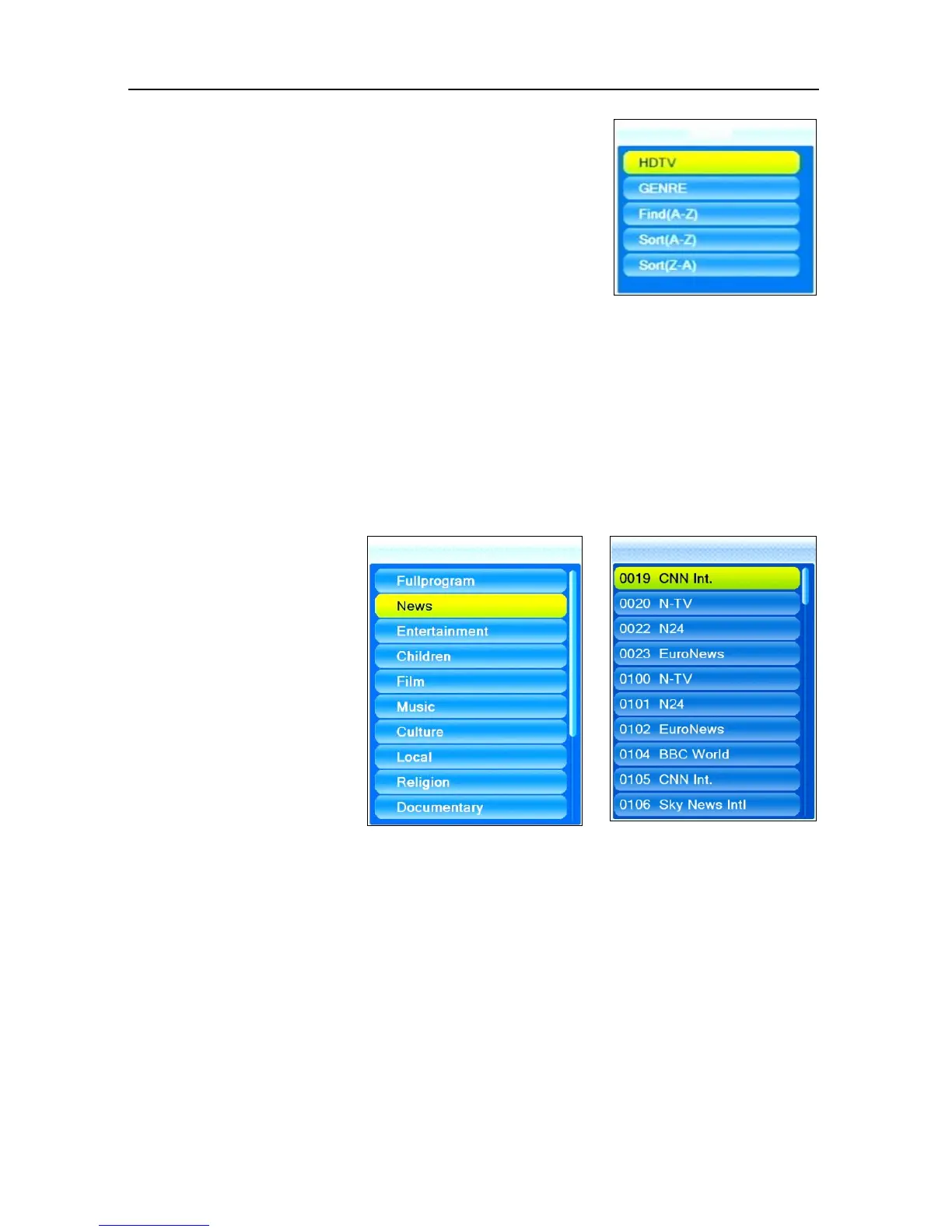
Press the FIND key to open the window
Find.
Select one of the offered options by using
the keys PR+ and PR-, and confirm by
pressing OK.
5.7.3.1 HDTV Filter
Select HDTV to only show HDTV channels in the channel selection window.
Use the steps as described in 5.7.2 to select a channel.
5.7.3.2 Genre Filter
Select GENRE to show the genre selection window
(1).
1 2
Select the desired
genre by using the
keys PR+ and PR-,
and confirm by
pressing OK. The
channel selection
window will open as
second window; this
window only shows
channels with the se-
lected genre.
Press EXIT to close the channel selection window. Now you can choose an-
other genre.

Table of Contents

Related product manuals