EasyManua.ls Logo

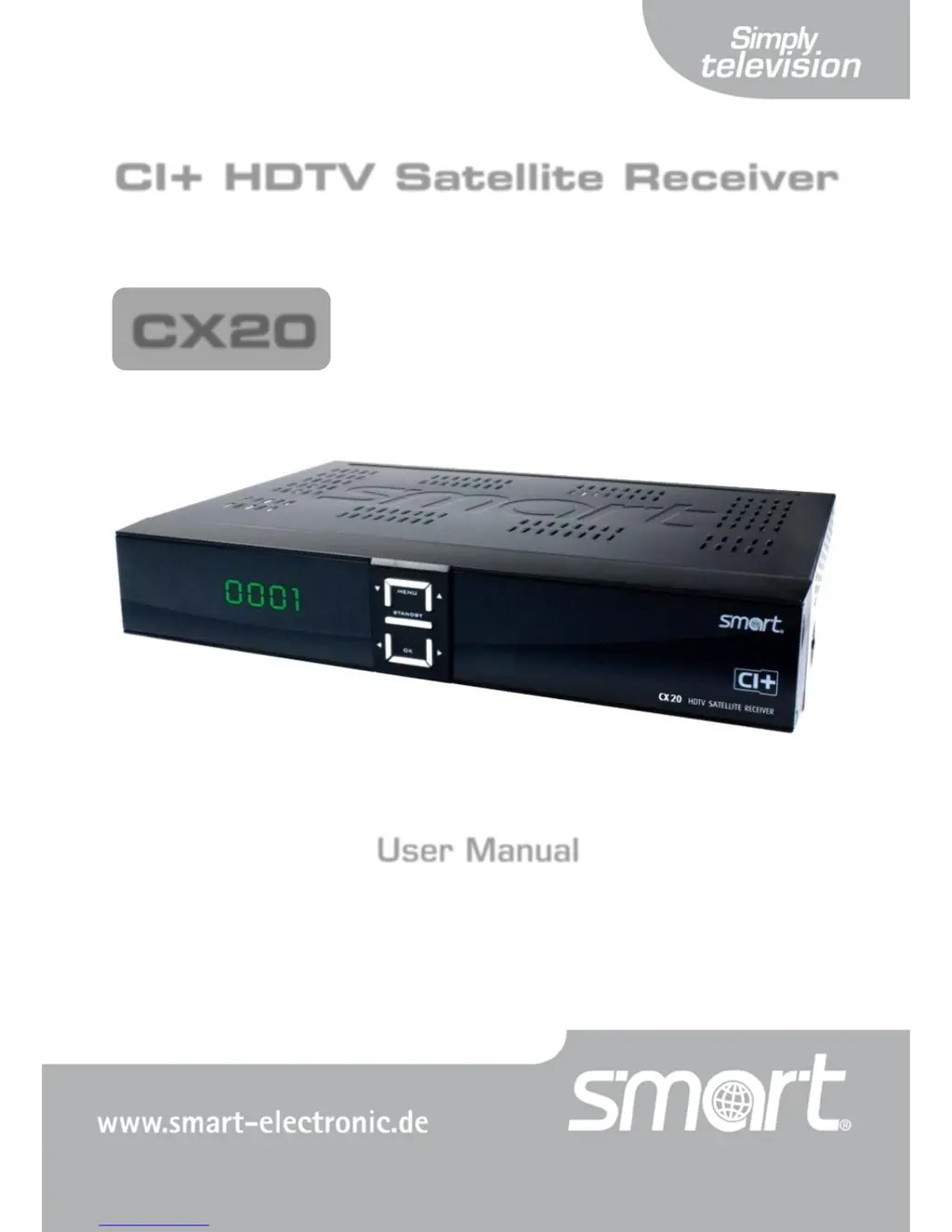
Smart Electronic CX20 - User Manual

Default Icon
84 pages
Print Icon
To Next Page IconTo Next Page
Loading...
smart CX20 DE 1
CI+ HDTV Satellite Receiver
User Manual
Version: 18.09.2012
ENGLISH
CX20

Table of Contents

Questions and Answers

Summary

General Safety Instructions

Risks in Case of Intended Use

Details potential risks associated with incorrect usage, voltage, or physical handling of the receiver.

Installation of smart CX20

Connection Scheme

Illustrates the overall connection layout for the satellite receiver and connected devices.

Connect Satellite Antenna

Provides instructions on how to connect the satellite antenna cable to the receiver.

Connect TV Set

Explains how to connect the satellite receiver to a TV set using different cable options.

Connect Power Supply

Instructions on connecting the receiver to the power outlet after all other connections are made.

Basic Operation

Switch on Receiver

Explains the procedure for powering on the receiver and connected devices.

Software Update

Details the process for updating the receiver's operating software.

Update via USB

Provides detailed steps for updating the receiver's software using a USB storage device.

Software Update via Satellite

Describes how to update the receiver's software over-the-air via satellite.

Installation

Guides the initial setup and configuration of the receiver.

RAPS Start

Introduces the Receiver Automatic Programming System (RAPS) for channel list updates.

RAPS Parameters

Explains the parameters displayed during the RAPS Automatic Installation process.

Parental Lock

Guides on setting up parental controls, locking menus, or blocking specific channels with a PIN.

TV

Covers various methods for selecting and viewing TV channels.

Direct Channel Selection

Explains how to directly select channels using their numbers.

Channel Selection via Selection Window

Describes how to select channels using a visual channel list or selection window.

Channel Selection via Search Function

Explains how to search for channels using various filtering and sorting options.

EPG

Introduces the Electronic Program Guide (EPG) for program scheduling and information.

Single EPG

Details how to use the Single EPG view to see program information for one channel.

EPG

Explains how to navigate and use the main EPG view to browse programs across channels.

PVR; Recording

Instant Recording

Instructions on how to record the current program instantly.

Programming of Recording via EPG

Details how to schedule recordings directly from the Electronic Program Guide.

Direct Programming - Timer Setting

Guides on manually setting timers for recording or channel switching.

Timeshift

Explains how to pause and resume live TV playback using the Timeshift function.

Playback

Introduces the possibilities for playing back recorded USB content.

Direct Playback

Details how to play back recordings directly without using the media player.

Playback with Media Player

Explains how to play recordings and media files using the built-in Media Player.

Extended Settings and Functions

Menu Edit Channel

Introduces options for customizing and managing TV and radio channel lists.

TV Channel List; Radio Channel List

Explains how to edit the TV channel list, including adding to favorites and locking channels.

Provide Channels with Password Protection (Lock Against Unauthorized Access)

Details how to set up password protection for selected channels.

Hide Channels in the Channel List

Explains how to hide unwanted or scrambled channels from the list.

Menu Installation

Introduces settings related to antenna and satellite installation.

Satellite List

Explains how to manage the list of satellites for channel reception.

Antenna Setup

Provides settings for configuring antenna type, LNB, and satellite reception.

Menu REC

Accesses menus for recordings and media playback.

Media Player

Introduces the Media Player for playing back media files and recordings.

PVR Storage

Provides information on USB data storage properties, formatting, and default directories.

PVR Configuration

Details various settings for personal video recorder configuration, including timeshift and recording format.

Operation in a Unicable System

Troubleshooting

Smart Electronic CX20 Specifications

General IconGeneral
BrandSmart Electronic
ModelCX20
CategoryReceiver
LanguageEnglish

Related product manuals