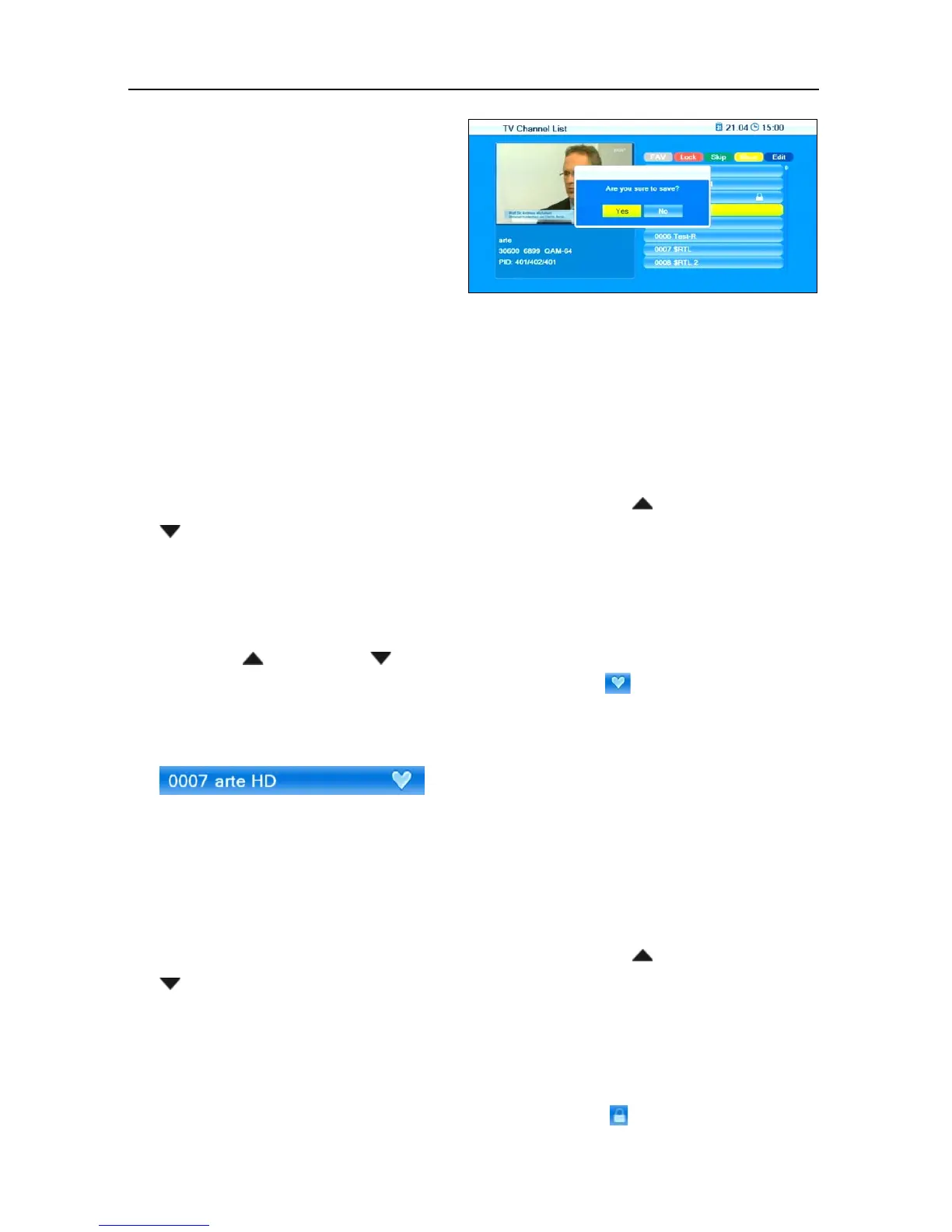
smart CX20 47
With the editing processes de-
scribed in the following sections
you will be respectively asked -
when leaving the Edit Channel
menu (or when changing the
channel list or when selecting
another function) - if you want to
overwrite the factory-set channel program list, i.e. you may accept the
performed changes (
OK
- then the channel list will be correspondingly
changed) or discard them (
No
- then the original channel list will not be
changed).
7.1.1.1 Add Channel to Favorites
1. Mark the corresponding channel by using the keys / PR+ and
/ PR-.
2. Press the key FAV and confirm by pressing
OK.
A selection window with the eight available favorite lists will open.
3. Select the favorite list to which the channel is to be allocated by using
the keys / PR+ and / PR-, and confirm by pressing
OK. The re-
spective favorite list is correspondingly marked ( ).
4. The channels allocated to a group of favorites will be marked in the
channel lists.
5. Press the key FAV once again or the key EXIT to leave the function
Favorite.
7.1.1.2 Provide Channels with Password Protection (Lock Against
Unauthorized Access)
1. Mark the corresponding channel by using the keys / PR+ and
/ PR-.
2. Press the red function key (SHIFT).
3. Confirm by pressing
OK. You will be requested to enter a password.
4. Enter a password.
Locked channels are marked in the channel lists .



 To Next Page