smart CX20 19
4.3 Connect TV Set
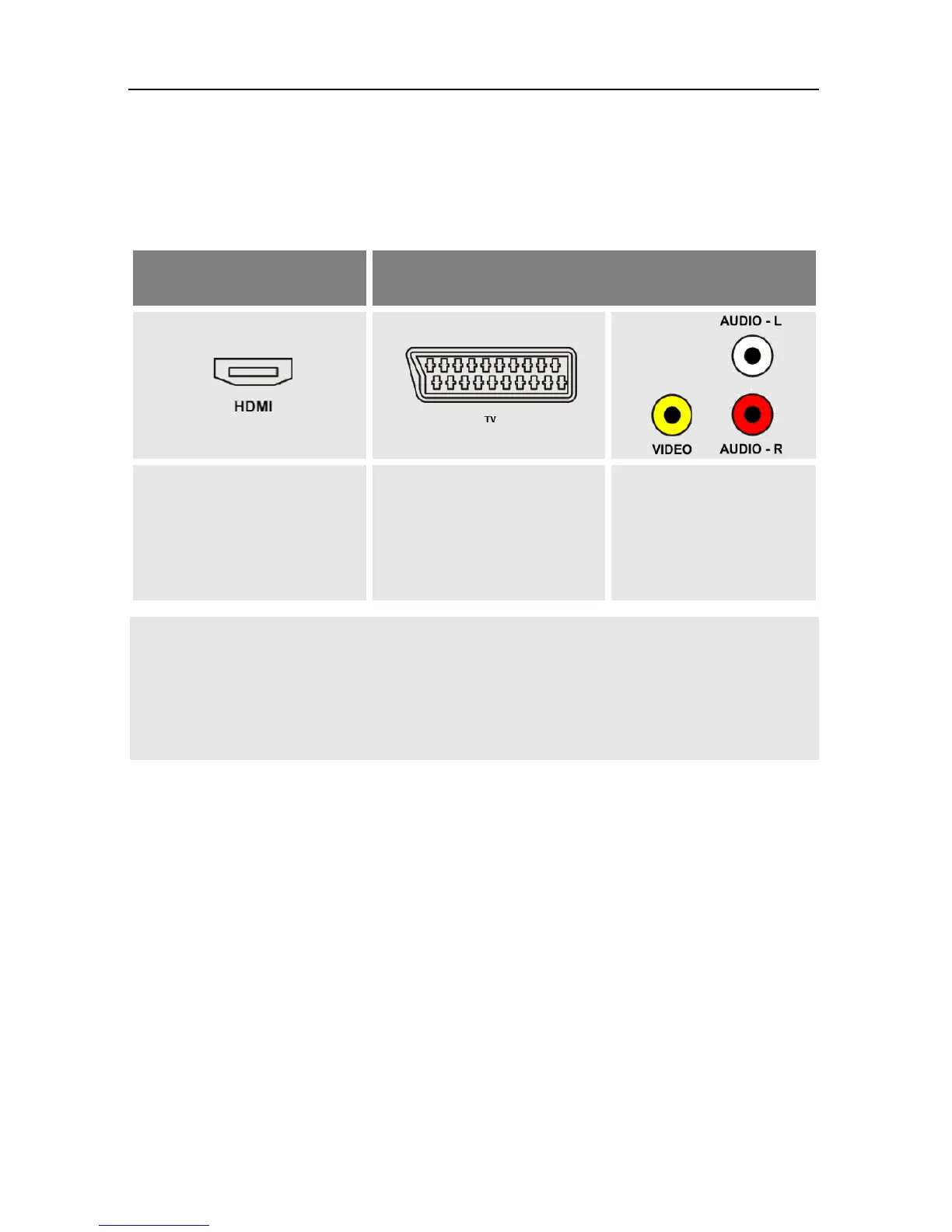
As stated in the connection scheme, the smart CX20 offers various possi-
bilities to connect TV set and receiver. The possibilities applicable to you
depend on the connection possibilities of your TV set.
If your TV set offers both possibilities then always
choose connection via HDMI cable.
This ensures best possible audio and video quality
with digital signals.
4.4 Connect Home Cinema System (Optional)
To improve audio playback, you can connect to the smart CX20- addition-
ally to the TV set - also a multichannel home cinema system or a hi-fi sys-
tem. There are various possibilities for connection. Your type of connec-
tion depends on the connection possibilities of your home cinema system.



 To Next Page