The Conditional-Access Modules provide of own soft-
ware and on-screen menus. To call the menu of a mod-
ule, open the sub-menu Common Interface in the
menu Tools. Here, the name is displayed depending on
the module type.
7.4.5 Update of the Receiver Software
The different possibilities to update your receiver are described in section
5.2, beginning on page 22.
7.5 Menu REC
7.5.1 Media Player
The menu REC is divided into sub-menus: Media Player, PVR Storage
and PVR Setting.
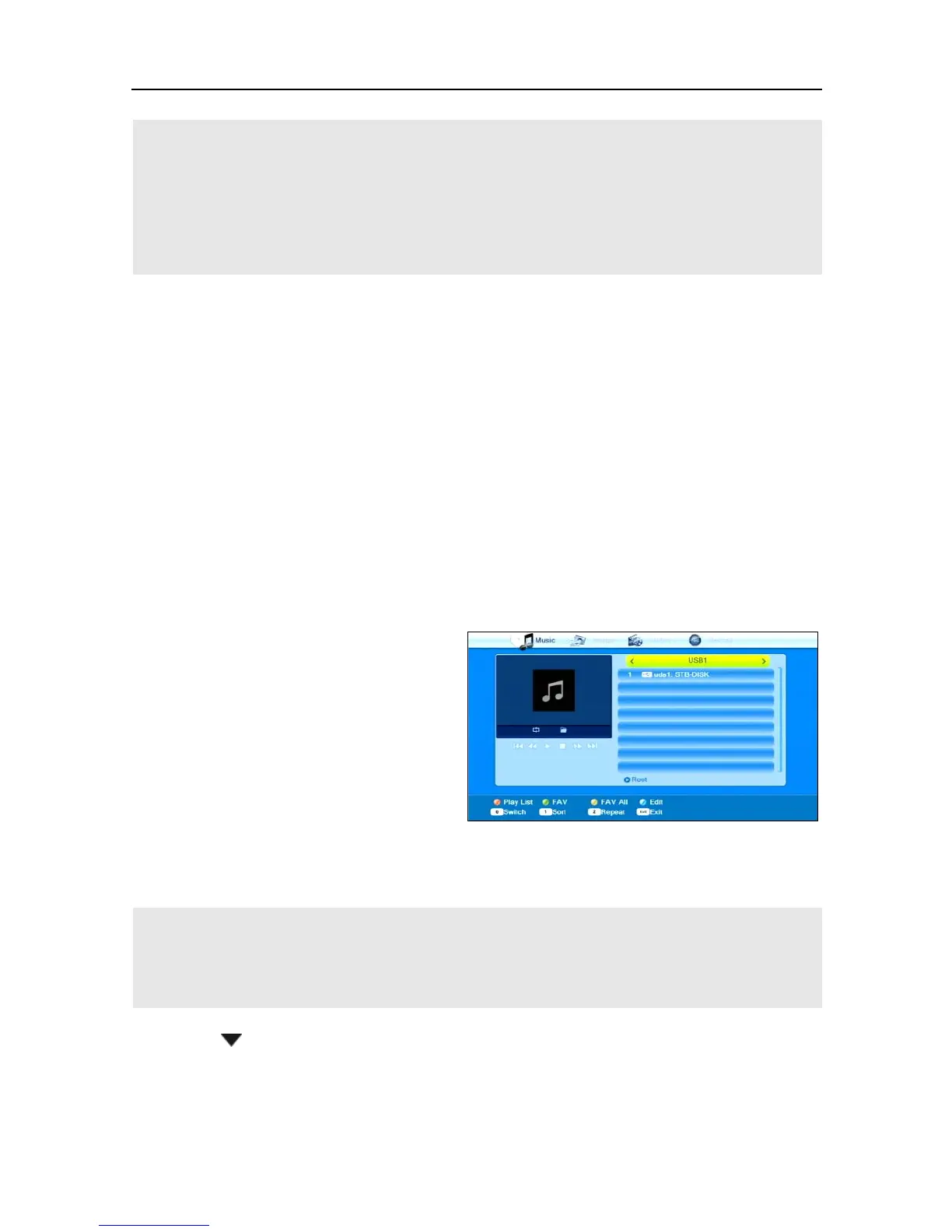
The Media Player can be used to play own TV recordings as well as
MPEG, MP3 and JPG files available on the data storage.
1. Open the Media Player by
selecting the item Media
Player in the menu REC and
confirming by pressing
.
2. Press the key 0 until the up-
per line states the desired file
on the very left.
The folder structure now only
displays the files correspond-
Only after selecting e.g. music, this will display available
music files. With Record, the TV recordings included on
the data storage will be displayed.
3. Press / PR- to select the connected data storage, and confirm by
pressing
OK.
The present directories (and files as far as they correspond to the se-
lected file type) will be displayed.
4. Select the file to be played (press OK to open a directory).



 To Next Page