From now on, first the password has to be entered to
be able to watch such a locked channel.
7.1.1.3 Skip Channels when Switching from Channel to Channel
(Zapping)
1. Mark the corresponding channel by using the keys / PR+ and
/ PR-.
2. Press the green function key.
3. Confirm by pressing
OK.
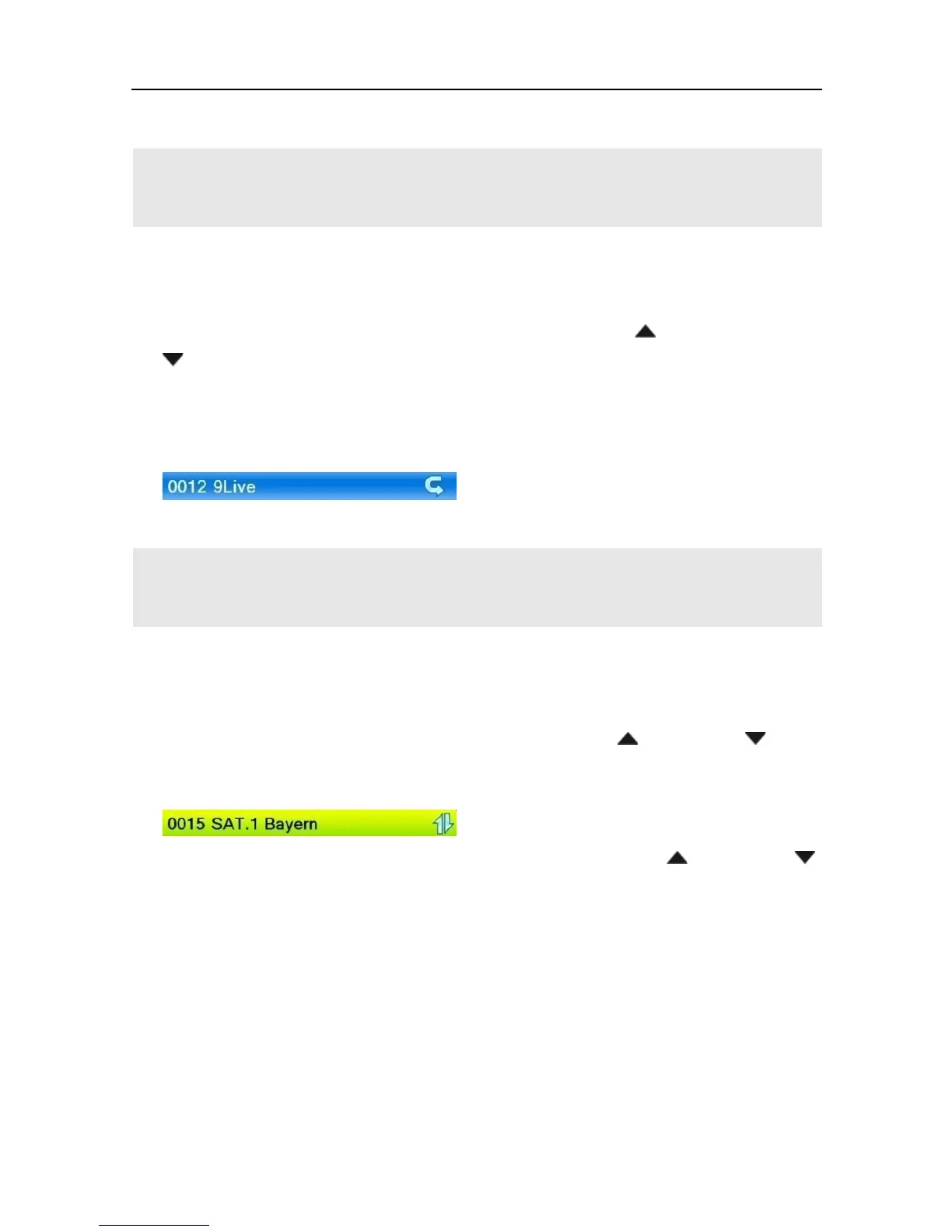
Channels to be skipped are marked in the channel lists.
4. Again press the green function key to leave the function Lock.
From now on, the channel is skipped when switching
from one channel to the next (zapping).
7.1.1.4 Move Channels to Another Channel Position:
1. Press the yellow function key to activate the function Move.
2. Mark the channel to be moved by using the keys / PR+ and /
PR-, and confirm by pressing
OK.
The channel to be moved is marked in the channel list.
. If you want to move more than one
channel, then mark further channels by using the keys / PR+ and
/ PR-, and respectively confirm by pressing
OK. The channels to be
moved should not be necessarily in an uninterrupted sequence.
Example:



 To Next Page