36 smart CX20
Press EXIT to close the channel selection window. Now you can
choose another genre.
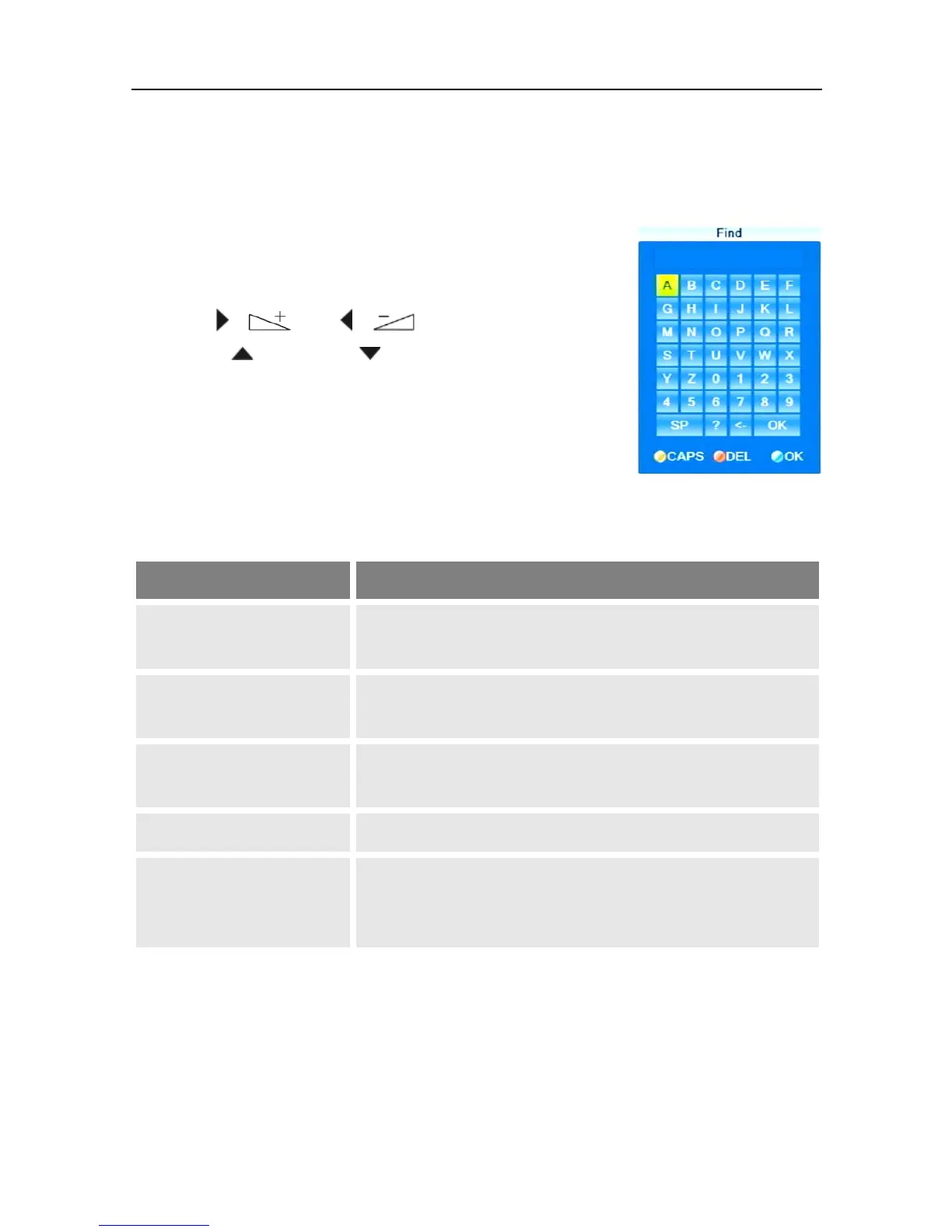
5.9.3.3 Find Channels (by Alphabet)
1. Press the FIND
key, to open the
window Find.
2. Select a character by using the
keys / and / as
well as / PR+ and / PR-
and respectively confirm by
pressing OK to accept such
character in the field for the
name or part of the name of the
desired channel.
Additionally to letters and numbers, there are also special buttons:
CAPS
(yellow function key)
Changes between upper-case and lower case
(only effective with letters).
DEL
(red function key) or <-
Deletes the last entered character.
OK
(blue function key)
Closes the windows.
SP
Enters a space character.
?
The question mark as first character has a wildcard
function. Example: "?R" searches for all channel
names that include an "R".



 To Next Page