Installation of smart CX20
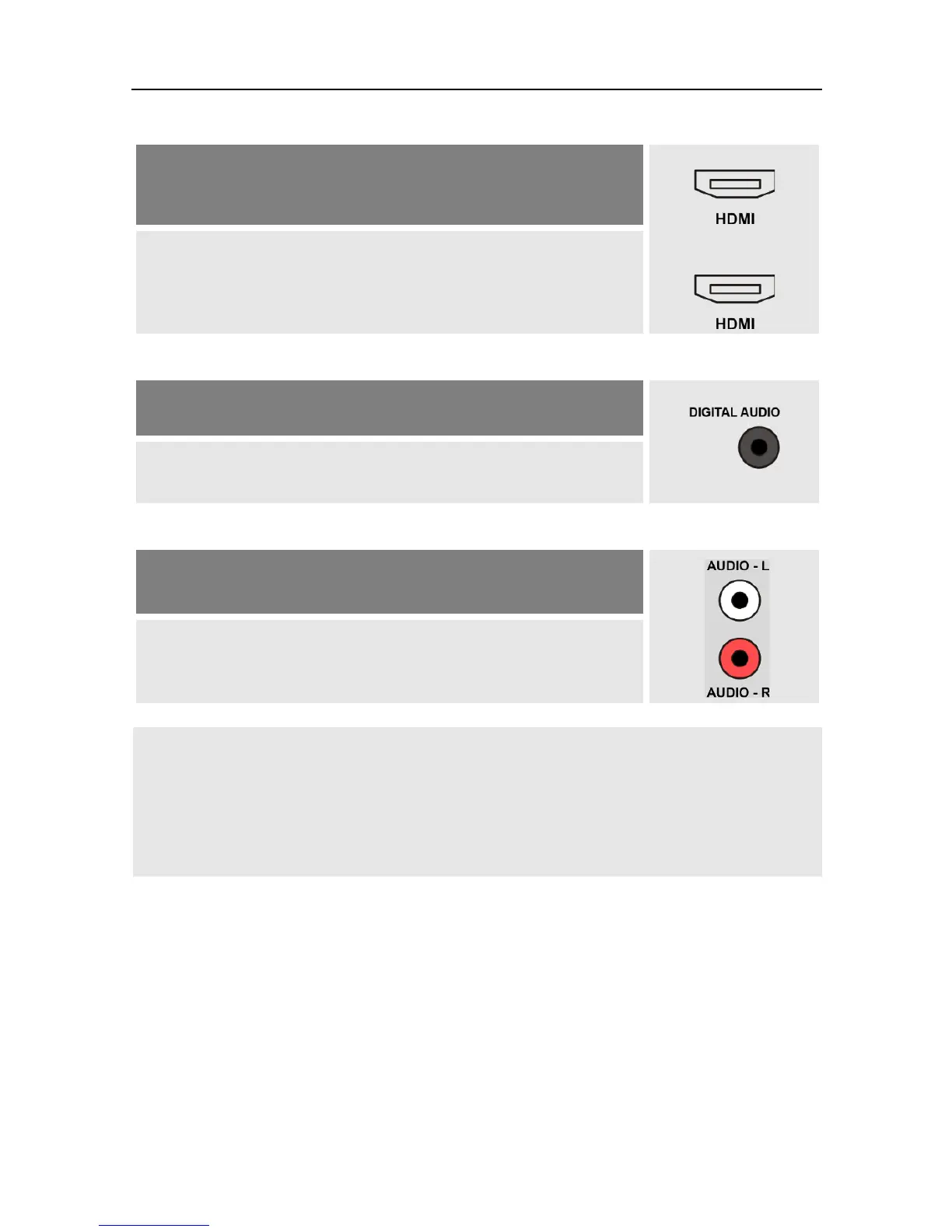
Your home cinema system is able to loop through an
HDMI signal, i.e. HDMI connection for receiver and HDMI
connection for TV set.
Connect the home cinema system and the receiver by
using an HDMI cable as well as home cinema system
and TV set by using an HDMI cable.
b.
Your home cinema system can process digital audio data
– a connection for digital data is present.
Connect the home cinema system and the receiver by
using a RCA cable.
c.
Your home cinema system cannot process digital audio
data – no connections for digital data present
Connect the home cinema system and the receiver by
using a 2-pole RCA cable (stereo).
If your home cinema system (hi-fi system) supports
HDMI connection, then use such connection.
This ensures best possible audio and video quality
with digital signals.
4.5 Connect Data Storage (Optional)
Connect a data storage (USB stick or hard drive with USB connection)
at the USB connector to be able to save video and timeshift recordings
(see chapter "PVR / Recording", page 43)
or
to be able to access MPEG, MP3, JPG or other media data files.



 To Next Page