24 smart CX20
version will be downloaded via satellite and installed onto the receiver.
After end of installation you will be asked if the update should be
saved.
4. Select the option
Yes
to accept the update.
The satellite update may take up to one hour. Do not switch off the
receiver during such period!
5.3 Installation
After first switching-on or after resetting the receivers, various windows
will open:
5.3.1 Language
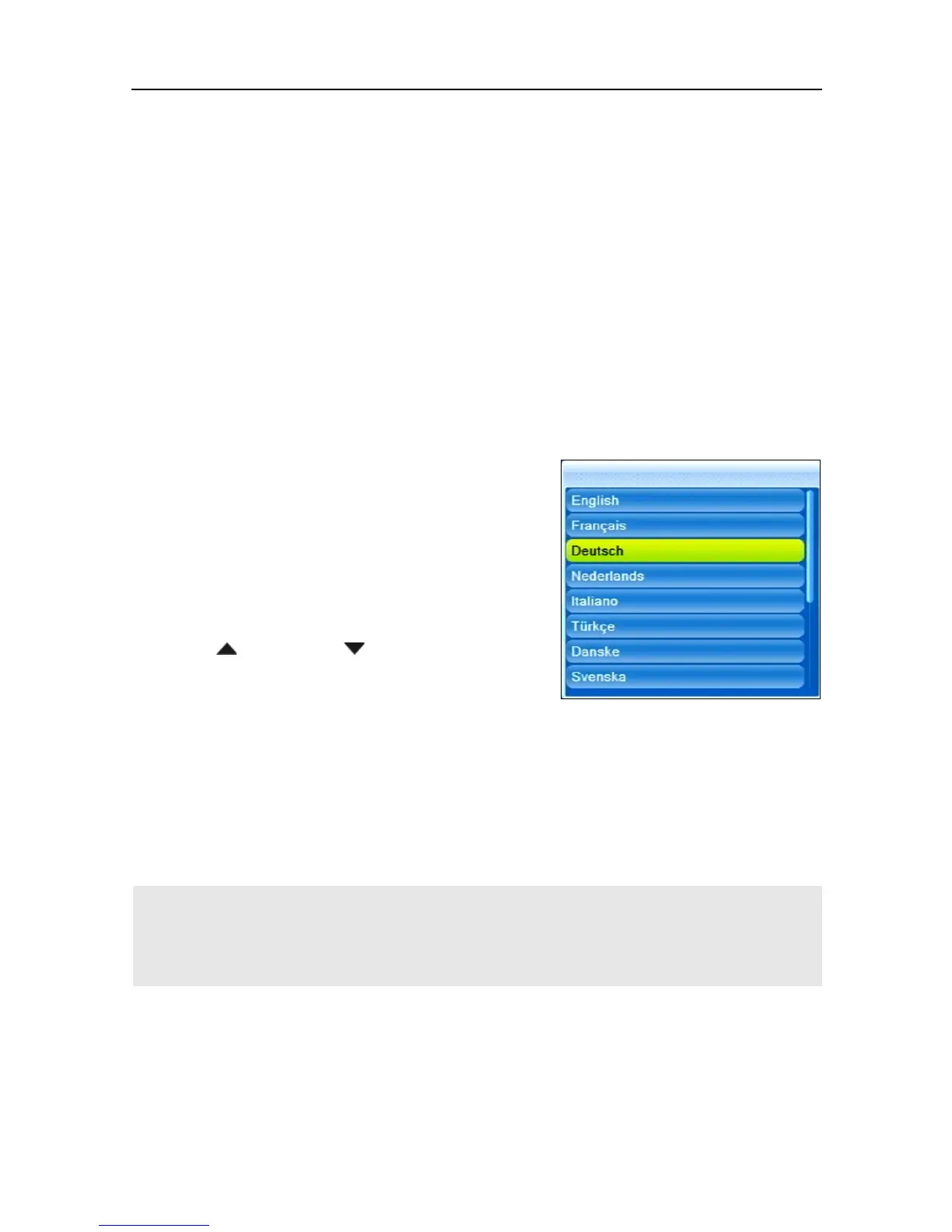
By default, the smart CX20 lan-
guage is preset to
Deutsch
[Ger-
man].
Please ensure that the setting is
correct; you may change your set-
tings by correspondingly pressing
Confirm by pressing OK to go to the next window.
If you select
Nederlands
(Dutch), you get to another window to select
the channel list management. You have the choice between
Fast scan
,
which provides the channel list of the Dutch SAT-TV provider
CanalDigitaal, and
RAPS
.
With all other languages you get immediately to RAPS.
The submenu Language can be accessed anytime via
the menu Language, however without the possibility to
select the channel list management.
5.3.2 RAPS Start
Your receiver is equipped with RAPS. RAPS means Receiver Automatic
Programming System. RAPS can automatically update the channel lists of
your receiver.



 To Next Page