54 smart CX20
− Press the green function key to delete the currently selected posi-
tion.
− Press the yellow function key to confirm your changes and to re-
turn to the satellite list.
− Press the blue function key
(L/R) to cancel changes and to return
to the satellite list.
To add an entry
:
1. Press the green function key.
2. Enter name and longitude (entering of text as described in the section
Change).
To delete an entry
:
1. Select the satellite to be deleted by using the keys / PR+ and
/ PR-.
2. Press the blue function key
(L/R). A window will open, stating the
question if you really want to delete the entry.
3. Select OK or
No
by using the keys / and / , and confirm
your selection by pressing
OK.
You will be directed back to the satellite list.
Press EXIT to leave the submenu Satellite List.
Press EXIT to leave the menu Installation and to return to TV opera-
tion.
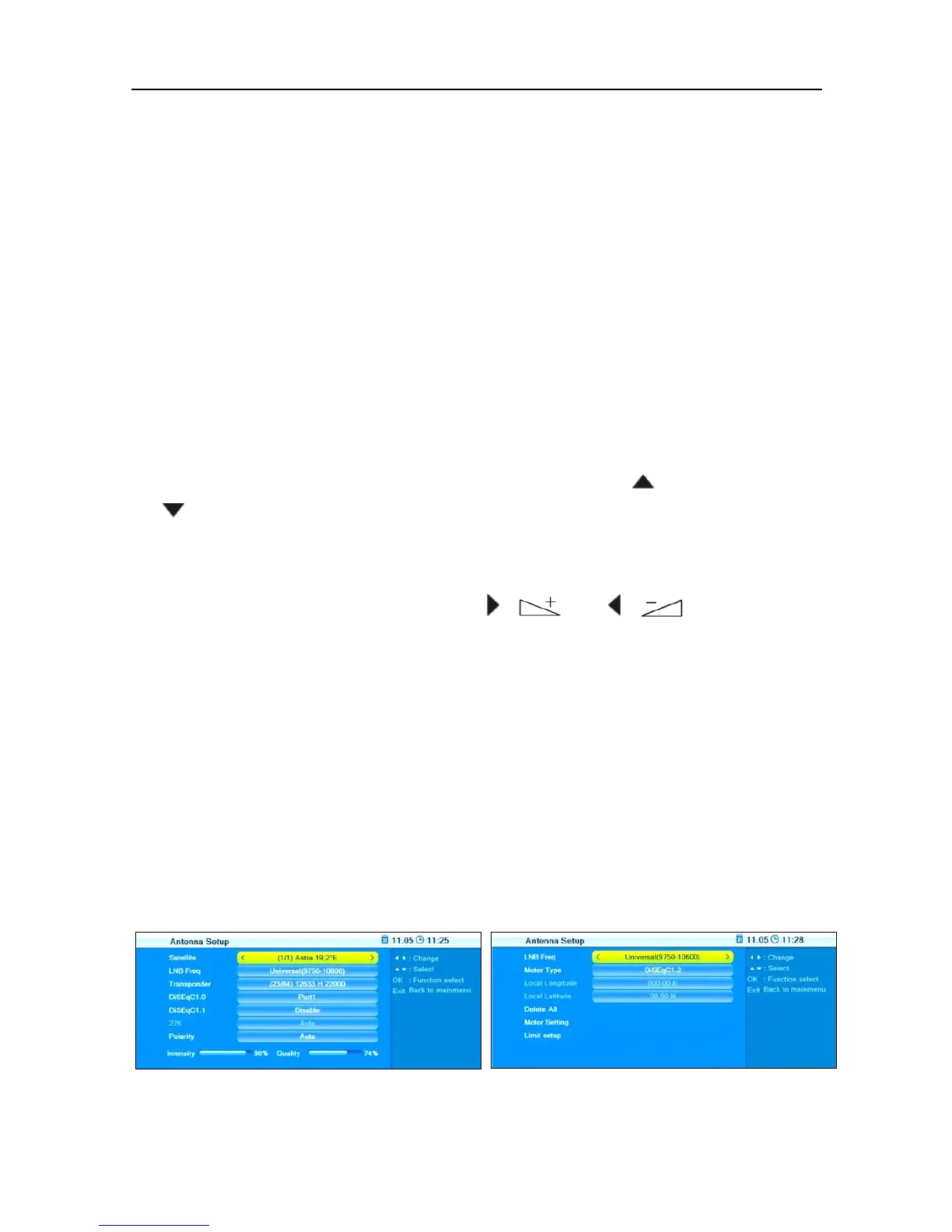
7.2.3 Antenna Setup
The submenu Antenna Setup states several entries depending on your
selection of
Fixed Antenna
or
Motor Antenna



 To Next Page