46 smart CX20
6.5.1 Direct Playback
1. Press the red function key (SHIFT) twice.
The playback information field is displayed.
2. Select the recording to be played by using the keys / PR+ and /
PR-, and confirm by pressing OK. Playback will start.
3. Use the keys , , , and to control playback.
4. You can jump by using the keys / and / , provided that
the playback information field is displayed (e.g. after pressing one of
the keys stated at 3). You may only use this function after a certain
time period as defined in the sub-menu
PVR Setting at Jump has
elapsed since starting of playback.
6.5.2 Playback with Media Player
As described in section 7.5.1, page 68, USB recordings can also be
played via the Media Player.
7 Extended Settings and Functions
7.1 Menu Edit Channel
7.1.1 TV Channel List / Radio Channel List
You can individually customize the lists. There are various available possi-
bilities for editing. For reasons of simplification, only editing of TV lists will
be explained in the following. Editing of radio channel lists will be per-
formed corresponding to editing of TV channel lists.
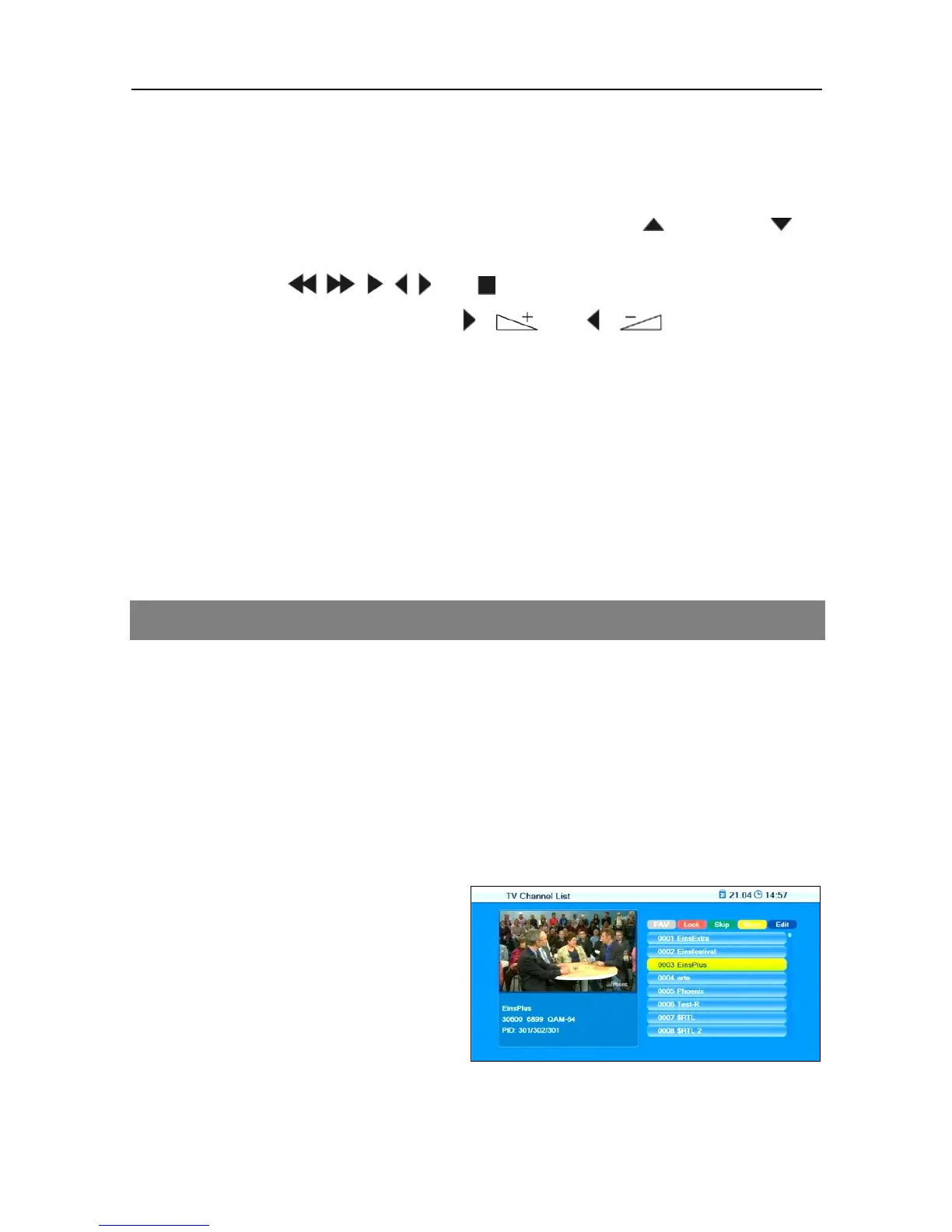
1. In the menu Edit Channel, go
to the sub-menu TV Channel



 To Next Page