5.3.4 Satellite List
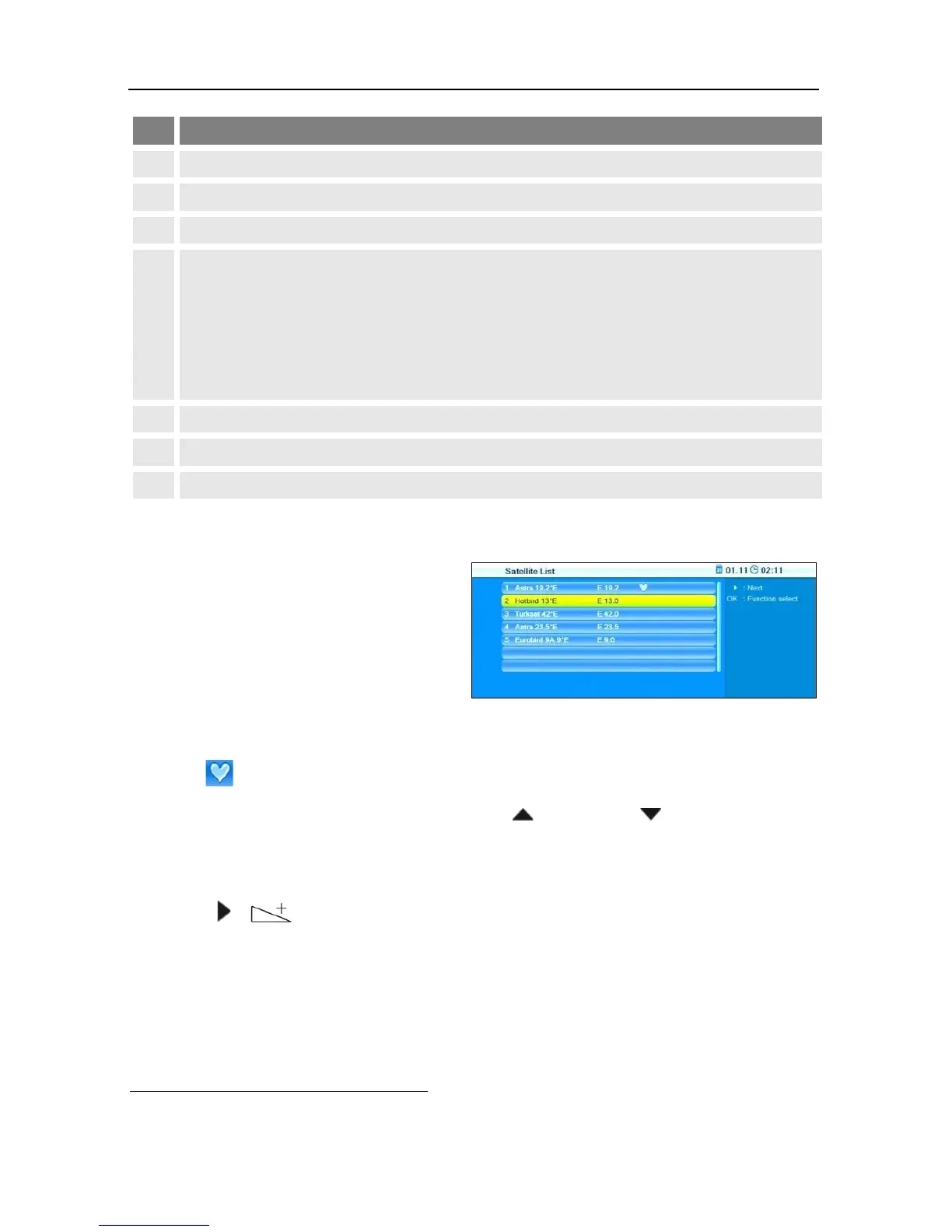
After completion of RAPS down-
load and completed satellite scan
(RAPS DiSEqC
10
scan), the win-
dow Satellite List will be opened.
The window displays the satellites included in the RAPS file. As the RAPS
lists are available via the satellite Astra 19.2°, Astra 19.2° is already
marked (and cannot be deselected!).
Select a satellite by pressing the keys / PR+ and / PR-
.
Press OK to select a non-marked satellite.
Press OK to deselect a marked satellite.
Press / to go to the next window RAPS select raps file.
Examples:
• Your antenna system is designed for receiving Astra 19.2°E and Hot-
bird 13°E. These satellites are found and marked in the list. You are
planning to soon extend your antenna system for receiving of Eurobird
9
East, often abbreviated "E"
10
DiSEqC = Digital Satellite Equipment Control, a digital control signal technology with satel-
lite receiving systems



 To Next Page