smart CX20 33
7. Leave the menu by pressing EXIT until the screen shows the TV pic-
ture.
5.9 TV
You have several possibilities to select a channel:
• Direct channel selection;
• Channel selection via selection window; and
• Channel selection via search function;
as explained in the following sections.
5.9.1 Direct Channel Selection
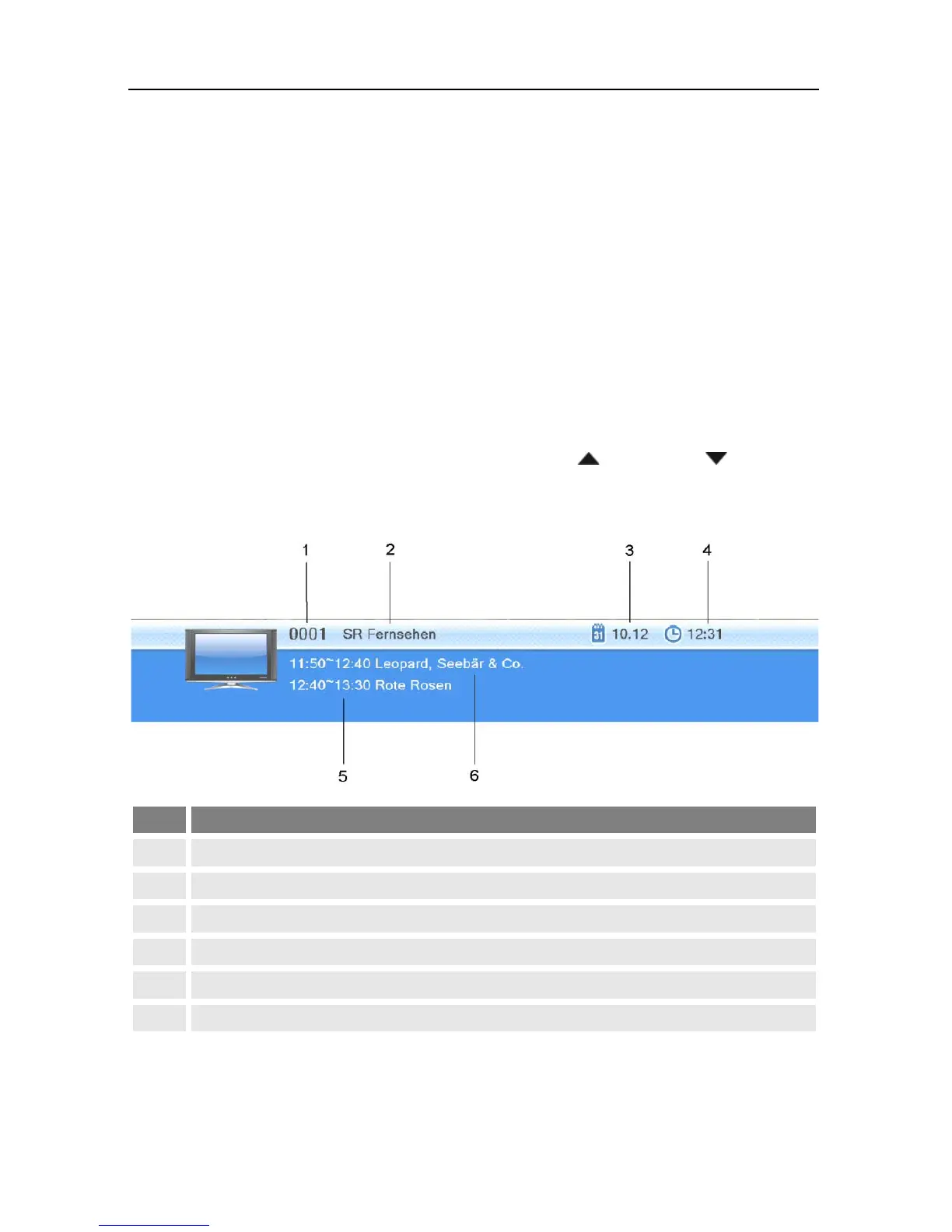
Select the desired channel by using the keys / PR+ and / PR-.
With each change of channel, an information window with information on
the current channel will be displayed:



 To Next Page