smart CX01 63
offers the possibility to balance this by slightly shifting the audio against the
video signal.
1. Select in the menu System Setup the submenu Other and press OK.
2. Select AV Sync Value to set a value of shift between -500ms and +500ms
using the buttons und (factory default is 0 ms).
7.13 LNB IN / OUT Loop Through (Loop Standby)
Basically, after turning off the receiver it switches to power saving mode ("Deep
Standby", red LED lights up). At the LNB OUT terminal there is no or only a high-
ly attenuated signal. If you want to use LNB OUT anyway, you can set that in the
submenu Other of the System Setup menu:
Select Loop Standby to switch on and off the possibility of looping through
the satellite signal, using the buttons und (factory default is Loop
Standby off).
CAUTION!
If you select Loop Standby On, the receiver goes into
standby mode after switching off, but not into
7.14 RAPS System
7.14.1 Show the Date of the RAPS File on the Receiver
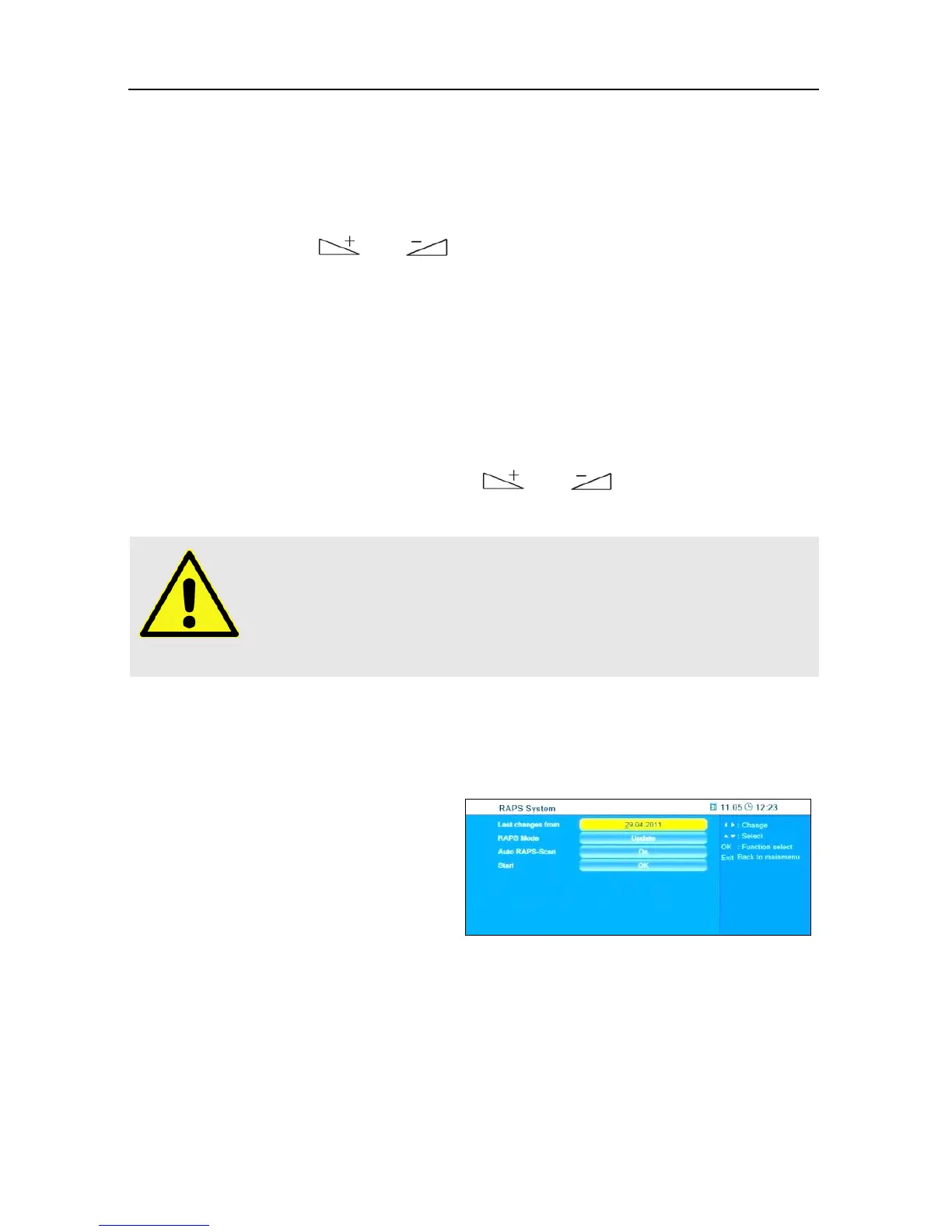
The window RAPS System displays
at Last changes from the date of
the RAPS file on the receiver.



 To Next Page