Operation in a Unicable System
smart CX01 67
Allocation of channels and frequencies depends on the used LNBs and/or multi-
switches.
The data sheet and the technical documentation of your LNB and/or multi-
switch include an allocation table similar to the following table.
8.2 Allocation of IF Channels and Frequencies
Receiver IF channel Exemp. frequency (MHz) Frequency (MHz)
Receiver 1 1 1284
Receiver 2 2 1400
Receiver 3 3 1516
Receiver 4 4 1632
Receiver 5 5 1748
Receiver 6 6 1864
Receiver 7 7 1980
Receiver 8 8 2096
Enter the frequencies of your receiving system into the last
column of the table so that all relevant information is quick-
ly available. Rule of thumb: highest frequency shortest
cable path.
8.3 Installation
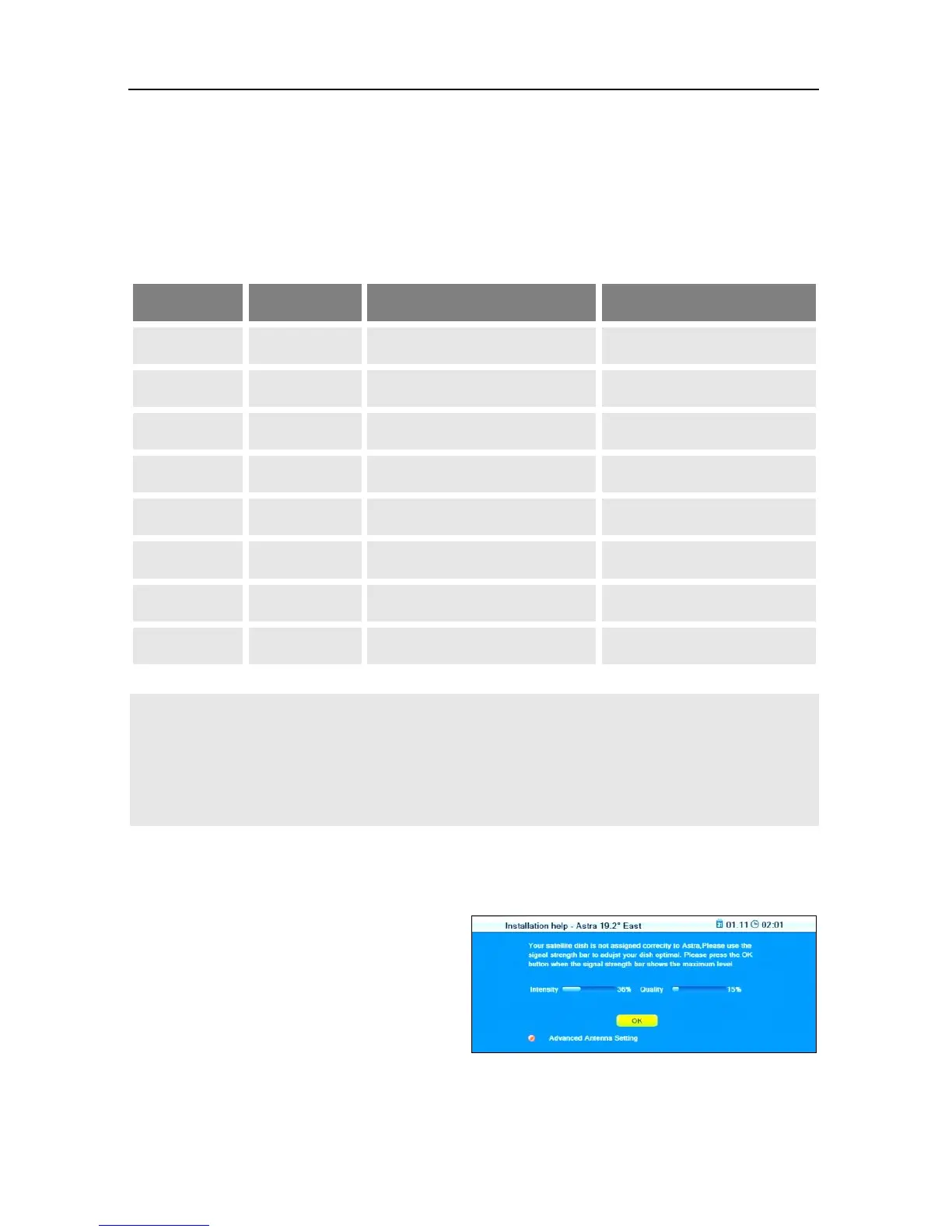
If the receiver is connected to a uni-
cable system, then RAPS installation
will automatically cancel. The win-
dow to the right will open.
1. Press the red function key
(SHIFT) to open the submenu
Antenna Setup.



 To Next Page