44 smart CX01
2. Press OK to start playback.
3. Use the keys , , and to control playback.
6.1.2 Playlist
6.1.2.1 Creating a Playlist
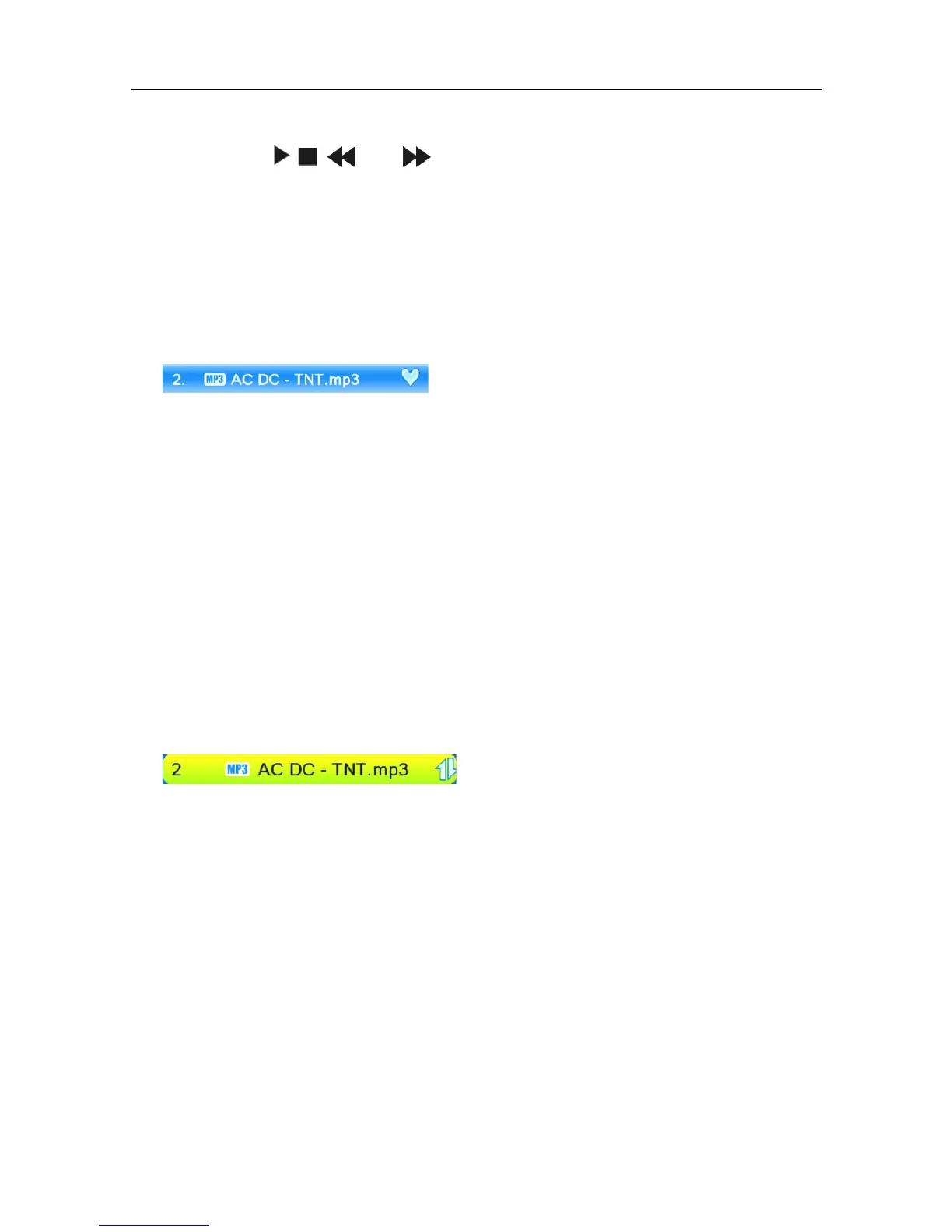
Select a track by using the keys PR+ and PR- and press the green function
key to add this to the playlist (favorite list).
The respective track is marked with a heart symbol.
You can repeat this procedure for all tracks to be added to the playlist.
Press the yellow function key to add all tracks from the current directory to
the playlist.
If pressing the yellow function key again, the playlist will be completely de-
leted.
Press the SHIFT key (red) to display the favorite list (playlist).
A new window Show Playlist will be displayed. Now you can move or re-
move files in/from the list.
6.1.2.2 Moving files within the Playlist
1. Select a track to be moved by using the keys PR+ and PR-.
2. Press the SHIFT key (red) to mark the selected track for moving.
3. Select the new position of the selected track by using the keys PR+ and PR-.
4. Leave the Move function by pressing the SHIFT key (red) again.
Now you can close the window Show Playlist by pressing EXIT, or move
another track by starting again with step 1, or you may use the
6.1.2.3 Delete files from the Playlist
1. Select a track to be deleted by using the keys PR+ and PR-.
2. Press the green function key to remove the selected track from the playlist.
3. Press EXIT to end deletion, or go back to step 1 to remove further tracks
from the playlist.



 To Next Page