26 smart CX01
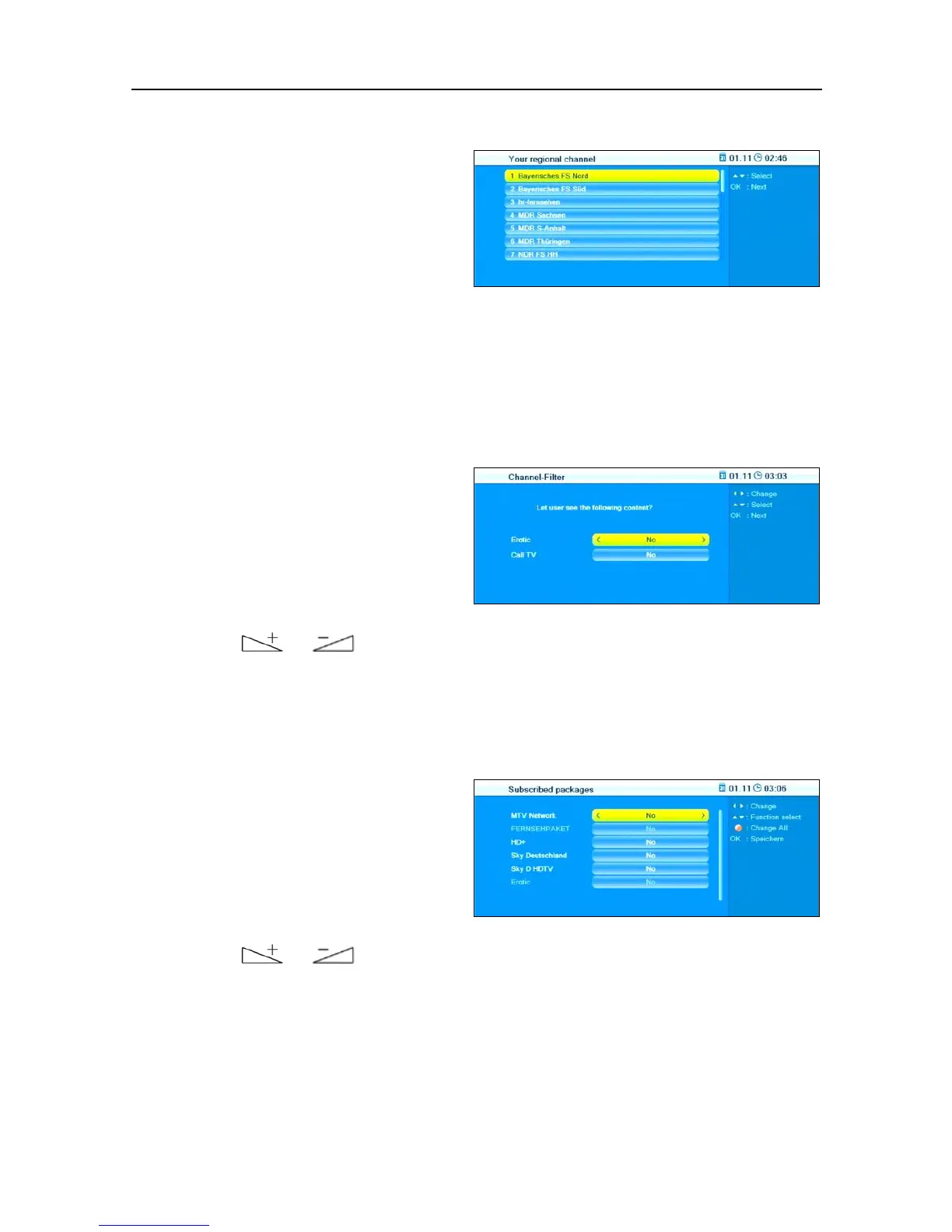
5.1.7 Regional Channel
Select your preferred regional
channel (which will be stored at
number three in the channel list)
by pressing the keys PR+ and PR.
Press OK to go to the next window Channel-Filter; here you can select if
you want to include erotic channels and call TV (channels that may incur
quite high telephone costs due to telephone calls to the channel) into the
channel list.
5.1.8 Channel-Filter
Select Erotic and/or Call TV by
pressing the keys PR+ and PR-,
and select the option (Yes) to in-
clude such channels into the
channel list or (No) to not include
such channels by respectively
pressing or .
Press OK to go to the next window Subscribed packages; here you will be
asked if pay TV providers should be included into the channel list.
5.1.9 Subscribed Packages
Select the various subscribed
packages by pressing the keys
PR+ and PR-, and make a selec-
tion to include the correspond-
ing channels into the channel list
(Yes) or not (No) by respectively
pressing
or .
Press OK to store your settings and to finish installation of the RAPS channel
list. After this, TV operation will automatically start.



 To Next Page