Operation in a Unicable System
66 smart CX01
3. Select the option Yes to accept the update.
The satellite update may take up to one hour. Do not switch off the receiv-
er during such period!
7.18.2 Update via USB
1. Search for the upgrade file on the internet page www.smart-electronic.de
(menu item Support) and save it to a USB data storage.
2. Unpack the file with the ending .abs and copy it to the USA data storage.
Please note that the upgrade file (*.abs) is copied directly to
the root directory of the USB data storage (no subdirecto-
ry)!
3. Connect the data storage to your receiver.
4. In the menu Tools, select the sub-menu Upgrade by USB and press the OK
key.
5. At Upgrade Mode, select the upgrade mode Allcode by using the keys
and .
6. At Upgrade File, select the file copied in step 2.
7. Select the Start button and con-
firm by pressing OK.
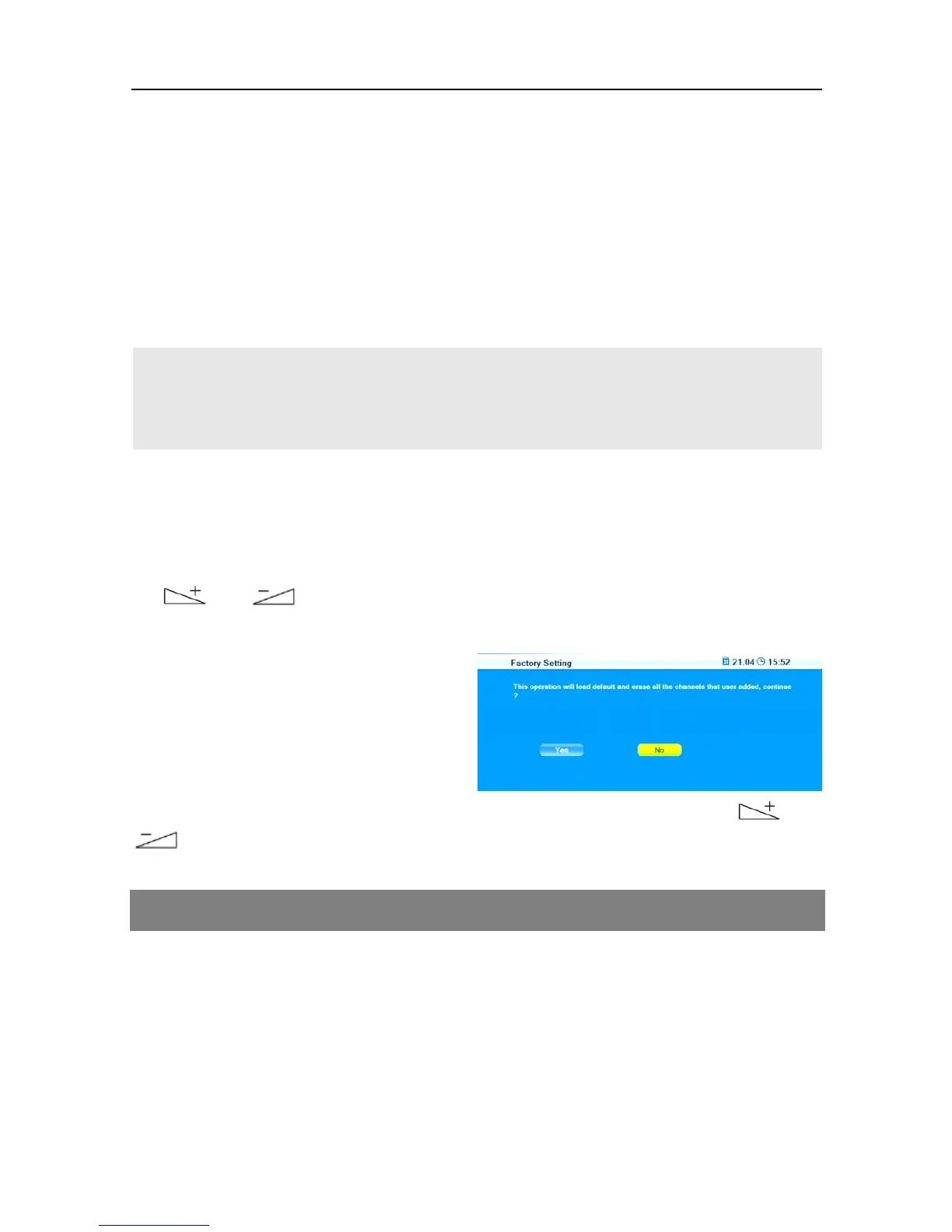
The message on the right will be
displayed:
The upgrade will be performed after selecting Yes by using the keys and
and pressing OK. Then, the receiver will automatically perform new start.
8 Operation in a Unicable System
8.1 About Unicable
The HDTV receiver smart CX01 allows for changing the receiving mode to the
unicable standard. This makes it possible - depending on the antenna type - to
connect up to eight independent receivers to only one main line.
For this, an own IF channel and a corresponding frequency should be set for
each receiver via the settings menu.



 To Next Page