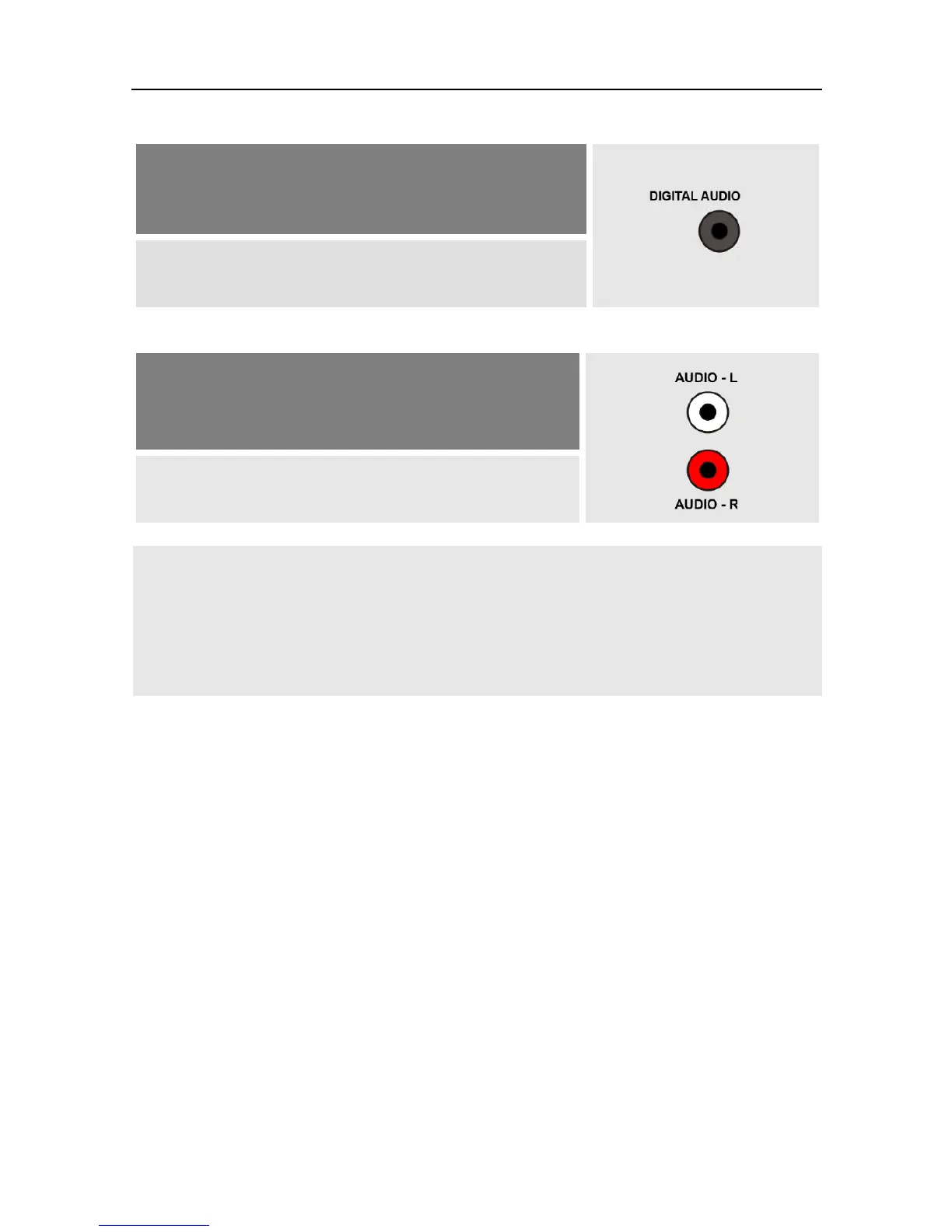
audio data – connection for digital data is pre-
sent.
Connect your home theater system and your
receiver with a cinch cable.
c.
Your home cinema system can not process dig-
ital audio data – no connections for digital da-
ta present
Connect the home cinema system and the re-
ceiver by using a 2-pole RCA cable (stereo).
If your home cinema system (hi-fi system) supports HDMI
connection, then use such connection.
This ensures best possible audio and video quality with
digital signals.
4.5 Connect Data Storage (Optional)
Connect a data storage (USB stick or hard drive with USB connection) at the
USB connector to be able to access MPEG, MP3, JPG or other media data
files.
4.6 Connect Power Supply
When all devices are properly connected to the receiver you can connect the
mains plug to the power outlet.
4.7 Insert Batteries of Remote Control
This describes the steps for inserting new batteries of the remote control
or for replacing empty batteries:
1. Open the battery compartment on the bottom side of the remote control.
Remove the cover of the battery compartment.



 To Next Page