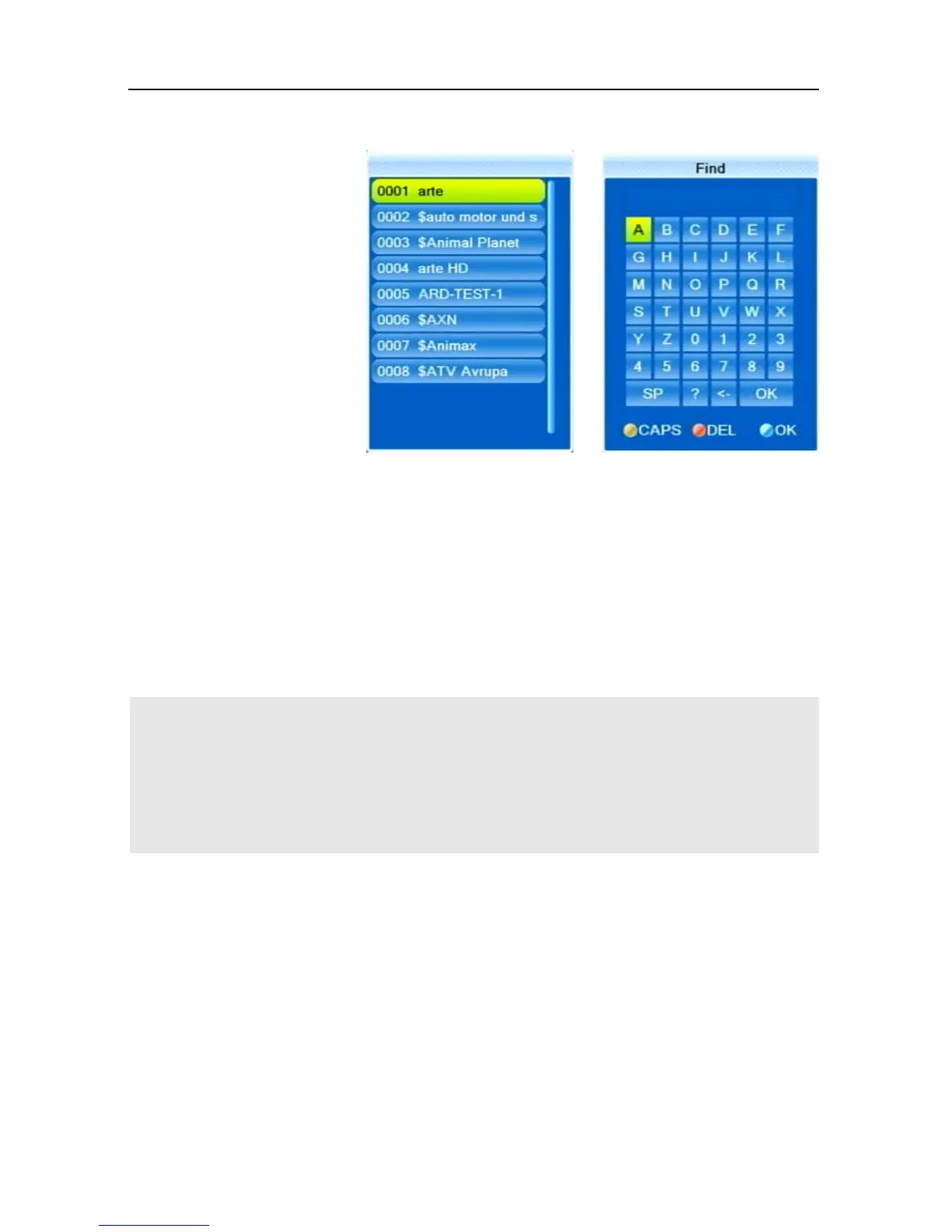
Press EXIT to close window 1, provided that selection is sufficiently arranged
for your purposes. Now, you can select the desired channel in window 2 by
using the keys PR+ and PR-, and confirm by pressing OK.
Return to entry of characters (see above) to further limit channel selection.
5.7.3.4 Sort Channel List (by Alphabet)
Select Sort (A-Z) or Sort (Z-A) to sort the displayed channels in ascending or
descending alphabetical order in the channel selection window.
With all of the functions as described in 5.7.3, the made se-
lection or sorting is deleted as soon as a channel is selected
by pressing OK, i.e. if you are then pressing the OK key to
show the channel selection window, the channel selection
list is displayed in its previous original state.



 To Next Page