Calibration procedure
10. Calibration procedure
10.1 Axis calibration
Start the scan software by clicking on the Activity icon located on
your Desktop.
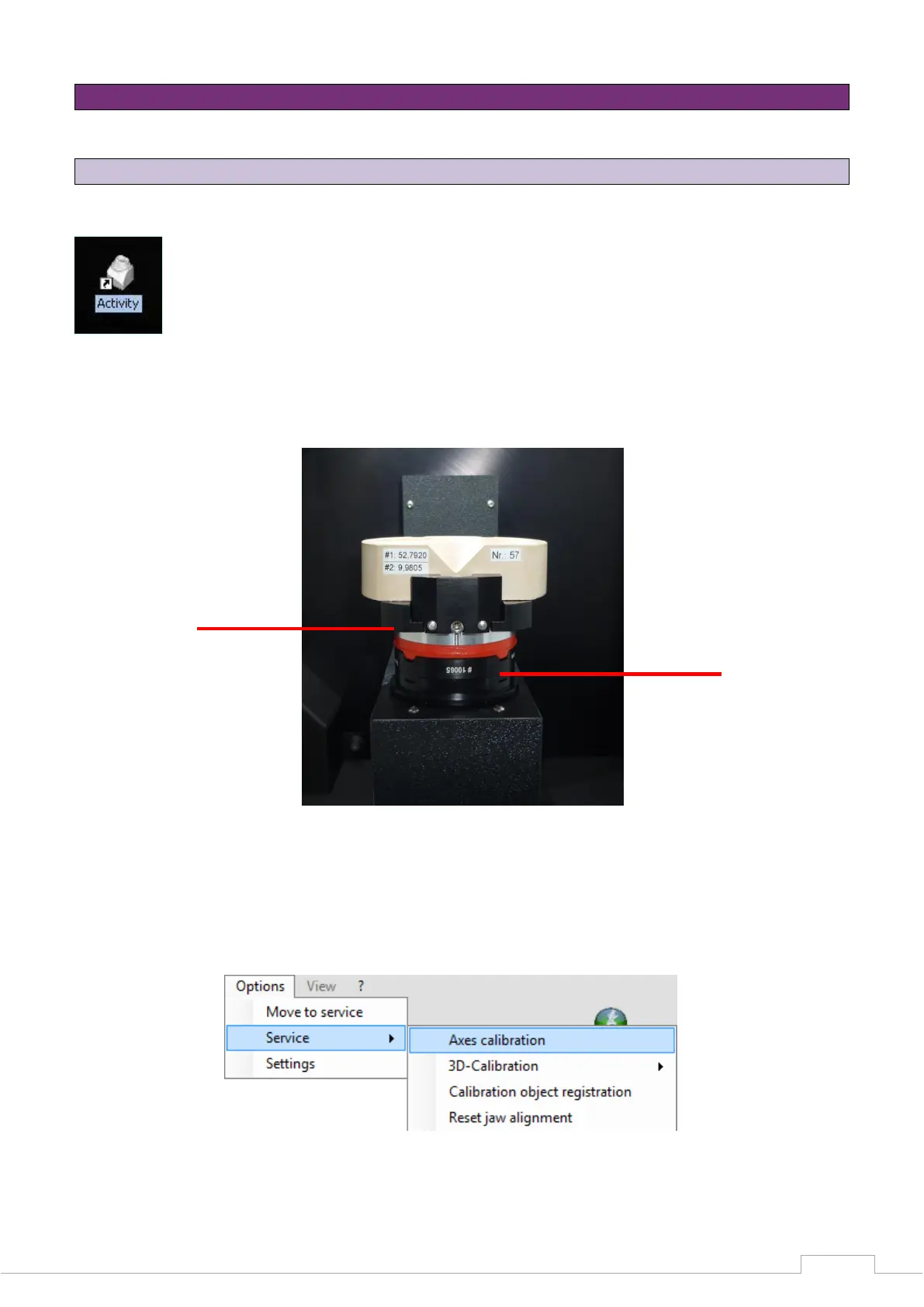
Place the spacer plate in the scanner. Clamp the calibration model on the removable object holder
and place it in the scanner (Fig. 18).
Figure 18: Calibration model with spacer plate
The path Options Service Axis calibration contains the start command
for calibrating the axis.
Figure 19: Scan software calibration


 To Next Page