Scanning procedure
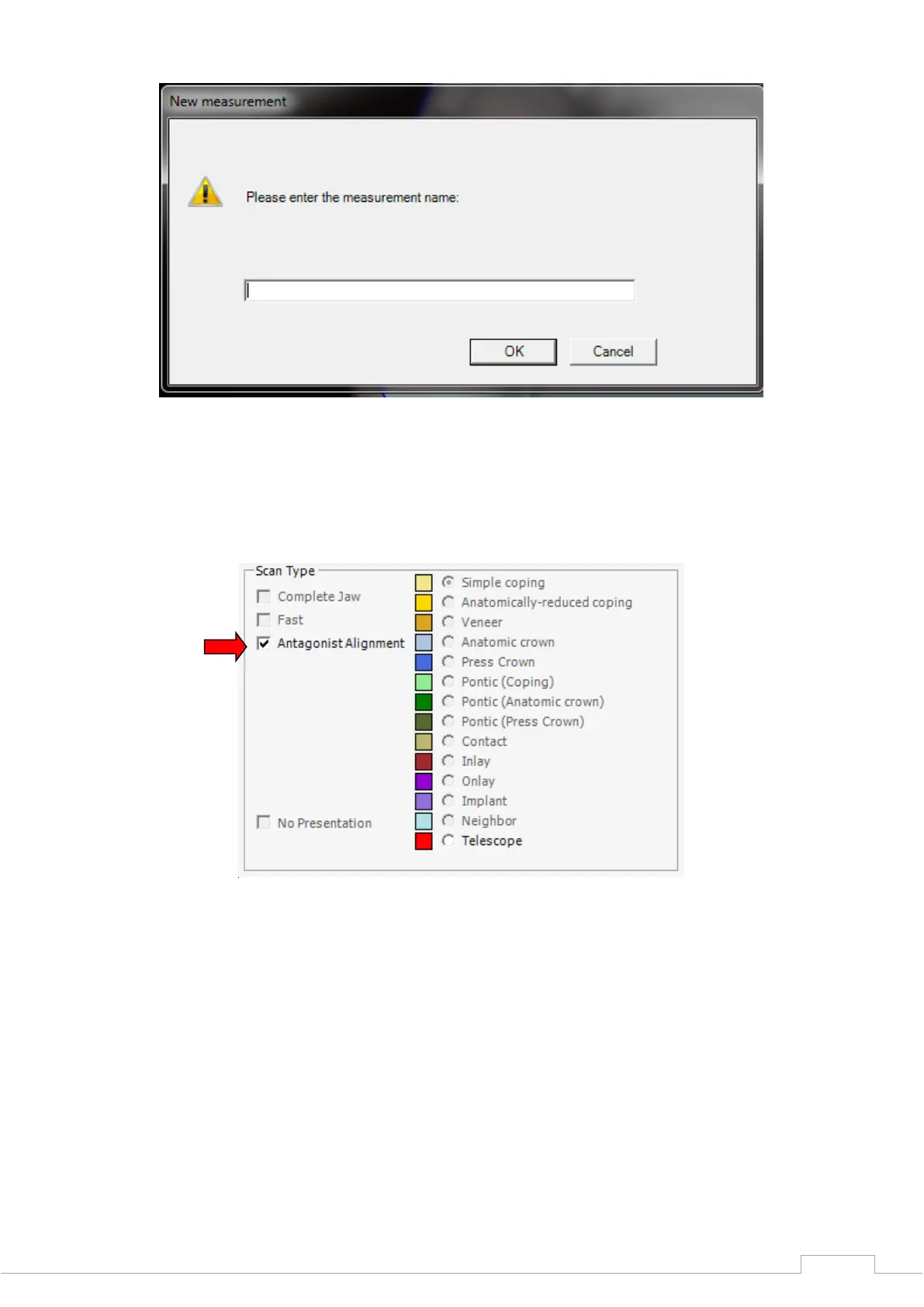
Figure 59: New measurement
Once the prescan has been performed, click on "Antagonist Alignment" in the left of the project
entry screen, after which you can select what method is to be used to perform the vestibular
scan.
Figure 60: Antagonist Alignment
NOARTICULATOR:
This procedure allows you to align both jaws to a bite (with non-articulated jaw models) as long
as these are fixed manually to one another, as in the example.
A blue outline will appear in the 2D image after clicking on "NOARTICULATOR".
Align this to the vestibular progression of the 2D scan (see Fig. 62).


 To Next Page