Calibration procedure
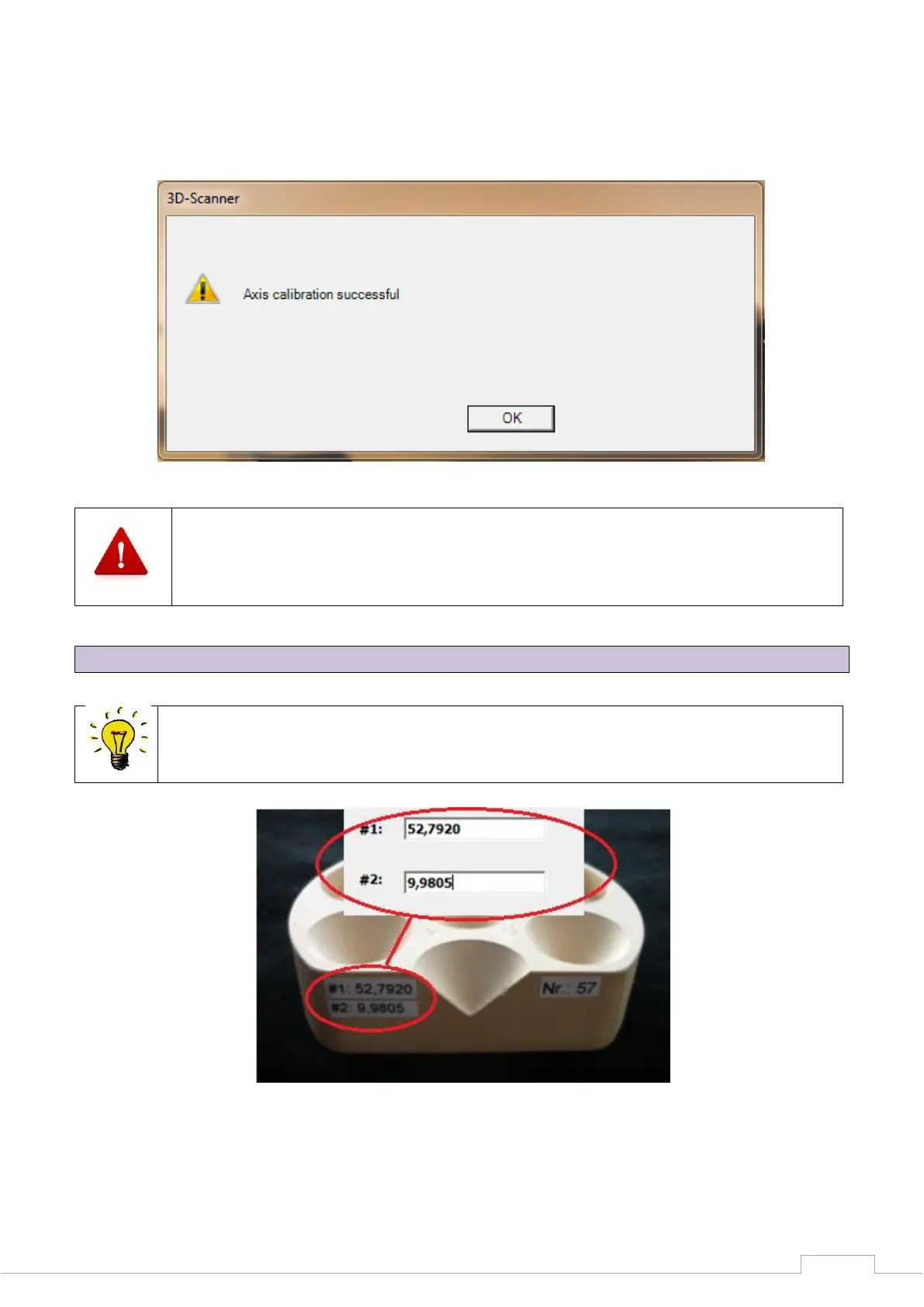
The scanner now performs an automatic axis calibration. The following message will appear after
the axis calibration is complete:
Figure 20: Scan software calibration
If the axis calibration fails, please check the height alignment of the model in the
measuring field. (See Figure 18 )
10.2 3D calibration
Each calibrating block is measured industrially.
These individual values can be found on the calibration model.
Figure 21: Individual calibration block
These values must be saved in the software after reinstalling the software or replacing the
calibration model.


 To Next Page