Scanning procedure
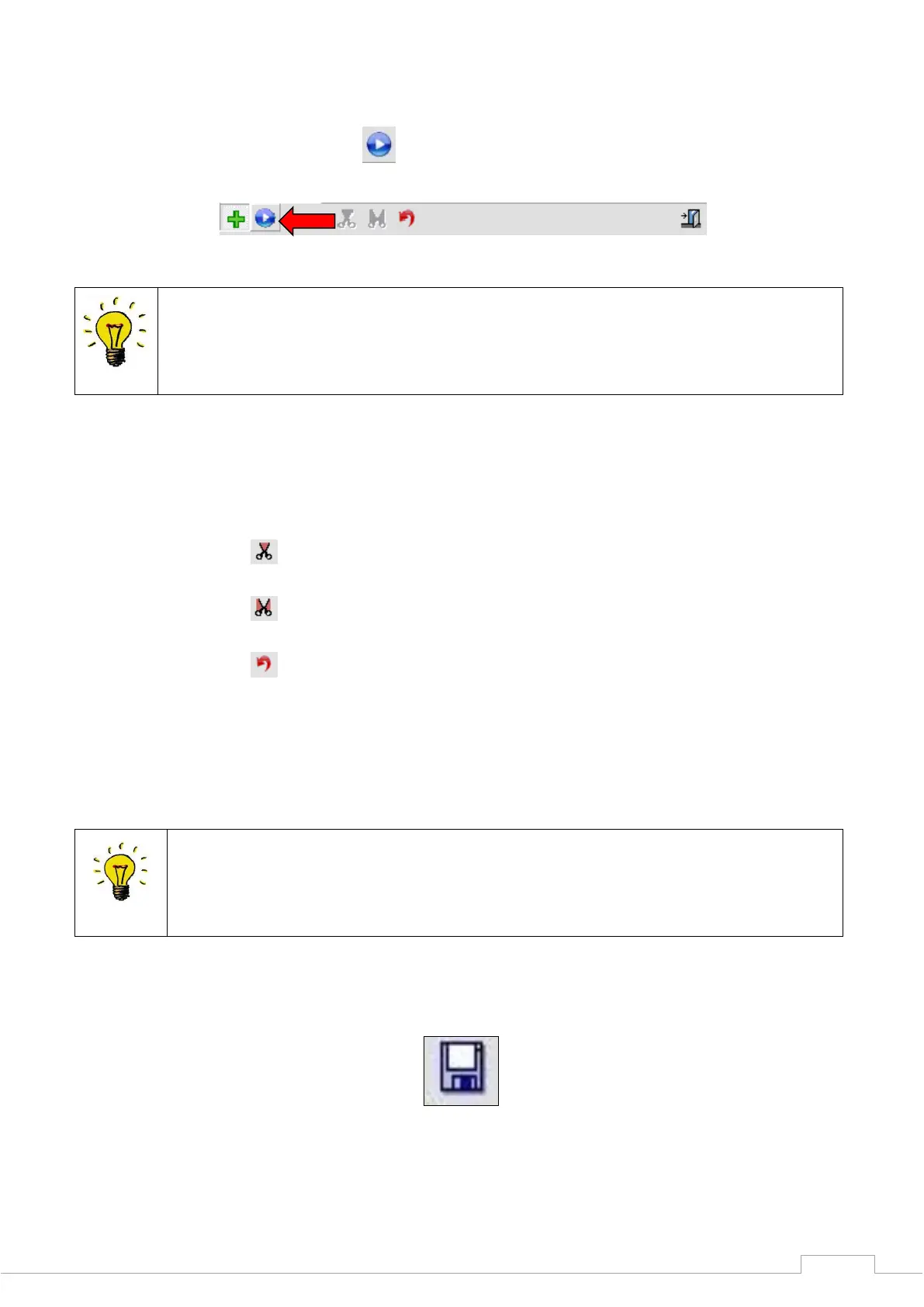
If you click on the blue start button, any number of rescans can now be performed until all
desired areas are recorded.
For details, such as in interdental spaces, please remove all teeth that impair the
sensor's view of the area to be closed, e.g. directly adjacent teeth and segments that
are not required for the scan.
Once you have recorded all relevant details, click on the green cross again to complete the
rescan mode.
To remove superfluous areas on the model, you can now cut the data set to size with the
following tool.
Cut data inside the selection
Cut data outside the selection
Undo the last cutting action
Select a cut function and click with the left mouse button around the required area. In this way,
you select the area on and around the model.
To complete the process, make the last selection with the right mouse button.
The model has been cut to size and can be reset with the "Undo cut action" icon.
The smaller the data set is cut to size, the smaller the data volume which has to be
added together.
Save the scan data after cutting the data set to size by clicking the "Save" icon.
Figure 43: Save project


 To Next Page