Scanning procedure
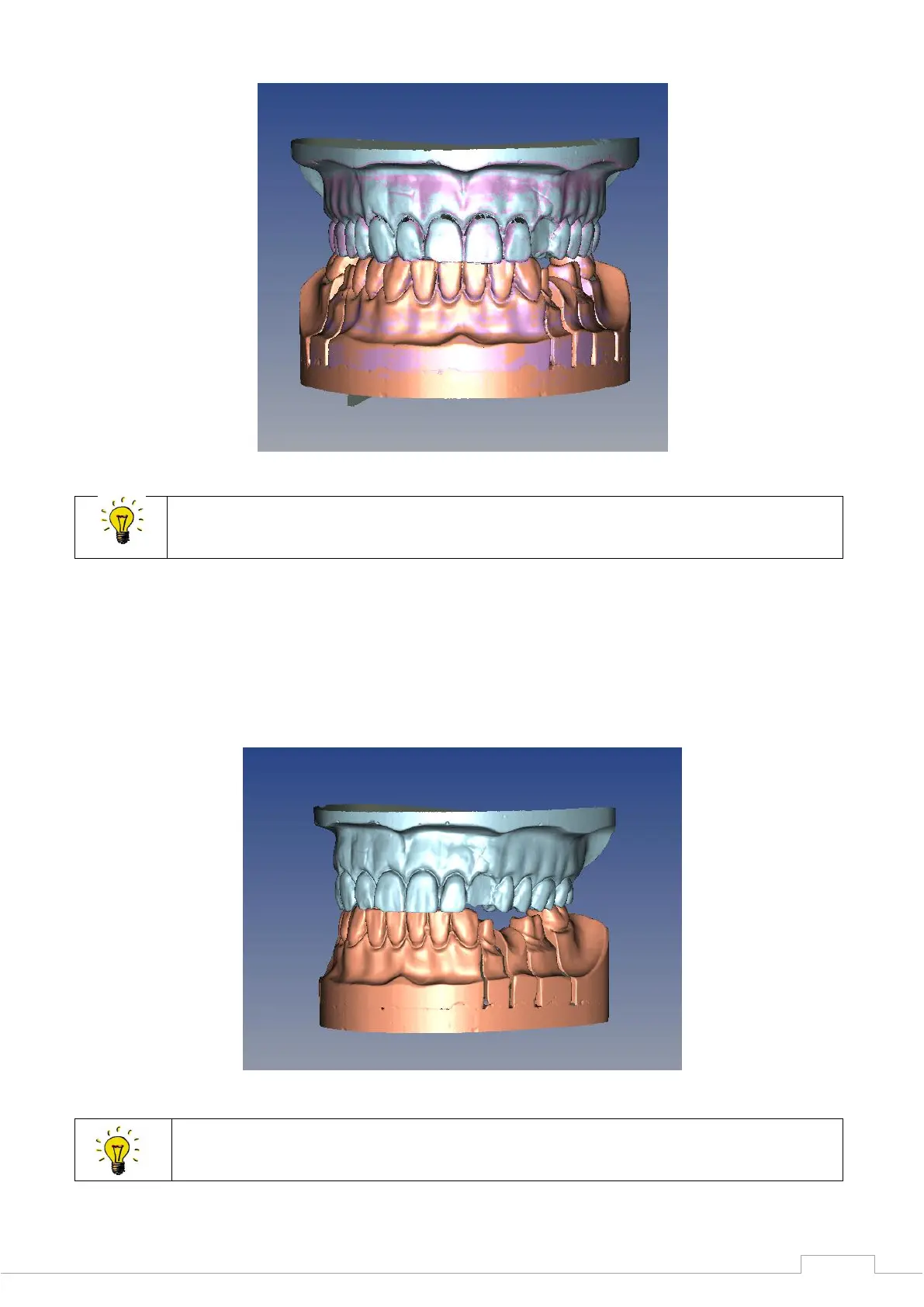
Figure 69: Aligned upper and lower jaws
You can detect an offset more easily using differing colour schemes for the upper
and lower jaw.
If you are pleased with the data set, confirm with the "Next" button, after which the software will
automatically commence the matching process.
All data sets performed are now matched. This can take several minutes.
Sample image for a finished STL data set in an upper versus lower jaw situation:
Figure 70: Articulated STL data set
The data sets can now be loaded into various CAD programs for further processing.


 To Next Page