Scanning procedure
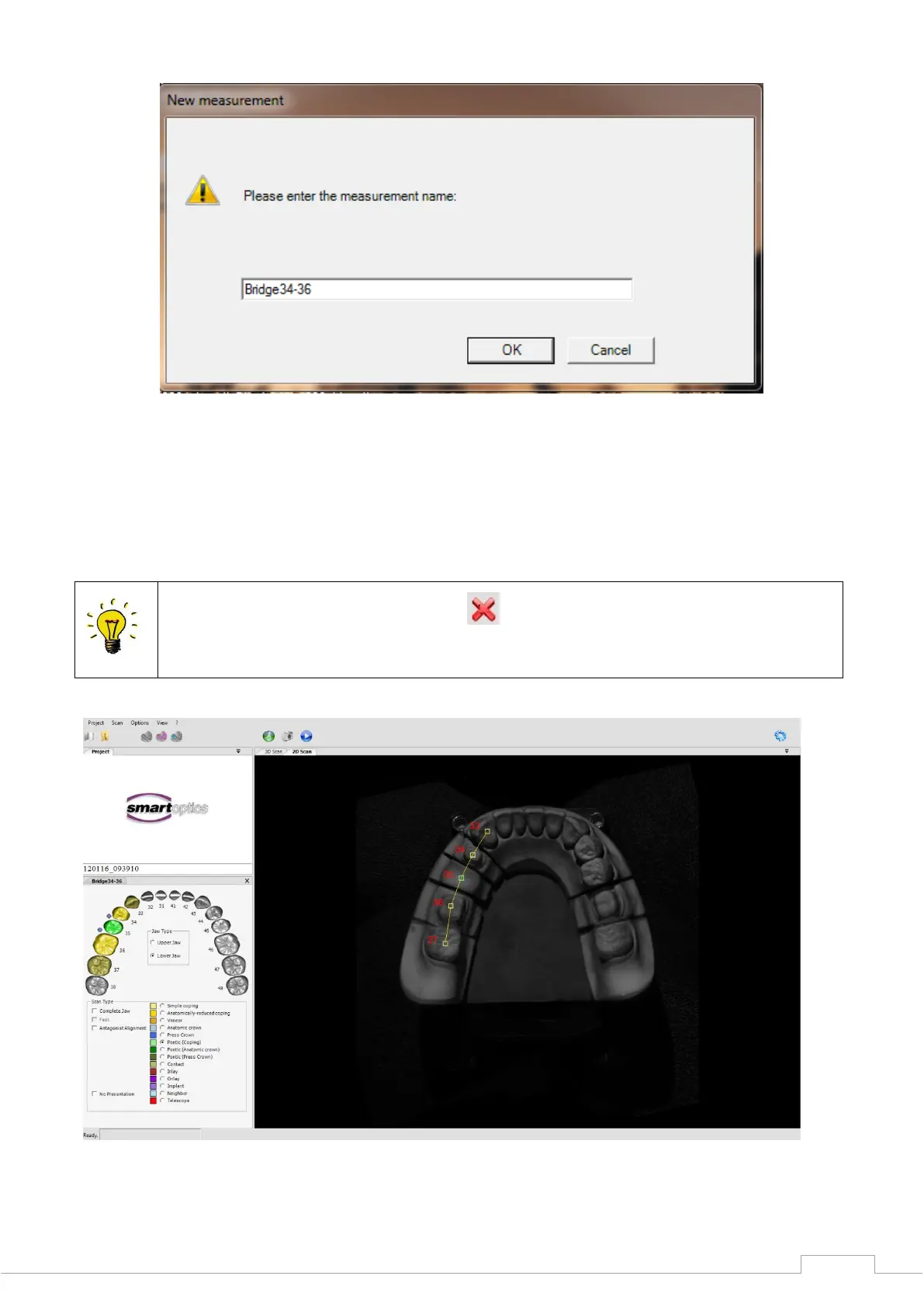
Figure 36: "New measurement"
After providing a name for the measurement, confirm this with "OK".
The scanner then begins with a preview image. After a few seconds, a 2D scan will appear on the
viewer, and you can select your individual scan type.
During the prescan or the 3D scan, the symbol is displayed, and you can use this
to cancel the corresponding scanning process.
Figure 37: 2D scan and entry screen


 To Next Page