Scanning procedure
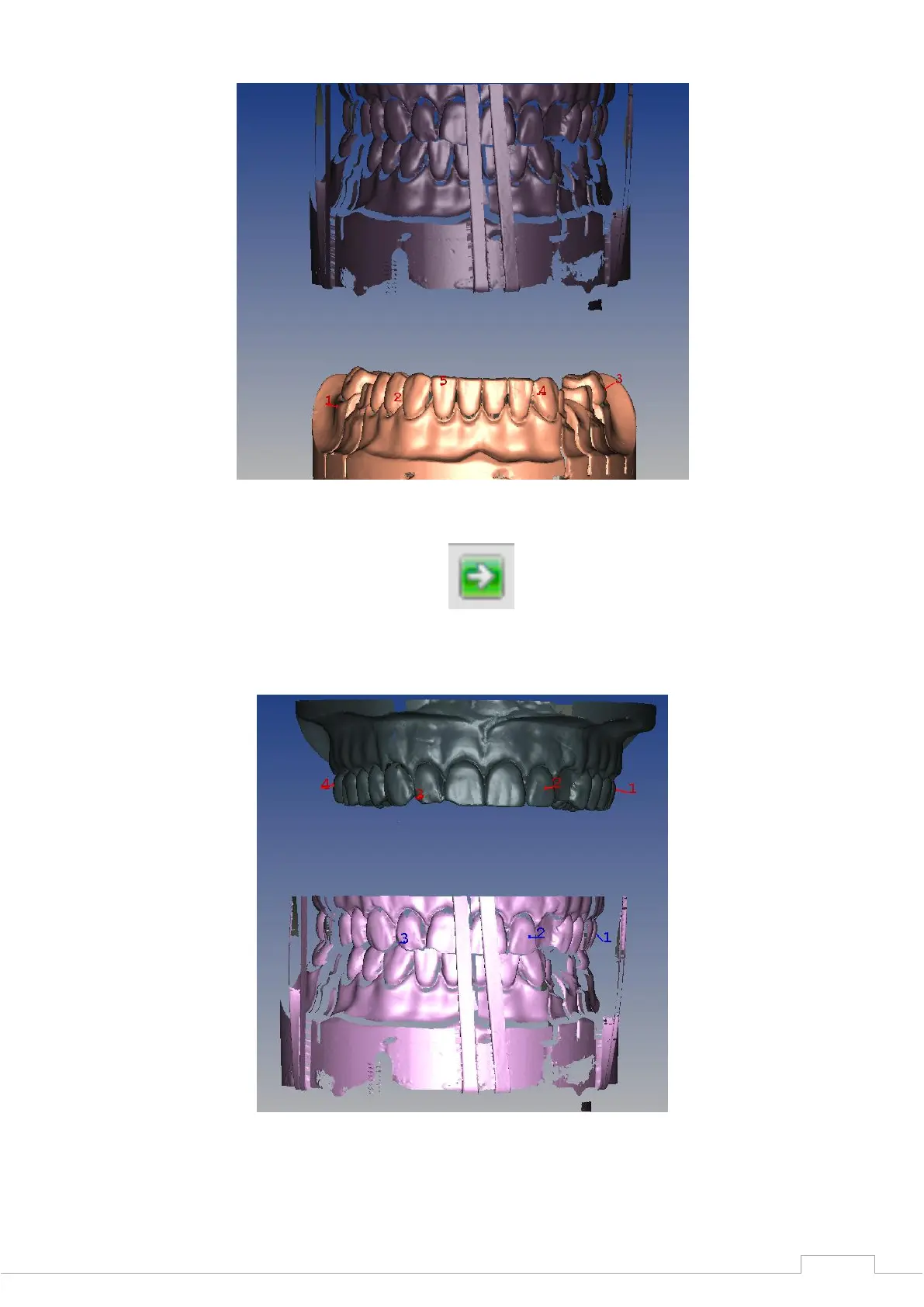
Figure 66: Lower jaw alignment
Once you have selected the reference points of the lower jaw to your satisfaction, click on the
"Next" icon in the viewer to load the upper jaw.
Figure 67: "Next"
Follow the same procedure as with the lower jaw and select the "Next" icon again once you are
satisfied with the selection.
Figure 68: Upper jaw alignment
A calculation for the jaw is now carried out. After a few seconds, the result will be displayed to
you in the 3D viewer, which you can then check for correctness.


 To Next Page