Scanning procedure
As soon as you have scanned in the lower and uppers jaw, you must perform a "vestibular
scan", which allows the software to calculate how the jaw halves are located relative to
one another.
The scanned jaws do not have to be matched, as all scans performed are added
together at the end of the process.
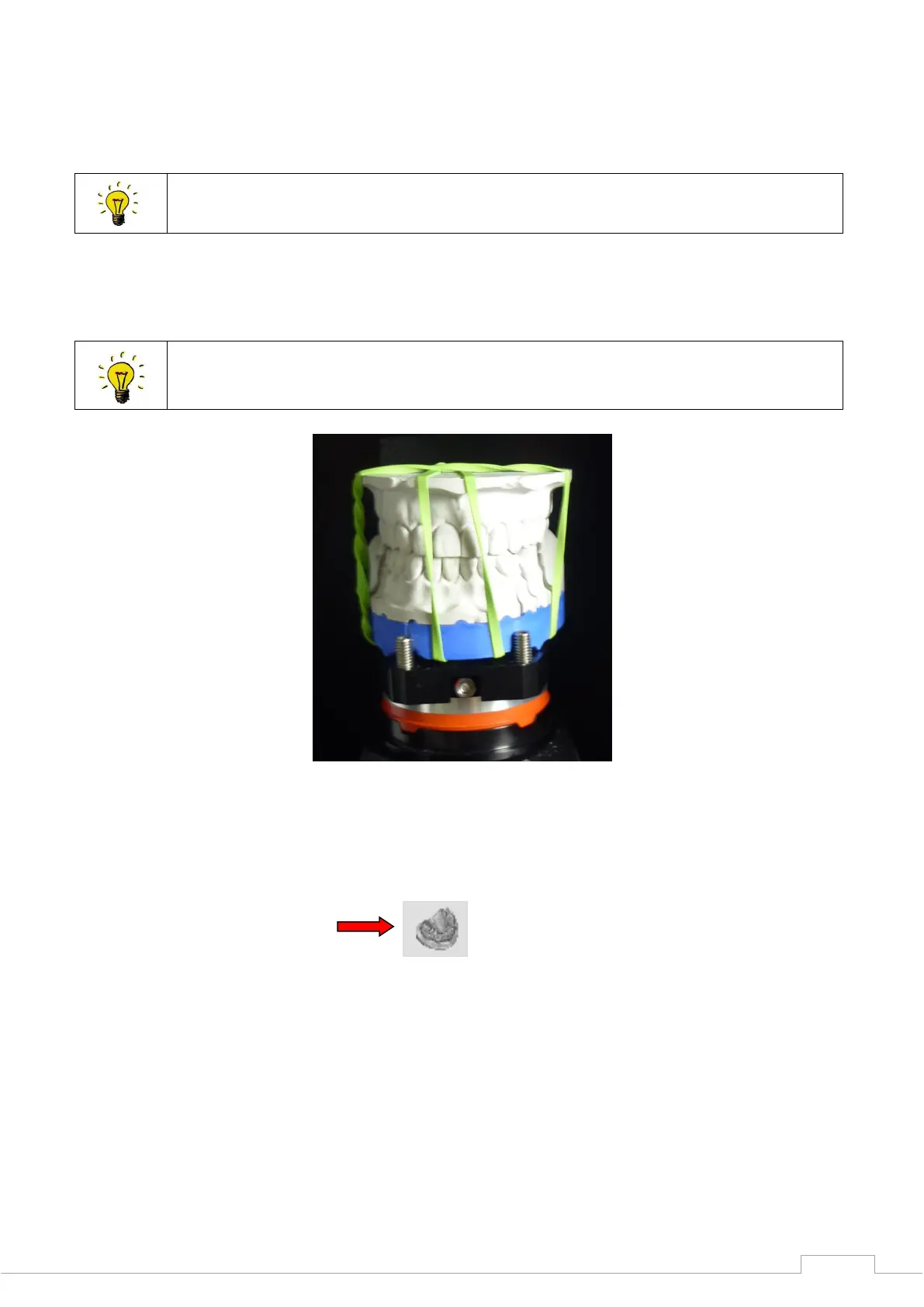
You can align the models with an elastic band, adhesive stick or other fixing option, so that the
models sit rotationally secure to one another.
Place the models fixed to one another in the scanner and close the lid.
Use the spacer plate to ensure the correct height alignment.
Figure 57: Fixed jaw
You must activate "Add dental scan" by clicking on the following icon to carry out a vestibular
scan:
Figure 58: Add dental scan
Give the file a name and perform a prescan.


 To Next Page