The scanner now moves the model down automatically, based on the predefined scan strategy,
and compiles a number of individual measurements from various perspectives.
In the case of adjacent teeth, it is necessary to additionally measure the individual teeth
independently, as otherwise the interdental area cannot be recorded with sufficient accuracy.
The entire scene is therefore always measured in the first step, and in the second step you are
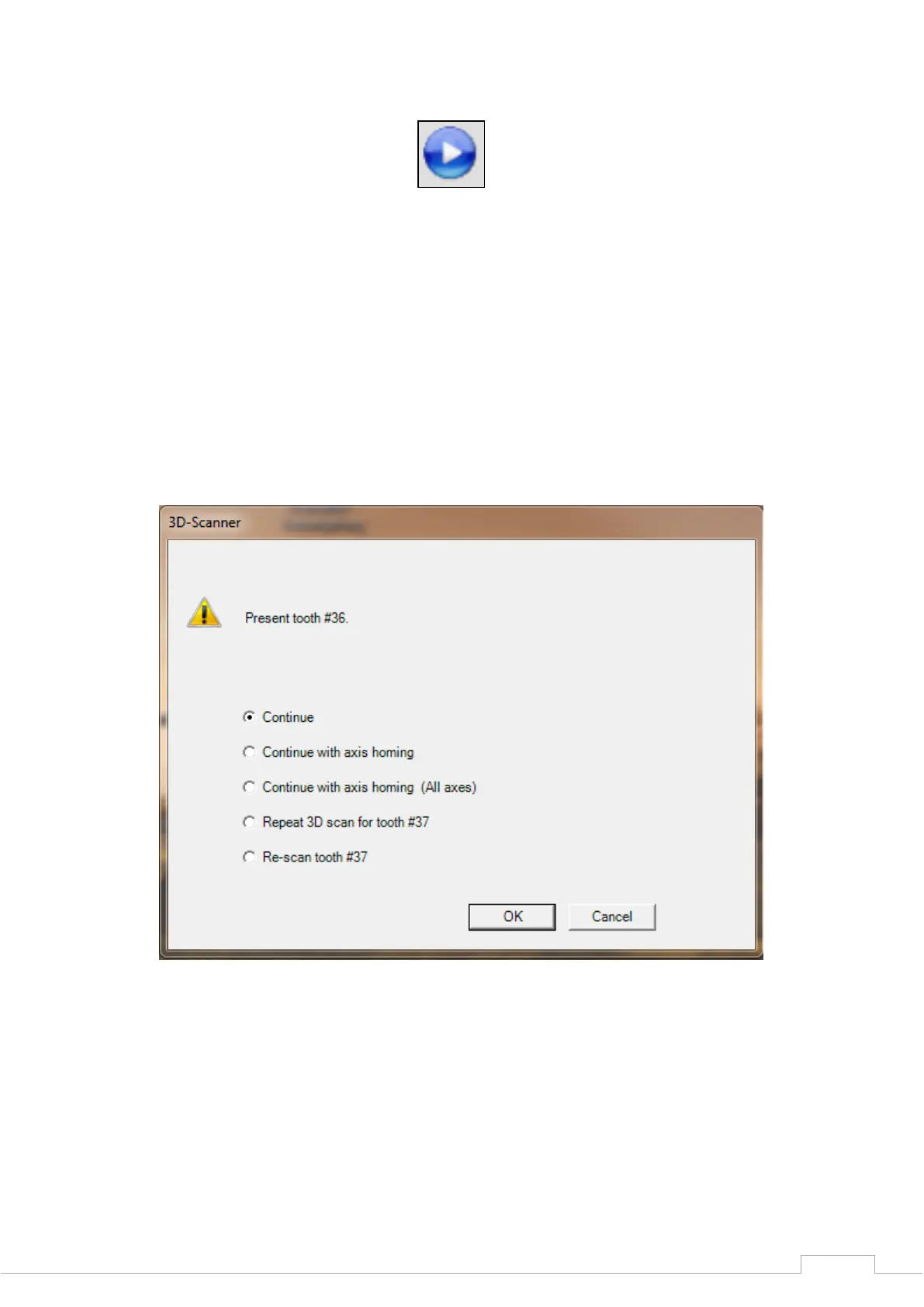
prompted to present one tooth each freely (see Fig. 40).


 To Next Page