BT-T080R User’s Manual
- 14 -
4 Installing the printer
4.1 Unpacking
Open the carton and check whether all items listed on the package list are included or have any damages.
In case of damages or missing items, please contact your dealer or the manufacture for assistance.
4.2 Installing print mechanism
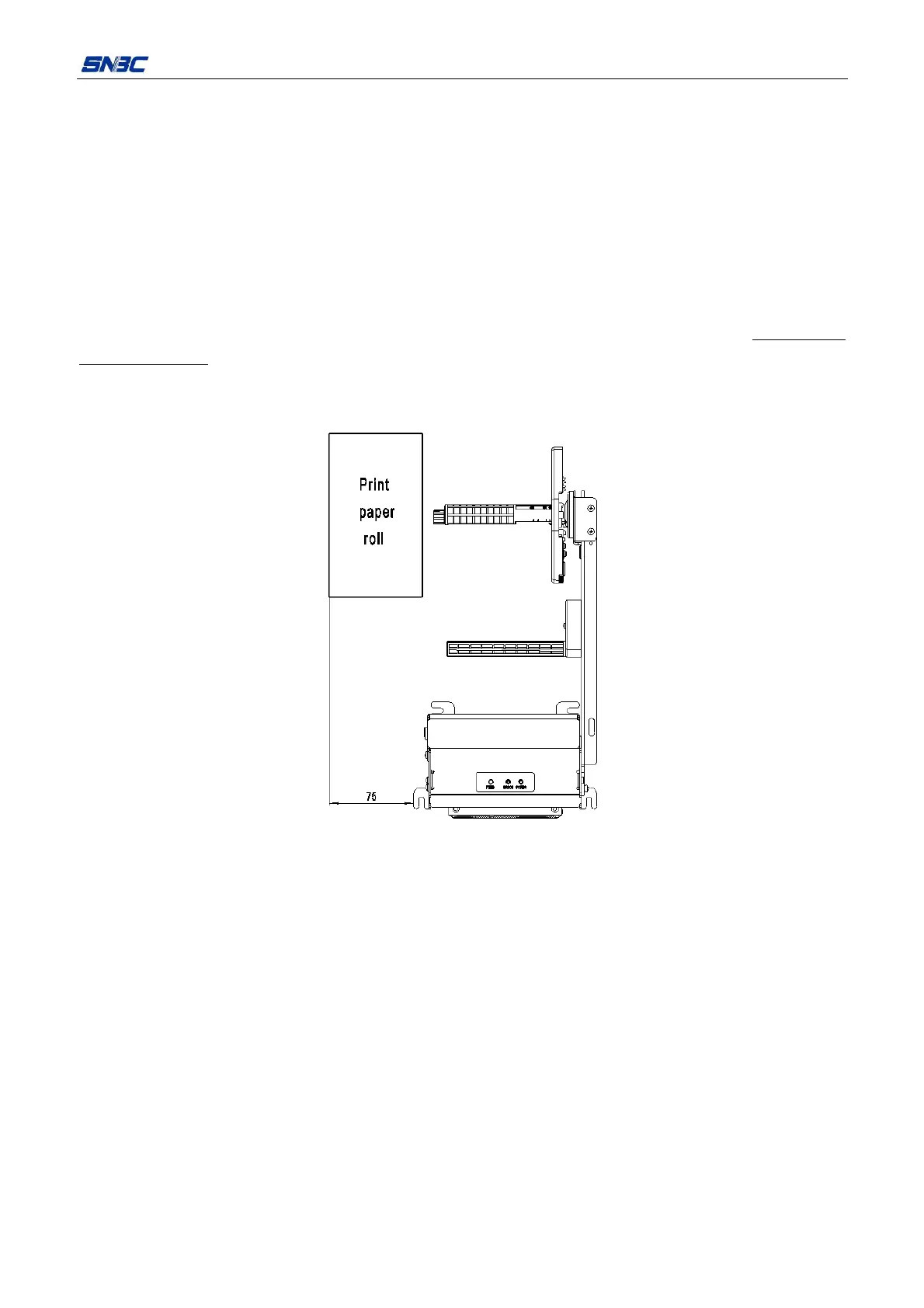
4.2.1 Reserving paper roll loading space
The printer adopts the way of installing paper roll on one side. While operating and maintaining the printer,
reserve the extreme space for paper roll installation according to the space explanation of 4.3 Installing
cantilever module. Furthermore, you need to reserve the space for installing paper roll and connecting or
disconnecting power cable and interface cable as shown in the following figure, in order to effectively
ensure the reliability and convenience of printer operation.
Figure 4.2.1 Size of paper roll loading space reserved
Note: The size shown in the above figure is the minimum suggested size, which can be enlarged according
to real space.



 To Next Page