BT-T080R User’s Manual
- 31 -
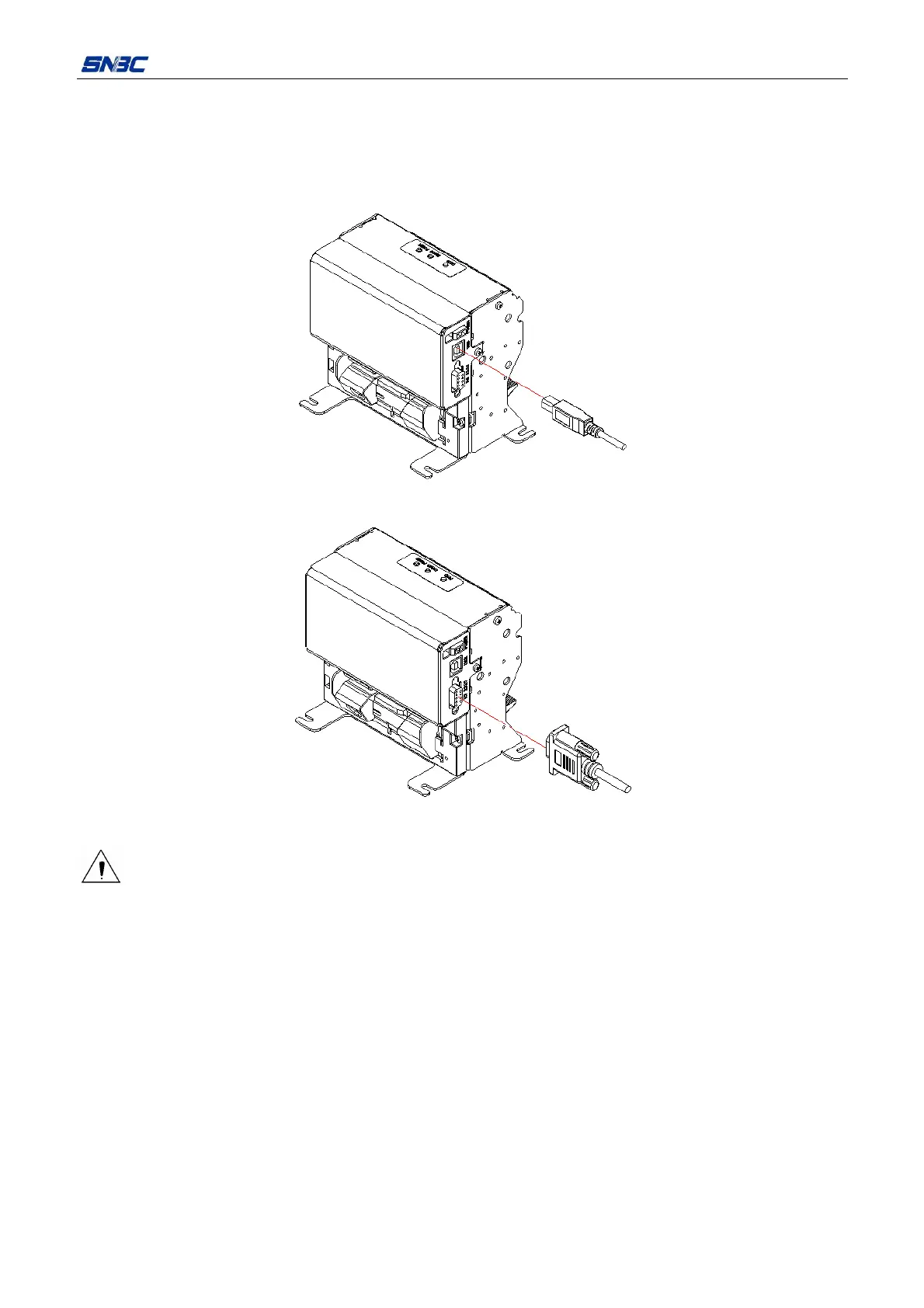
4.6 Connecting interface cable
1) Make sure that the printer has been shut down;
2) Connect the USB cable into the relevant interface of printer, (see Figure 4.6.1);
3) Connect the other end of the interface cable to the host computer.
Figure 4.6.1 Connecting USB cable
Figure 4.6.2 Connecting serial interface cable
Caution:
¾ Make sure the interface cable is connected in correct direction.
¾ When connecting or disconnecting the interface cable, make sure to hold the plug shell instead of
dragging the cable forcibly.



 To Next Page