BT-T080R User’s Manual
- 36 -
4.8 Installing the driver
BT-T080R printer offers driver for the operation systems such as Windows 2000/ Windows XP/ Windows
server 2003/Windows Vista/Windows Server 2008/Windows 7. Its current Chinese installation package is
Setup_BT-T080R_CN V1.0, and the installation includes typical installation and advanced installation.
4.8.1 Typical installation
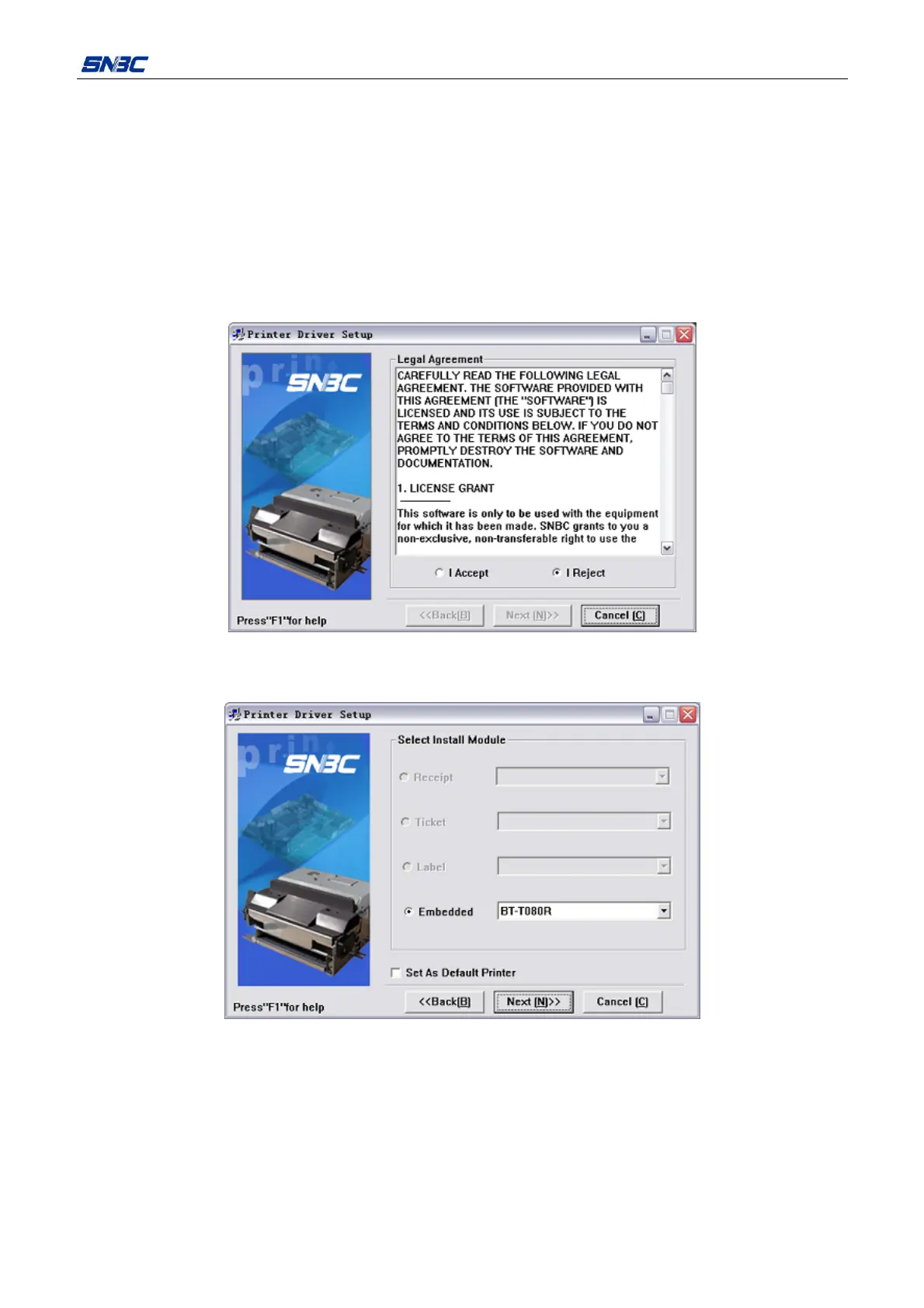
Steps for typical installation are shown as follows:
1) Run the Setup.exe in “Setup_BT-T080R_CN V1.0”, and read the relative software license protocols. If
you accept all the clauses, click “I Accept” and “Next” button;
2) Select the printer type and name to be installed. If you set this printer as a default in the system, select
the button “Set As Default Printer”, and then click “Next” button;



 To Next Page