BT-T080R User’s Manual
- 38 -
4.8.2 Advanced installation
Advanced installation is mainly used for the users who have special request to the printer driver, and it
adds the function which supports several USB printers’ driver. Set the driving mode with the steps as
follows:
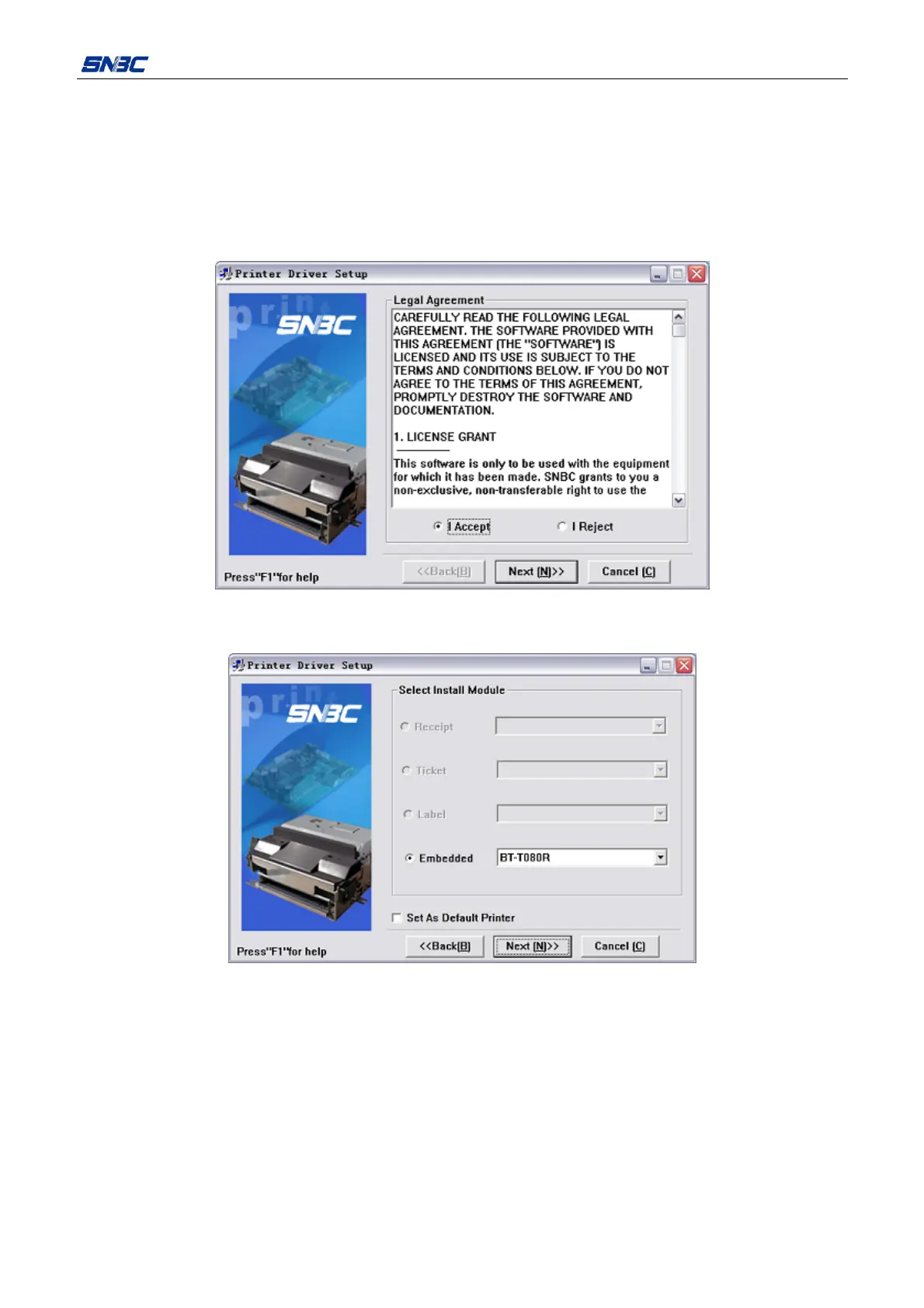
1) Run the Setup.exe in the file “Setup_BT-T080R_CN V1.0” and then read the relative software license
protocols. If you accept all the clauses, click “I Accept” and “Next” button;
2) Select the printer type and name to be installed (Select BT-T080R). If you want to set the printer as a
default in the system, choose “Set As Default Printer”;



 To Next Page