Chapter 4: Setup and Operation 43
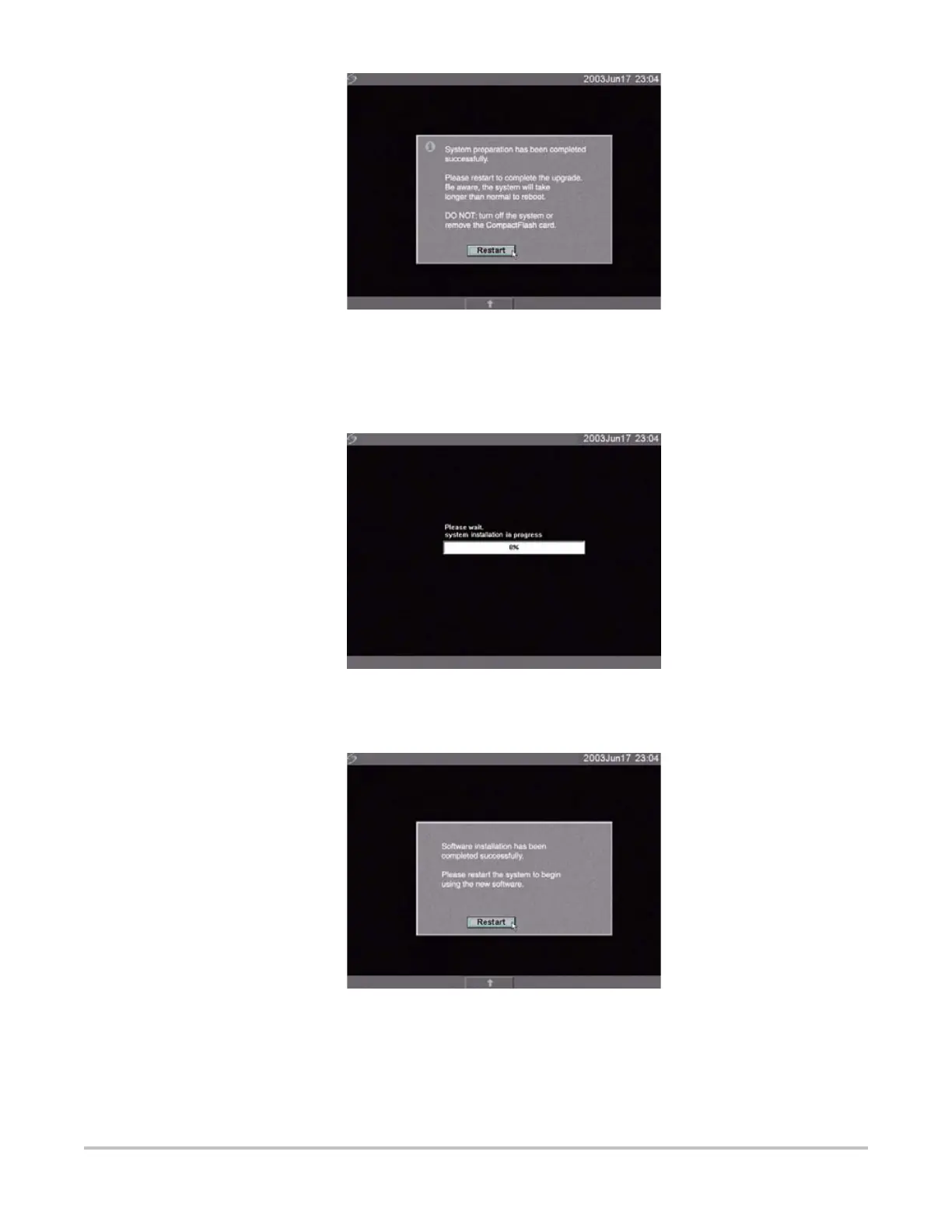
Figure 4.5 System Software Step 1 Restart
5 Select Restart.
After restart, there is a short delay before the system goes into the upgrade process. Do not
turn the system off. The system displays the following message:
Figure 4.6 System Software Installation
When the upgrade is completed, the system displays the following message:
Figure 4.7 System Software Step 2 Restart
6 Select Restart.
When the operating software has been replaced, the system presents you with the license
update screen so that you may license the software. If upgrading a transducer, press Cancel
from the on-screen menu.



 To Next Page