44 Chapter 4: Setup and Operation
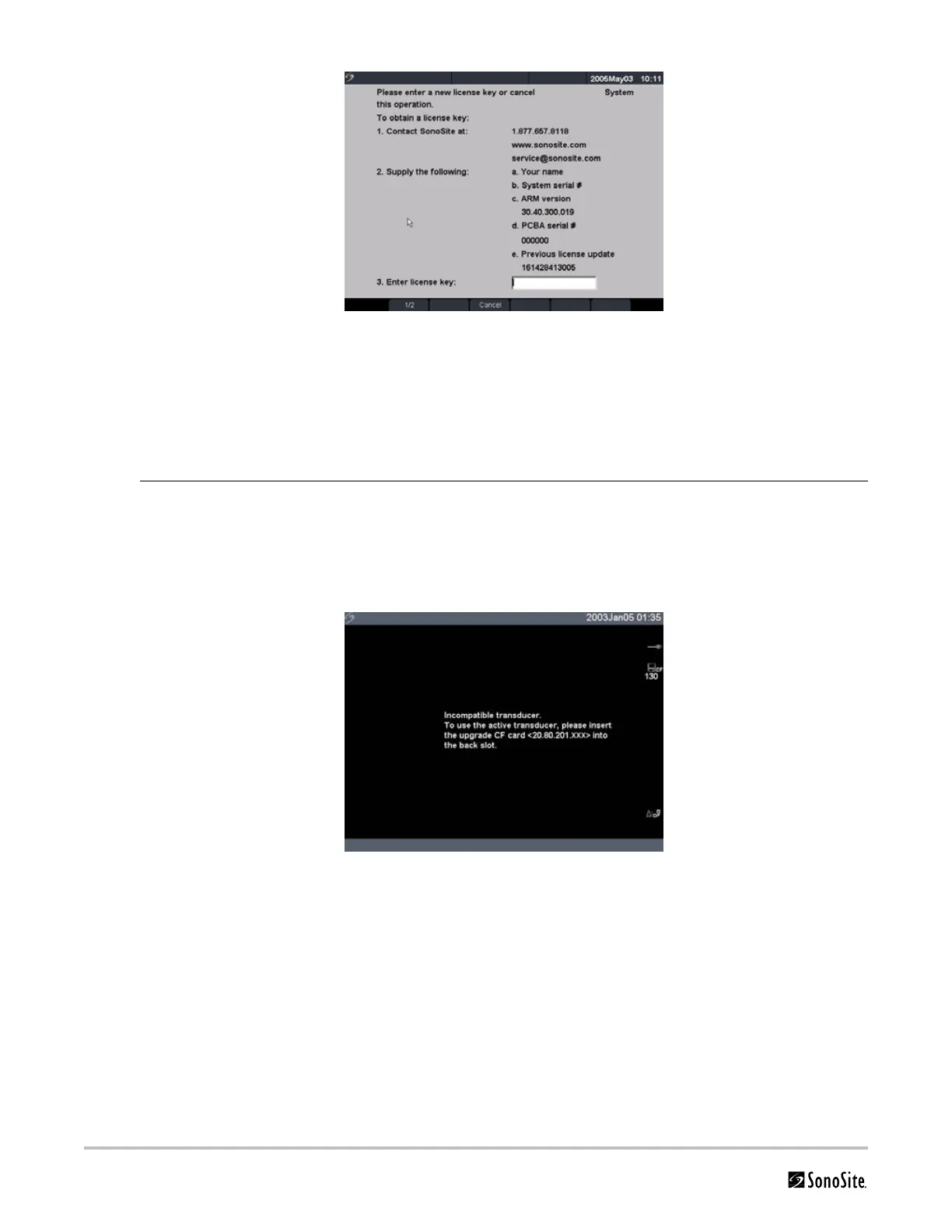
Figure 4.8 System Software License Key
At this point, the software upgrade process is complete, but the software is not yet licensed.
See“Obtaining a License Key” on page 46.
Note: If you are upgrading a system and one or more transducers, it is recommended to upgrade all
items before calling SonoSite Technical Support for your license keys. To postpone obtaining a license
key, press Cancel from the on-screen menu.
Upgrade
Transducer
Software
1 Turn the system off and remove the CompactFlash card from the back slot.
2 Connect the transducer for the upgrade.
3 Turn the system on.
4 Wait approximately 10 seconds and then insert the upgrade CompactFlash card.
Note: XXX identifies the current software version.
Figure 4.9 Incompatible Transducer Update
This screen is not displayed for compatible transducers.



 To Next Page