164 Chapter 7: Troubleshooting and Maintenance
Troubleshooting
To upgrade the system software:
1 Remove any transducer or Triple Transducer Connect from the TITAN system.
2 Connect the TITAN system directly to the power supply or through the docking system/
mini-dock. See the TITAN Accessories User Guide.
3 Insert the CompactFlash card into the back slot.
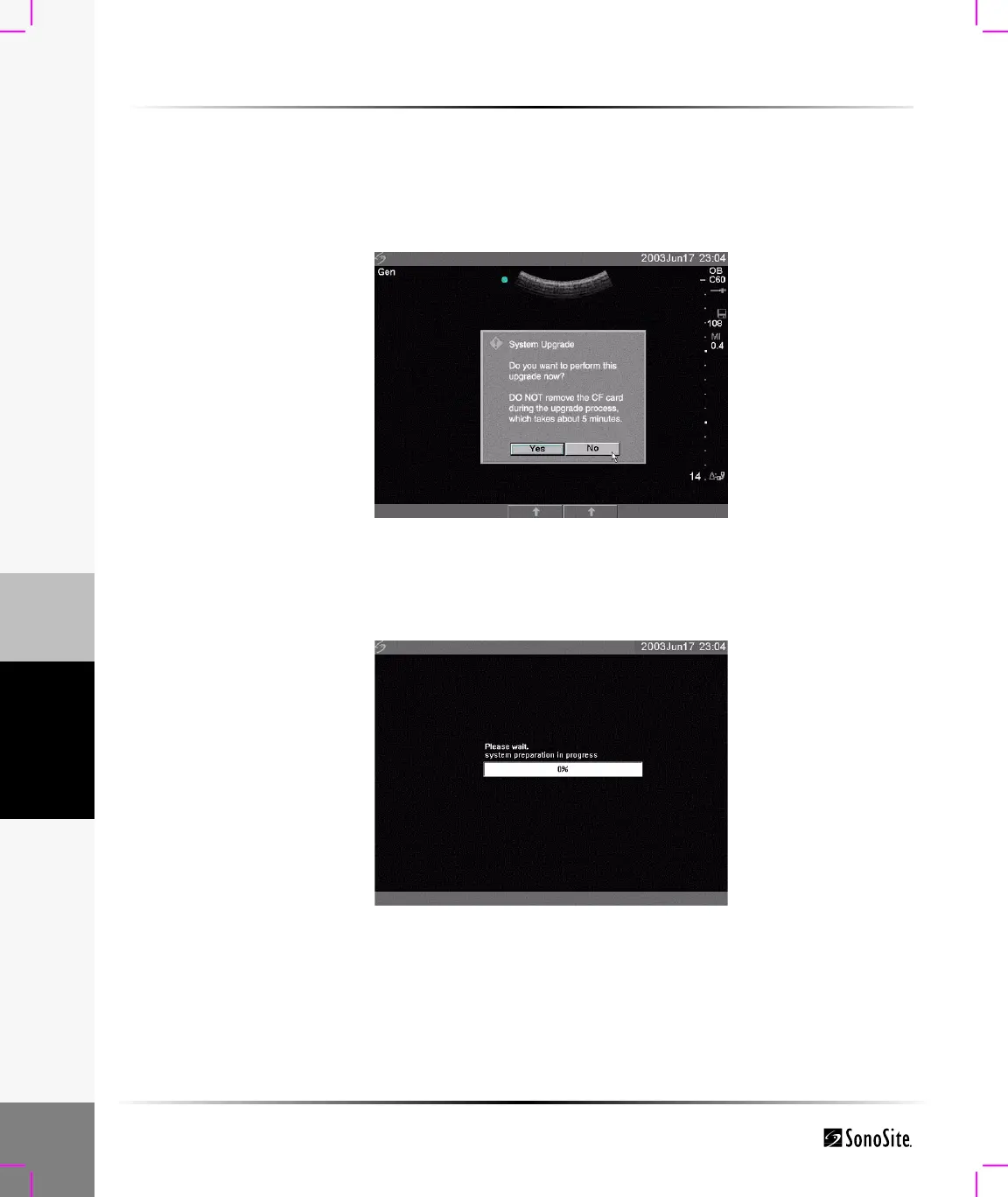
The system displays the following message:
Figure 1 Upgrade System Software
4 Select Yes to accept or No to cancel the upgrade.
When you accept the system software upgrade, the system begins to load the new software and
prepare for the upgrade and displays the following message:
Figure 2 System Software Loading



 To Next Page