52 Chapter 3: Imaging
Imaging
Color Doppler Imaging
Note: Color power Doppler (CPD), directional color power Doppler (DCPD), and color Doppler (Color) are
optional features and are dependent on transducer and exam type.
The following instructions cover CPD, DCPD, and Color imaging.
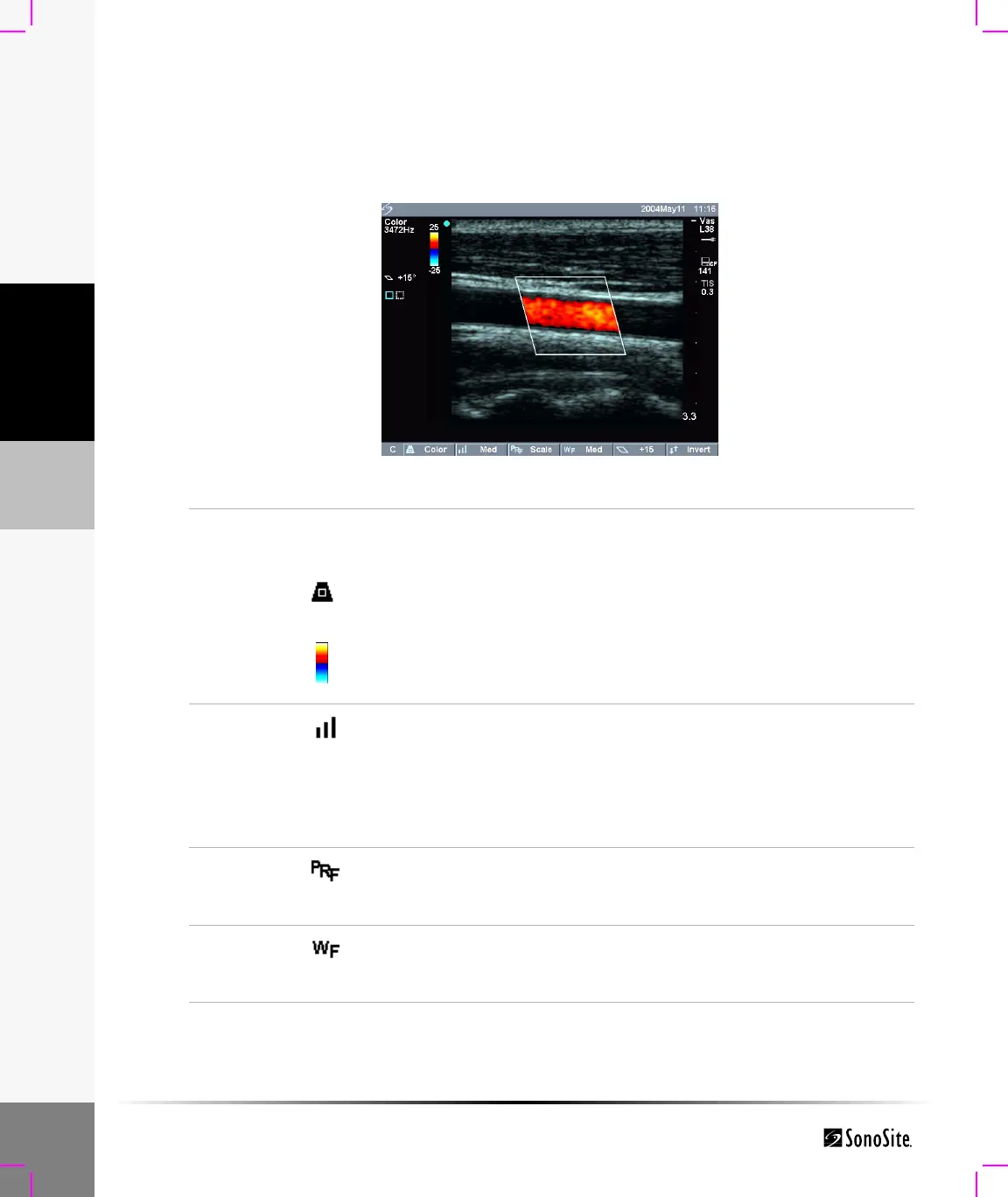
Figure 6 Color Image
CPD, DCPD,
or Color
1 Press the Color key for CPD, DCPD, or Color.
A region of interest (ROI) box is displayed in the center of the 2D
image.
2 Select CPD, DCPD, or Color from the on-screen menu.
The current setting is displayed in the upper left corner of the screen
and in the on-screen menu.
In DCPD and Color mode, the color indicator bar is displayed in the
upper left corner of the screen. The color bar displays velocity in
cm/s.
Flow
Sensitivity
Select the desired flow sensitivity from the on-screen menu.
• Low optimizes the system for low flow states.
• Med optimizes the system for medium flow states.
• High optimizes the system for high flow states.
The current setting is displayed in the top left portion of the screen and in
the on-screen menu.
PRF Scale
(Color
only)
Select the desired pulse repetition frequency (PRF) setting from the
on-screen menu.
Note: There is a wide range of PRF settings for each flow sensitivity selection.
Wall Filter
(Color
only)
Select the desired wall filter setting from the on-screen menu (low, med,
high).



 To Next Page