54 Chapter 3: Imaging
Imaging
Pulsed Wave (PW) and Continuous Wave (CW) Doppler Imaging
Note: PW Doppler and CW Doppler are optional features and are dependent on transducer and exam type.
The following instructions cover PW and CW Doppler imaging.
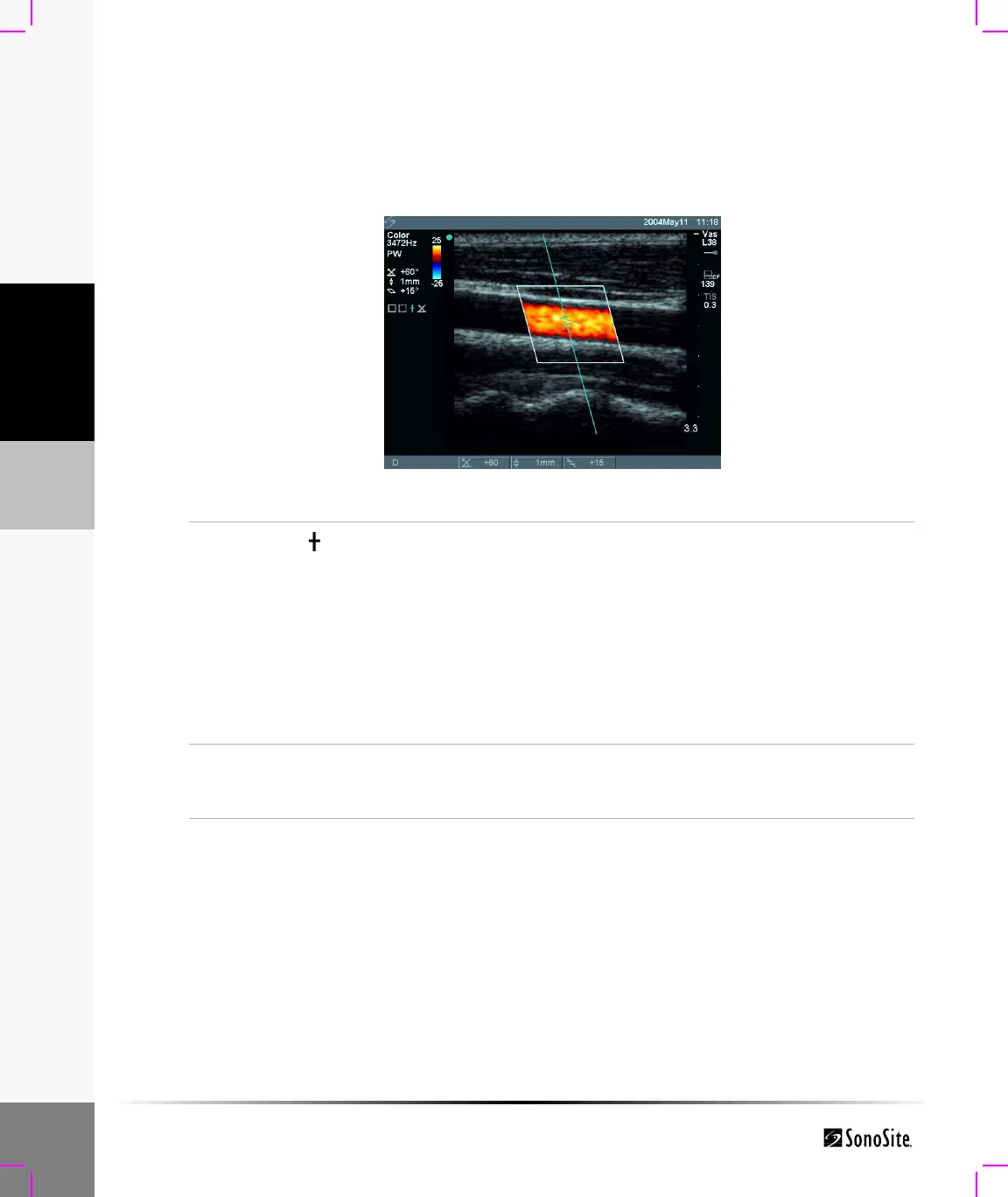
Doppler Sample Line
Figure 7 Doppler with Sample Line Image and ROI Box
Sample
Line
1 Press the Doppler key for the Doppler sample line.
2 Use the touchpad to position the Doppler sample line over the area
of interest on the image.
3 Press the Select key to set sample line and to toggle between Doppler
sample line and Angle Correction.
An indicator on the left side of the screen is highlighted green to
show which function the touchpad is controlling.
Note: If PW or CW Doppler mode does not come on, make sure the system is in
live imaging.
Note: The color ROI box is tied to the PW or CW sample line.
PW/CW
Doppler
1 Press the Doppler key.
2 Select PW from the on-screen menu to toggle between PW Doppler
and CW Doppler (CW Doppler only in cardiac exams).



 To Next Page