Chapter 3: Imaging 55
Imaging
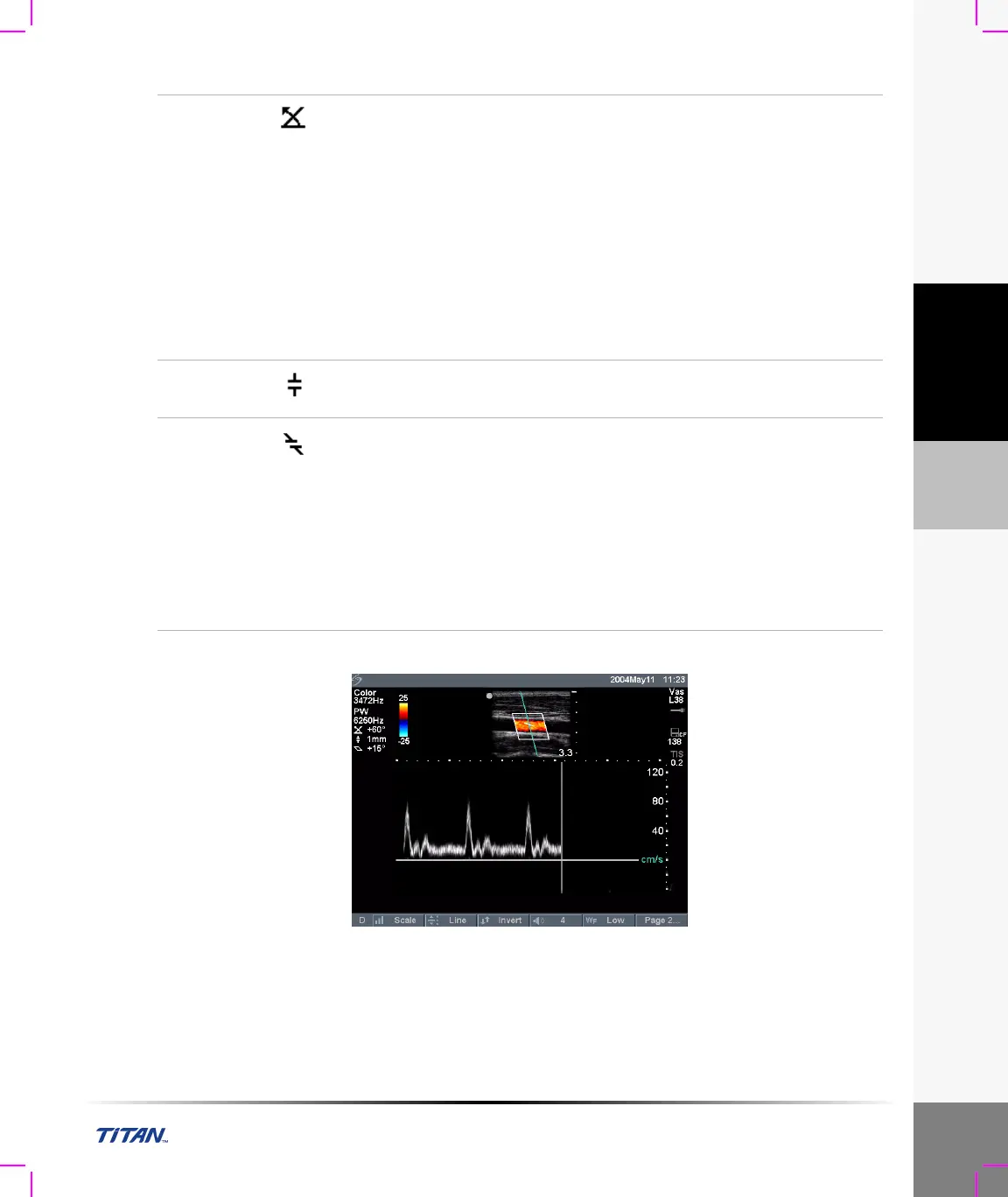
Doppler Spectral Trace
Figure 8 Doppler Trace Image
Angle
Correction
(PW only)
There are two ways to adjust the angle correction in PW Doppler
imaging.
Select Angle Correction from the on-screen menu to adjust the angle
correction to 0, +60, or -60 degrees.
OR
1 Press the Select key to highlight the angle correction icon displayed
on the left side of the screen.
The indicator is highlighted green to show which function the
touchpad is controlling.
2 Use the touchpad to adjust the angle in two degree increments from
-74 to +74 degrees.
3 Press the Select key again to set the desired angle.
Gate Size
(PW only)
Select the desired gate size setting from the on-screen menu.
Note: Gate size options vary with transducer and exam type.
Steering
(L38 and
HST only)
Select the desired steering angle setting from the on-screen menu.
This automatically changes PW angle correction to the optimum setting.
• Steering angle of -15 degrees has an angle correction of -60 degrees.
• Steering angle of 0 degrees has an angle correction of 0 degrees.
• Steering angle of +15 degrees has an angle correction of +60 degrees.
Note: The angle correction can be adjusted manually after steering has been
selected. (See “Angle Correction (PW only).”)
Note: If two modes are active (CPD/DCPD/Color and PW/CW Doppler) press
the Select key to toggle between on-screen menus.



 To Next Page