Chapter 3: Imaging 61
Imaging
Image Review
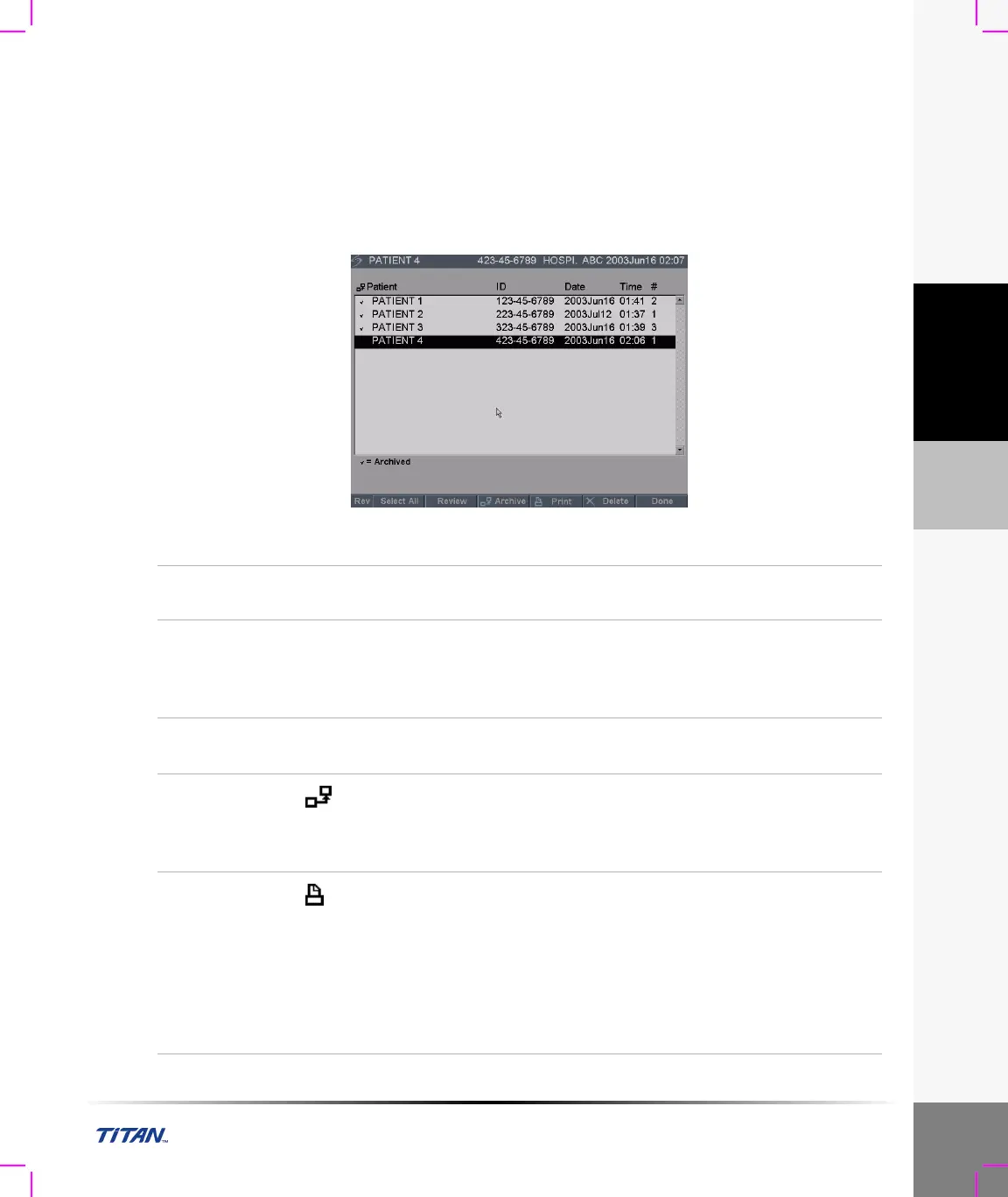
The patient list displays all the patients who have images saved on the CompactFlash card. Image
review is comprised of two parts: the patient list and the patient images. The patient images display
images for the current patient or the patient selected from the patient list.
Patient List
Figure 9 Patient List
Patient List
Press the Review key. If there is a current patient, select List from
the on-screen menu.
Select All,
Deselect
Select All from the on-screen menu to highlight all the entries
within the patient list. Deselect removes the highlight from all the
entries and highlights the previously selected patient.
Note: Review is disabled when all entries in the list are selected.
Review
Images
Select Review from the on-screen menu to review the images for
the currently selected patient.
Archive
Select Archive from the on-screen menu to send the selected
patient exams to a PC using SiteLink or to a DICOM printer or
archiver. See “Transfer Mode” on page 29.
Note: SiteLink and DICOM are optional features.
Print All
Images
1 Verify a printer is selected. See “Printer” on page 29.
2 Press the Review key.
3 Select List from the on-screen menu.
4 Highlight the desired patient.
Note: An individual patient or all patients may be selected.
5 Select Print from the on-screen menu to print all images.
Each image will display briefly on the screen before printing
starts.



 To Next Page