62 Chapter 3: Imaging
Imaging
Patient Images
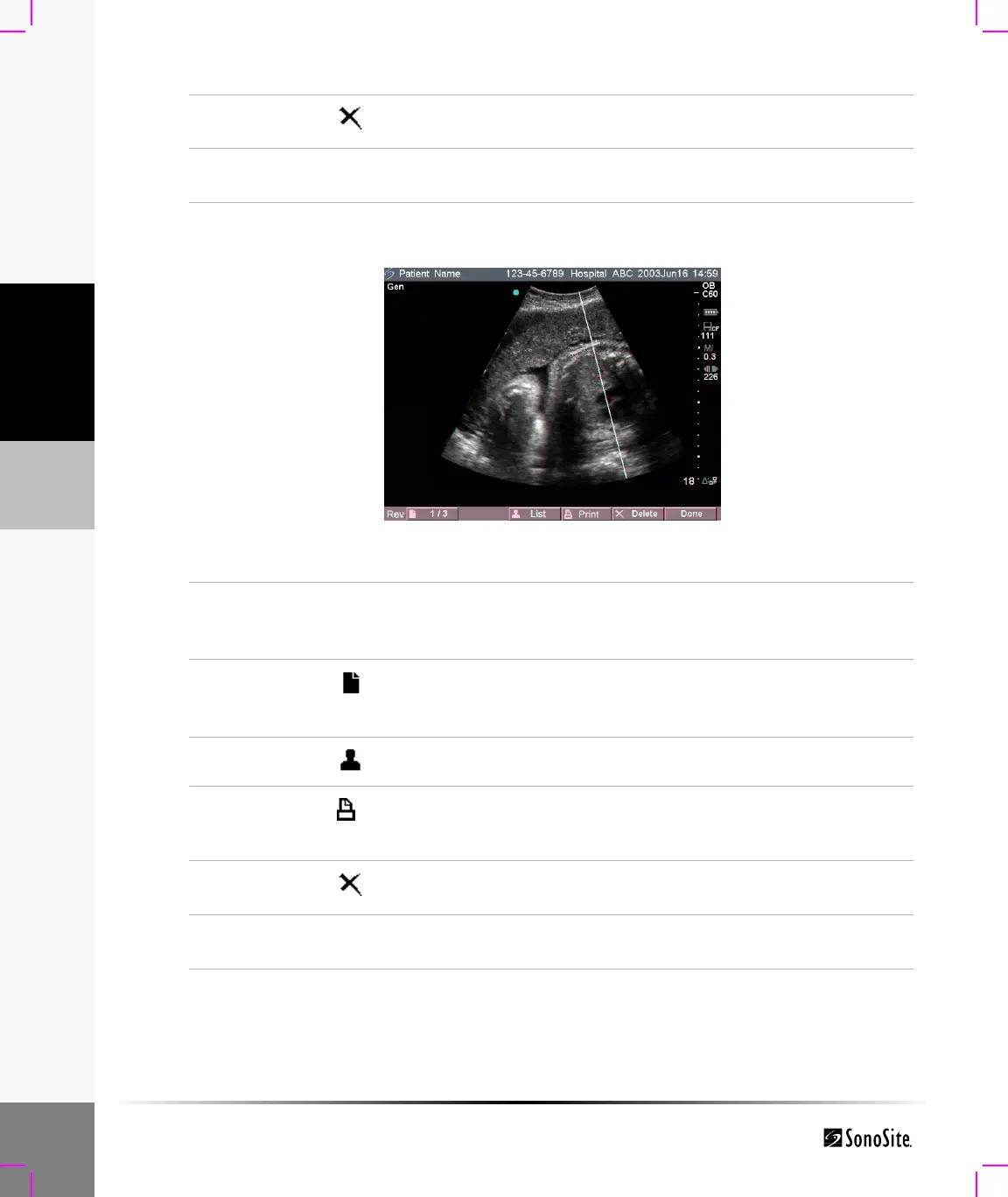
Figure 10 Patient Images
Delete
Select Delete from the on-screen menu to delete the selected
patient exam. A confirmation screen is displayed.
Done
Select Done from the on-screen menu to exit the patient list and
return to the previous imaging state.
Patient
Images
Press the Review key.
If there is not a current patient, highlight the desired patient and
select Review from the on-screen menu.
Next or
Previous
Image
Select the Next or Previous Image (1/x) from the on-screen menu
to view image.
Patient List
Select List from the on-screen menu to display the patient list.
Print Image
1 Verify a printer is selected. See “Printer” on page 29.
2 Select Print from the on-screen menu to print the displayed
image.
Delete
Select Delete from the on-screen menu to delete the displayed
image. A confirmation screen is displayed.
Done
Select Done from the on-screen menu to exit patient images and
return to the previous imaging state.



 To Next Page