Chapter 7: Troubleshooting and Maintenance 169
Troubleshooting
6 Select Restart.
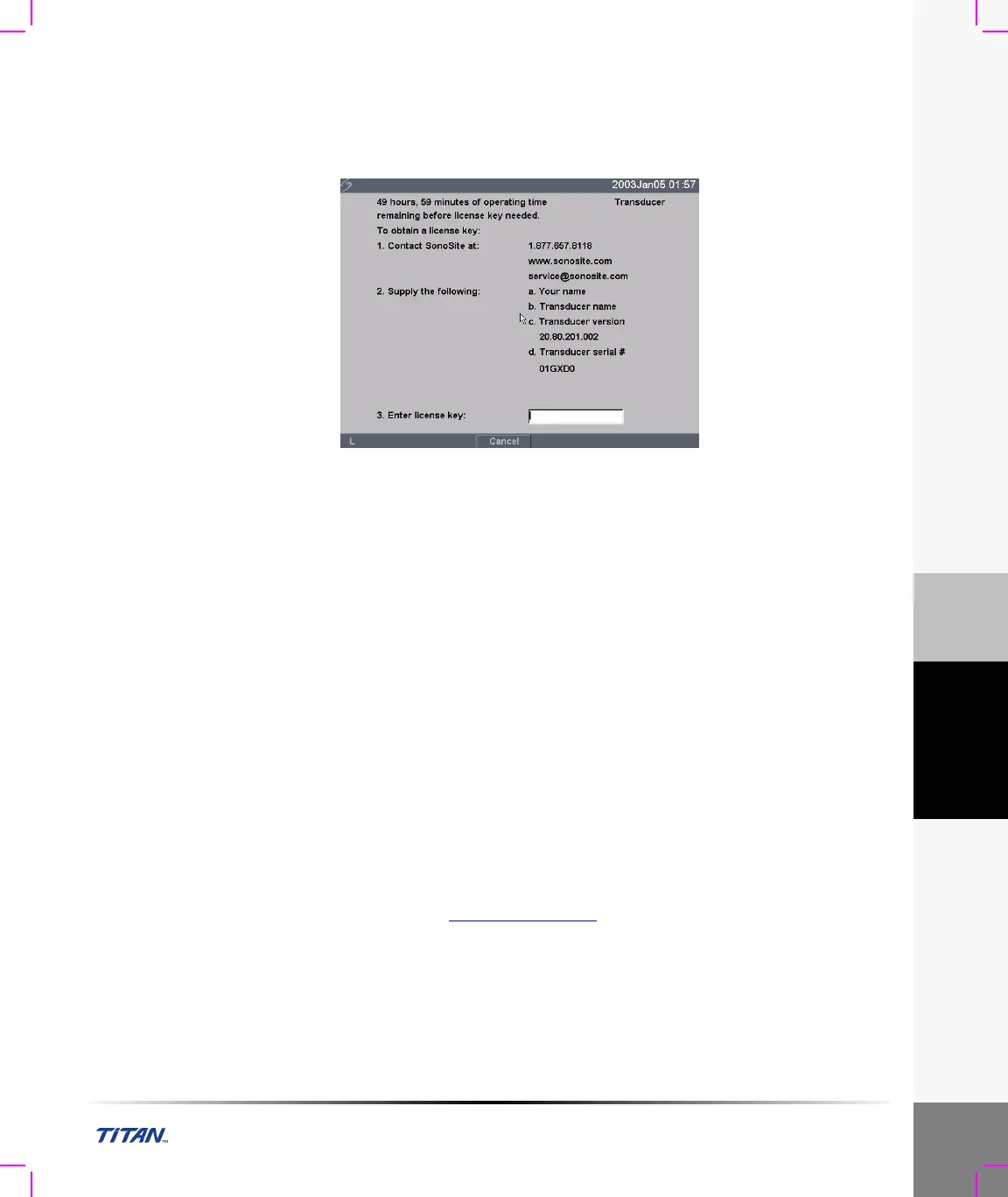
When the transducer software has been replaced, the system presents you with the license
update screen so that you may license the software for your transducer. Upgrade all transducers
before obtaining license keys. Repeat all steps in “To upgrade transducer software:”
Figure 11 Transducer License Screen
At this point, the software upgrade process is complete, but the software is not yet licensed. The
following section “Obtaining a License Key” explains how to license your system and
transducer software.
Note: If you are upgrading additional transducers, it is recommended to upgrade all items before calling
SonoSite Technical Support for your license keys. To postpone obtaining a license key, press Cancel from the
on-screen menu.
Obtaining a License Key
A license key is required to update your system. It may be obtained by contacting SonoSite, Inc.
Technical Support Department.
Technical support 1-877-657-8118
International technical support: Contact your local representative or call 425-951-1330
Technical support fax: 1-425-951-6700
Technical support e-mail: service@sonosite.com
SonoSite website: www.sonosite.com
and select Products & Solutions and
then Technical Support



 To Next Page