10 Chapter 2: Getting Started
Getting Started
System Preparation
Installing or Removing Battery
The battery comprises six lithium-ion cells plus electronics, a temperature sensor, and battery
contacts.
If the battery is being installed for the first time, it will need to be charged.
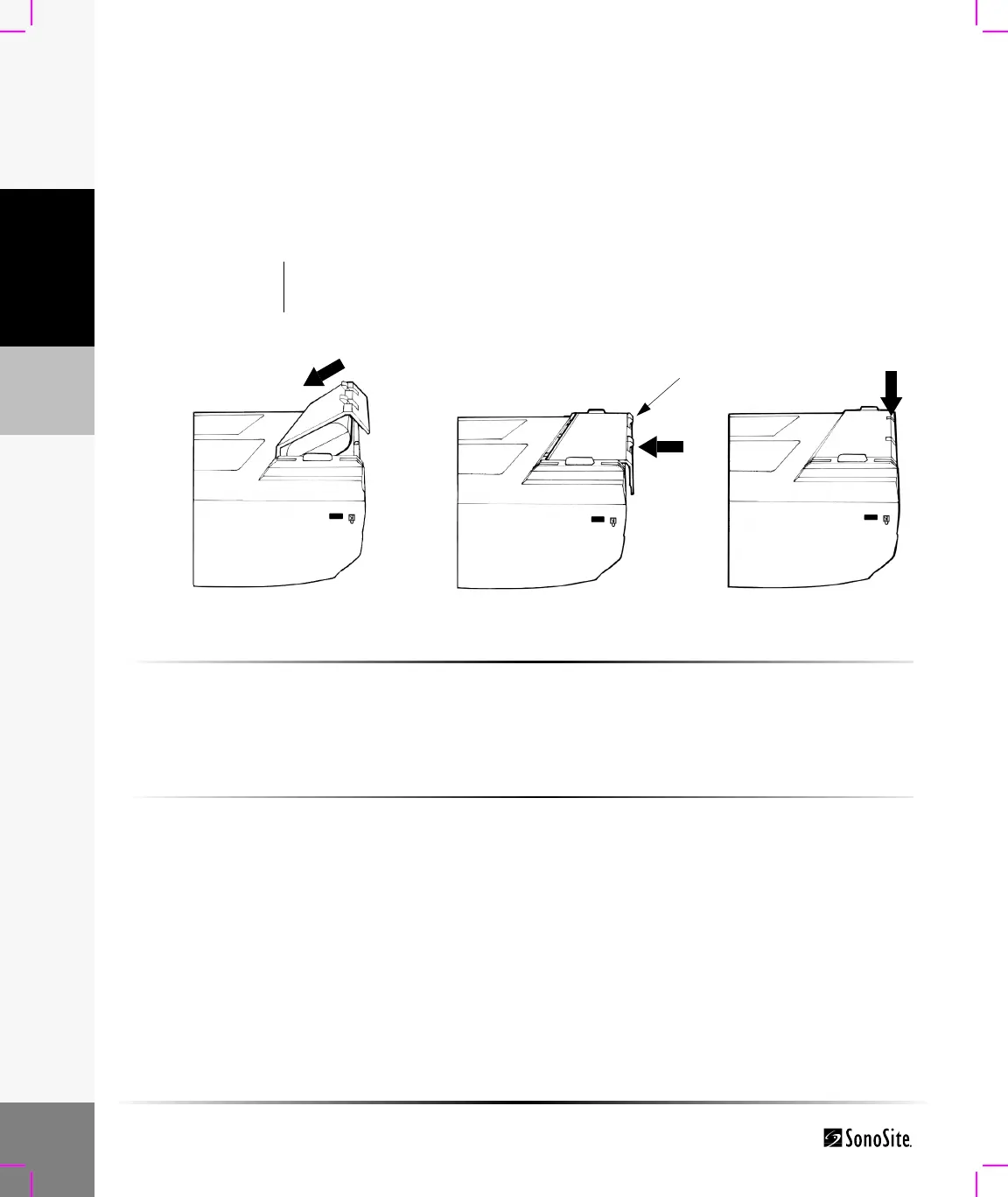
Figure 1 Insert Battery into System
To install the battery:
1 Turn the system upside down.
2 Place the battery into the battery compartment, at a slight angle. See Figure 1.
3 Slide the battery forward until it locks into place.
4 Push down on the two locking levers to secure battery.
To remove battery:
1 Push up on the two locking levers.
2 Slide the battery back.
3 Lift the battery from the compartment.
Warning: To avoid injury to the operator and to prevent damage to the ultrasound system,
inspect the battery for leaks prior to installing.
Locking levers



 To Next Page