122 Chapter 5: DICOM Connectivity
DICOM
To clear log:
1 Press the Setup key and select Connectivity and then DICOM Setup.
2 Select Log from the on-screen menu.
3 Select Clear from the on-screen menu to delete all text.
A dialog box is displayed.
4 Select Yes to delete or No to cancel.
5 Select Done to return to the previous menu.
DICOM Usage
The TITAN system can be connected through a LAN to send images from single or multiple network
locations to single or multiple devices (printers, archivers, or worklists). The system can be
configured to recognize a maximum of 16 printers,16 archivers, and 16 worklist servers. From each
location, you may select a maximum of two printers four archivers, and one worklist server. Each
device selected will receive the files that you transfer.
Based on your connectivity needs, TITAN DICOM can be configured in the following ways:
• Stationary TITAN system location transferring to a single device or to multiple devices.
• Mobile TITAN system locations (user selects between multiple locations within the facility)
transferring to a single device or to multiple devices.
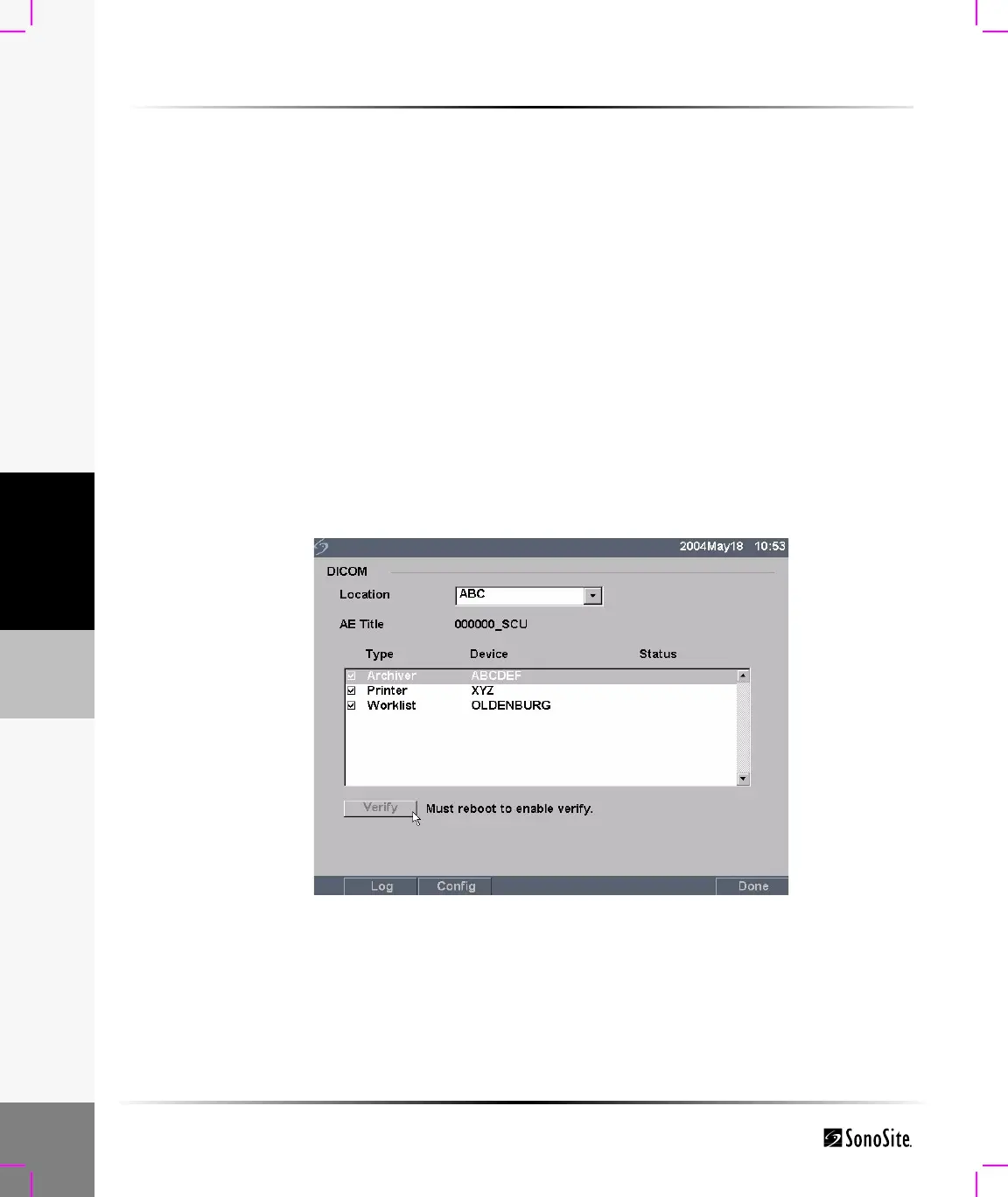
Figure 12 DICOM Main Screen
Location Geographical location which identifies the network where the TITAN is
connected. Network and DICOM device settings can be independently
configured for each defined location.



 To Next Page