50 Chapter 3: Imaging
Imaging
MMode Imaging
The following instructions cover Motion mode (M Mode) imaging. Refer to “2D Imaging” on
page 47 for instructions about depth and optimization.
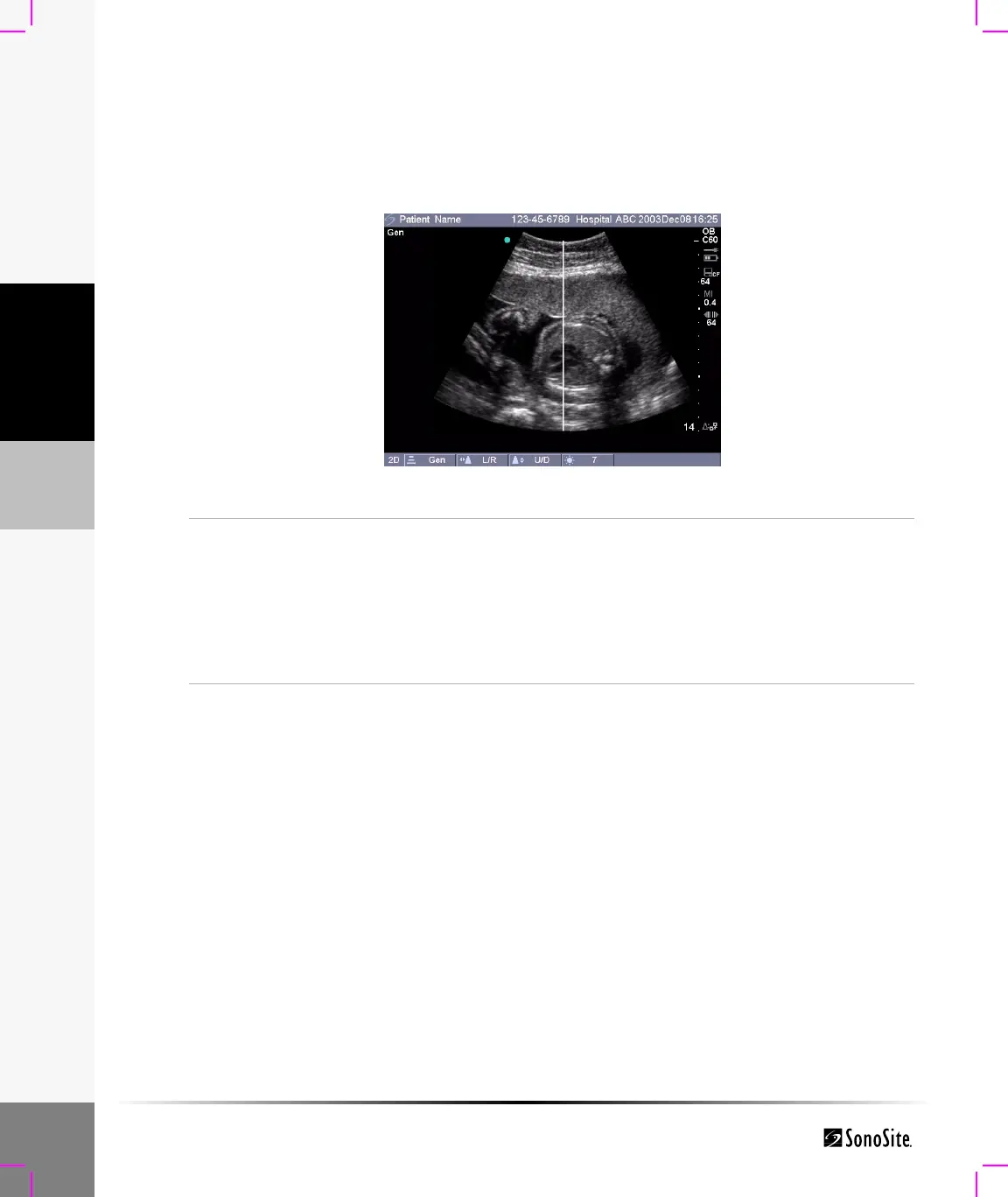
M Mode Sample Line
Figure 4 M Mode Sample Line
Sample
Line
1 Press the MMode key for the M Mode sample line.
Note: If M Mode does not come on, make sure the system is in live
imaging.
2 Use the touchpad to position the M Mode sample line over the area
of interest on the image.
Note: Depth changes are not available in M Mode trace. Adjust the depth
prior to activating the M Mode trace.



 To Next Page