Chapter 3: Imaging 51
Imaging
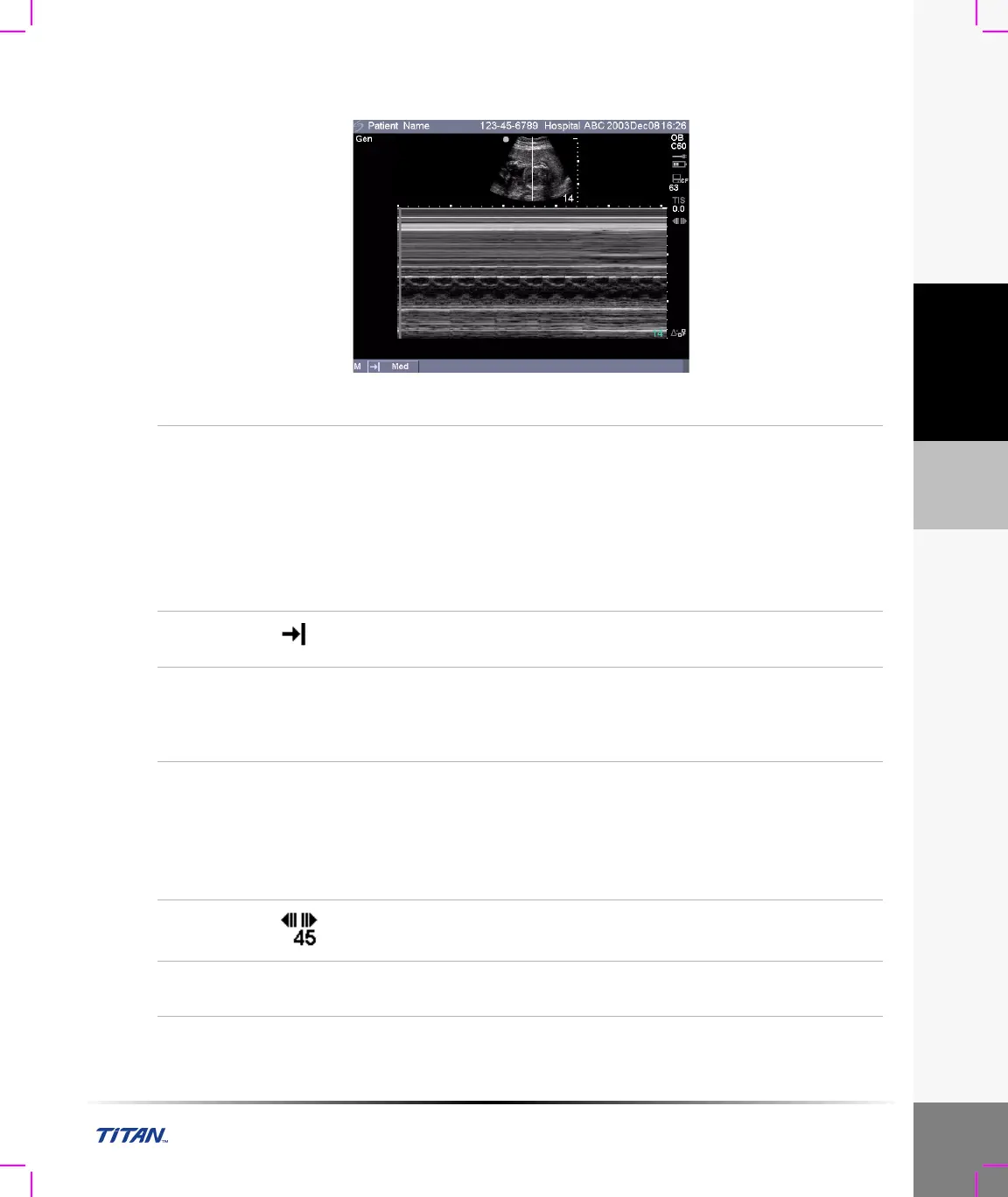
M Mode Trace
Figure 5 M Mode Trace Image
MMode
Trace
1 Press the MMode key again to acquire the M Mode trace.
Note: The time scale at the top of the trace has small marks at 200 ms
intervals and large marks at one second intervals.
2 Press the Update key to toggle between the sample line and trace.
3 In duplex, press the MMode key to return to the full screen M Mode
sample line.
Note: You can set up three screen layouts. For duplex imaging see
“Duplex” on page 39.
Sweep
Speed
Select the desired sweep speed from the on-screen menu (slow, med,
fast).
Gain
Turn the Near, Far, or Gain knobs (on the lower left side of the control
panel) to increase or decrease the amount of gain applied to the near field,
far field, or the overall image (near and far correspond to the time gain
compensation (TGC) controls found on other ultrasound systems).
Freeze
1 Press the Freeze key.
2 Press the Freeze key again to return to live imaging.
The cine icon is removed from the system status area of the screen
and live imaging begins.
Note: Press the MMode or Update key to display the associated frozen 2D
image with the M Mode sample line.
Cine Buffer
On a frozen image, press the Cine keys to view the trace at different
points in time.
2D
Imaging
Press the 2D key to return to 2D imaging.



 To Next Page