124 Chapter 5: DICOM Connectivity
DICOM
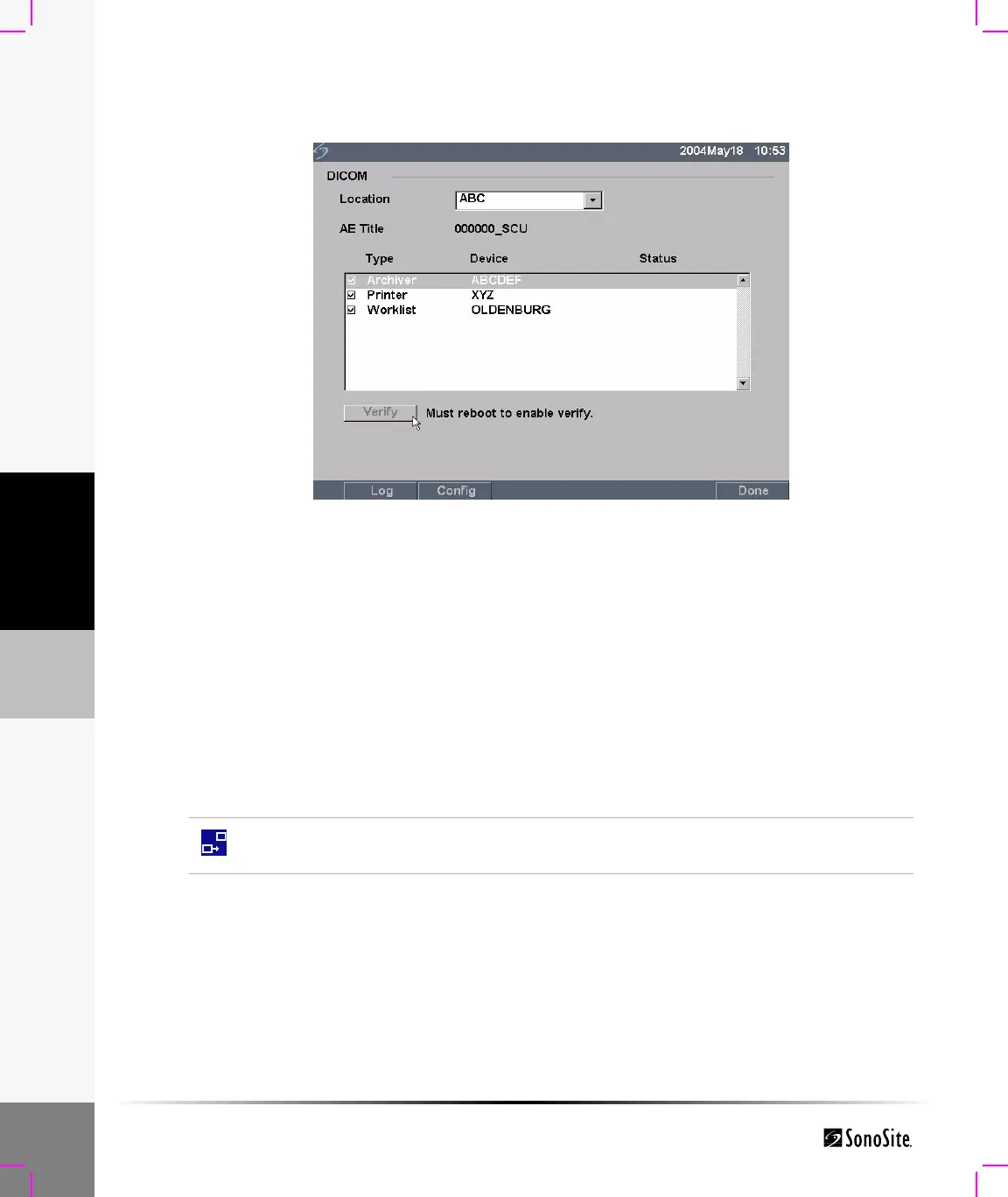
The connection status of the device is identified in the Device list. If the verify button is disabled,
restart the system.
Figure 13 DICOM Main Screen Post Verify
DICOM Image Archive and Print
Images are sent from the TITAN ultrasound system to a PACS server or printer using an Ethernet
connection. The images are automatically sent when the TITAN system detects an Ethernet
connection.
Failed DICOM communication with the selected device was unsuccessful.
Success DICOM communication with the selected device was accomplished.
Unknown DICOM device does not support the C-ECHO (i.e., verify query
command)
This icon is present and animated when the ultrasound system is connected and
images are archiving



 To Next Page